> ## Documentation Index
> Fetch the complete documentation index at: https://docs.lynxssp.com/llms.txt
> Use this file to discover all available pages before exploring further.

# Overview

<Info>
  If you have Moving Ads Billboard media (mobile billboard media) such as Mobile LED, you can use this geofence feature to maximize the reach of your advertising content.
</Info>

Geofence is a feature of Lynx SSP that can map a specific area or region using GPS or RFID technology. The region can be circular, square, or polygonal in shape to measure audience numbers.

## Accessing Geofence
<Steps>
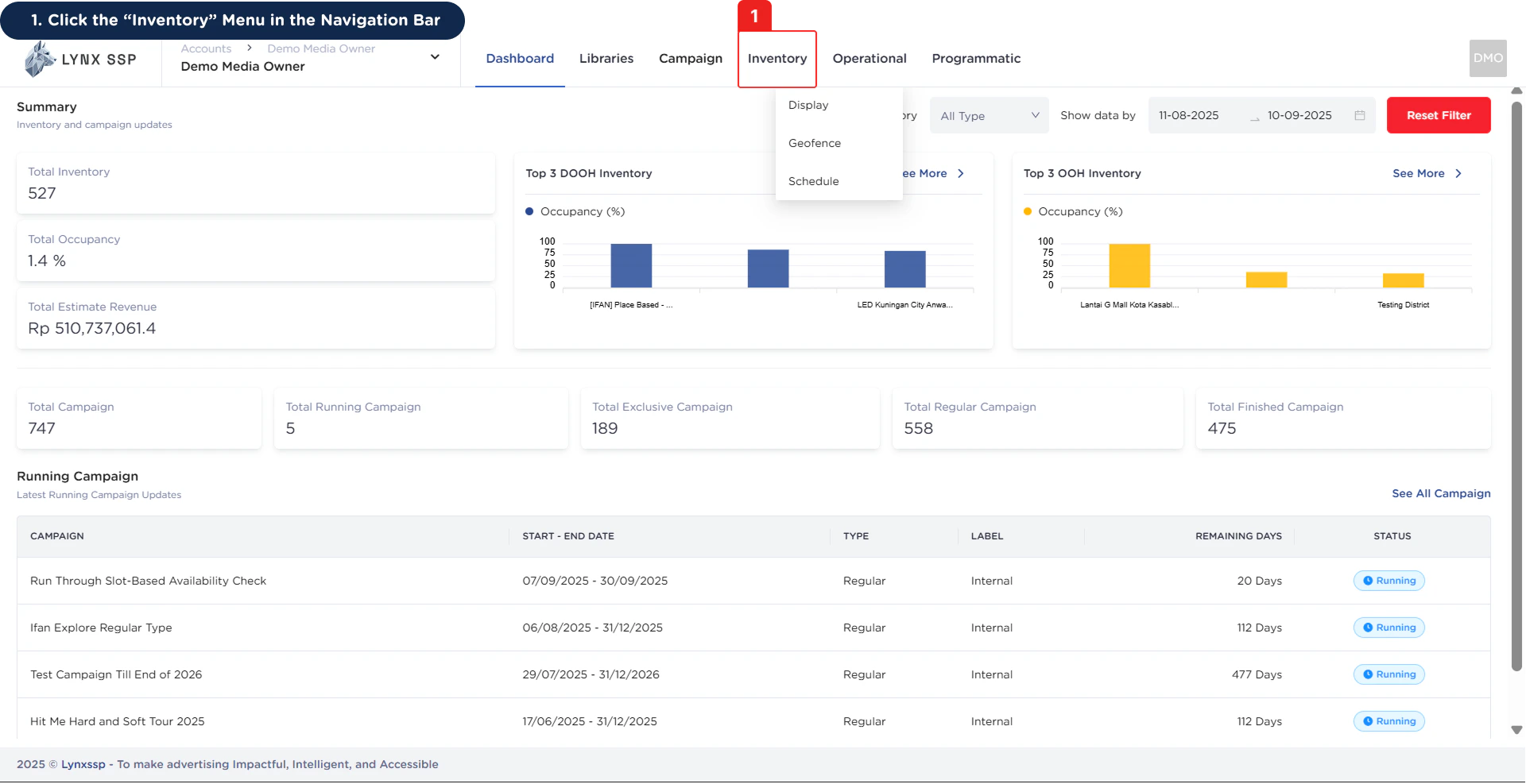
  <Step title="Click the “Inventory” Menu in the Navigation Bar ">
    <img src="https://mintcdn.com/lynxssp-91a2d3cb/cAx60U0UwWThQAdR/images/documentation/inventory/geofence/overview/accessing-geofence-1.png?fit=max&auto=format&n=cAx60U0UwWThQAdR&q=85&s=1deebc0603a5658be4eb45620f635aa9" alt=" Accessing Geofence 1" width="1920" height="987" data-path="images/documentation/inventory/geofence/overview/accessing-geofence-1.png" />
  </Step>

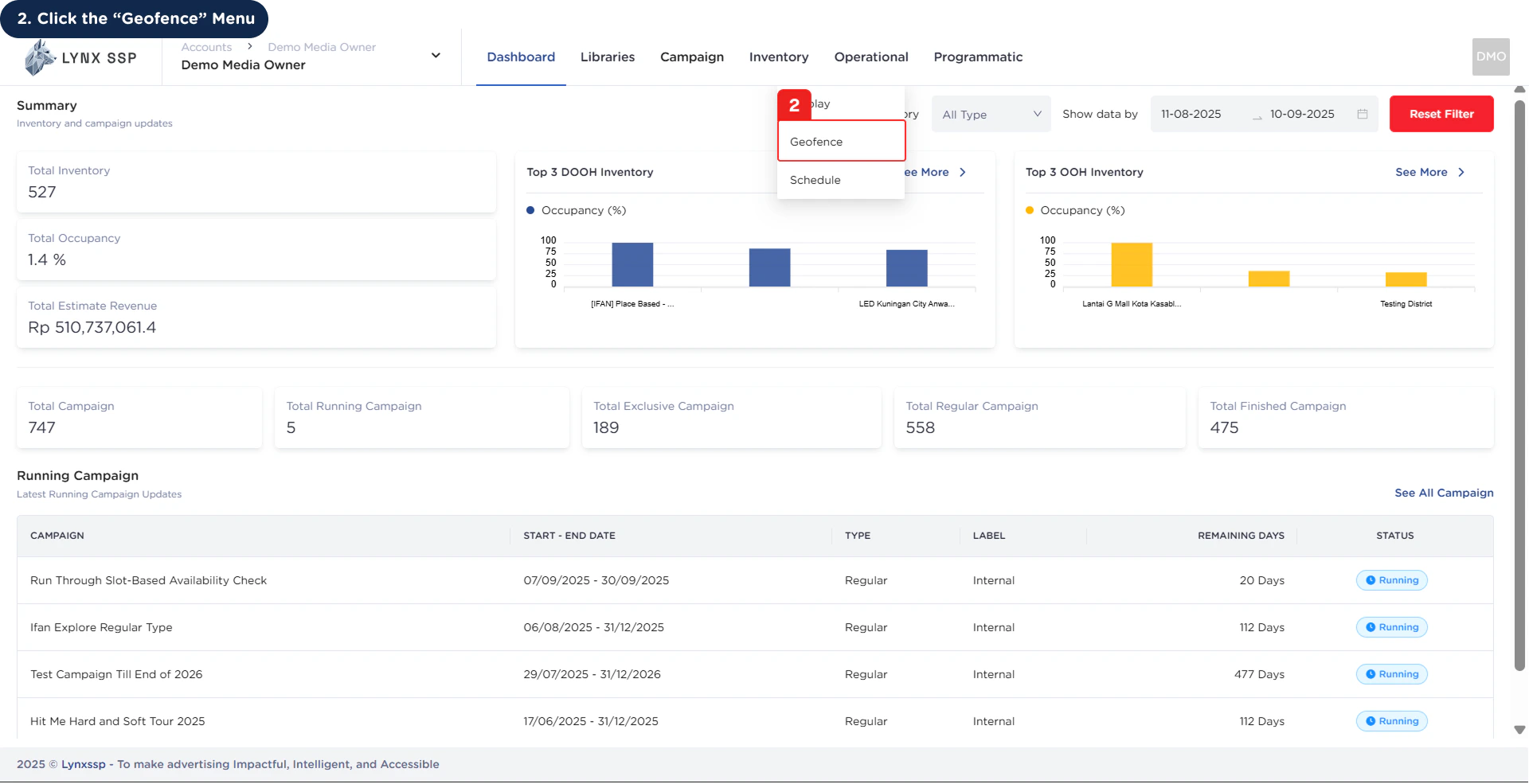
  <Step title="Click the “Geofence” Menu ">
    <img src="https://mintcdn.com/lynxssp-91a2d3cb/cAx60U0UwWThQAdR/images/documentation/inventory/geofence/overview/accessing-geofence-2.png?fit=max&auto=format&n=cAx60U0UwWThQAdR&q=85&s=6850b209a01158124c62d1d3499ace9f" alt=" Accessing Geofence 2" width="1920" height="985" data-path="images/documentation/inventory/geofence/overview/accessing-geofence-2.png" />

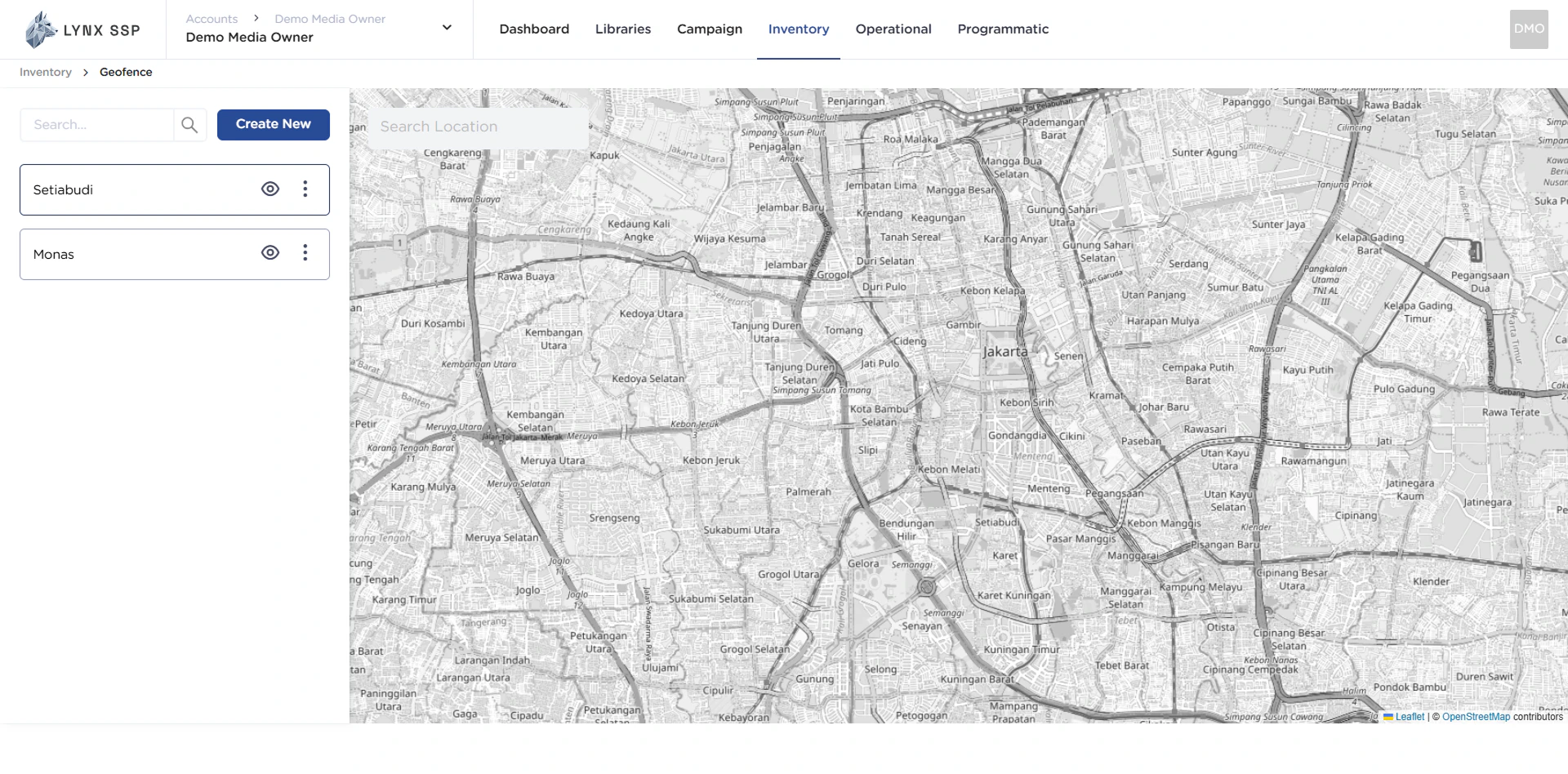
    Then the **Geofence Page** will be displayed.
    <img src="https://mintcdn.com/lynxssp-91a2d3cb/cAx60U0UwWThQAdR/images/documentation/inventory/geofence/overview/accessing-geofence-2.2.png?fit=max&auto=format&n=cAx60U0UwWThQAdR&q=85&s=516d1cdc5844880cf305e44b9a74532f" alt=" Accessing Geofence 2.2" width="1920" height="948" data-path="images/documentation/inventory/geofence/overview/accessing-geofence-2.2.png" />
  </Step>
</Steps>

## Geofence Overview

<img src="https://mintcdn.com/lynxssp-91a2d3cb/cAx60U0UwWThQAdR/images/documentation/inventory/geofence/overview/geofence-overview.png?fit=max&auto=format&n=cAx60U0UwWThQAdR&q=85&s=884df88ba021c5cf26a1c17e5cbff88a" alt=" Geofence Overview " width="1920" height="985" data-path="images/documentation/inventory/geofence/overview/geofence-overview.png" />

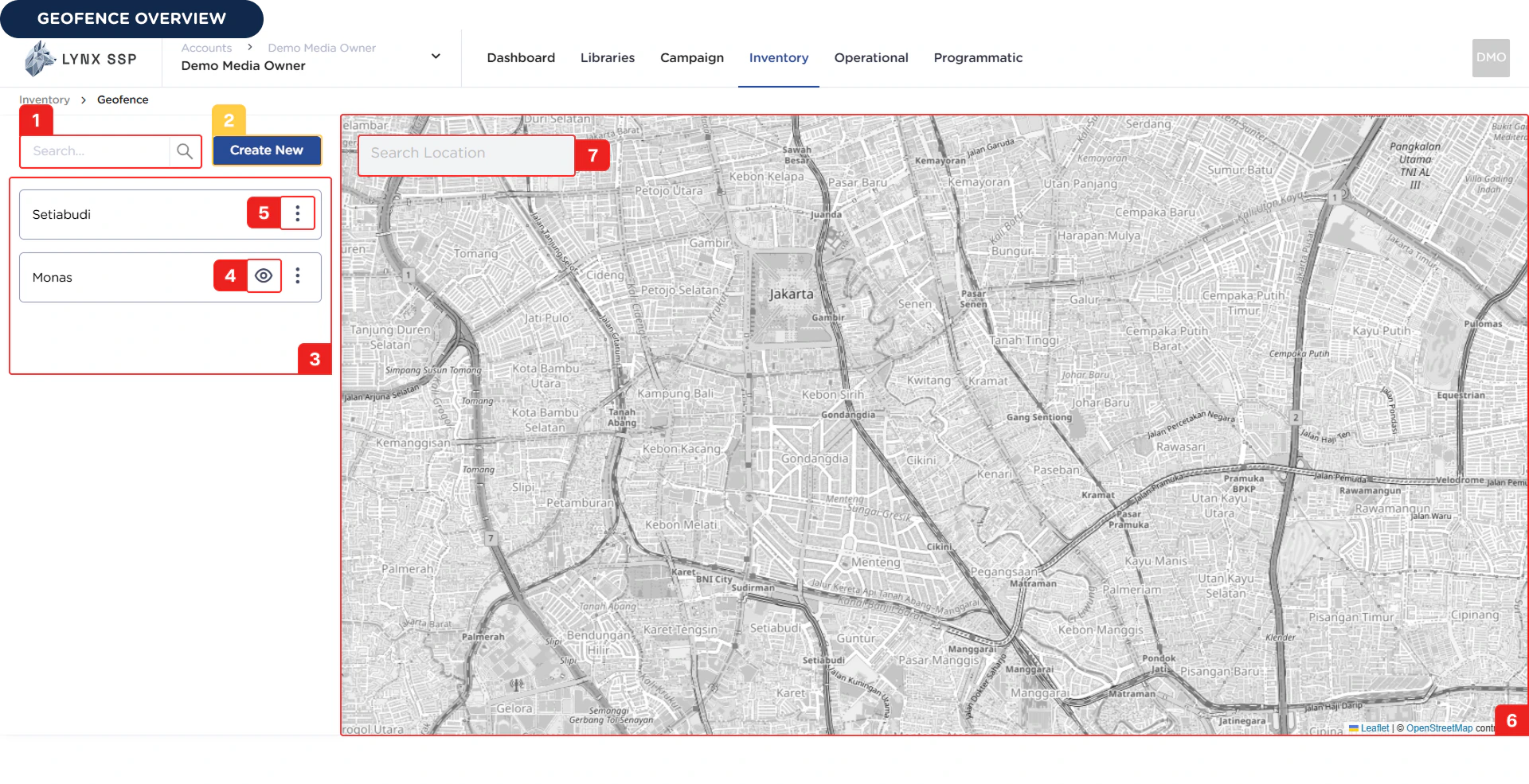
Based on the **Geofence Overview** above, here is an explanation of each section:

***

### Search Geofence

You can search by geofence name has been registered.

***

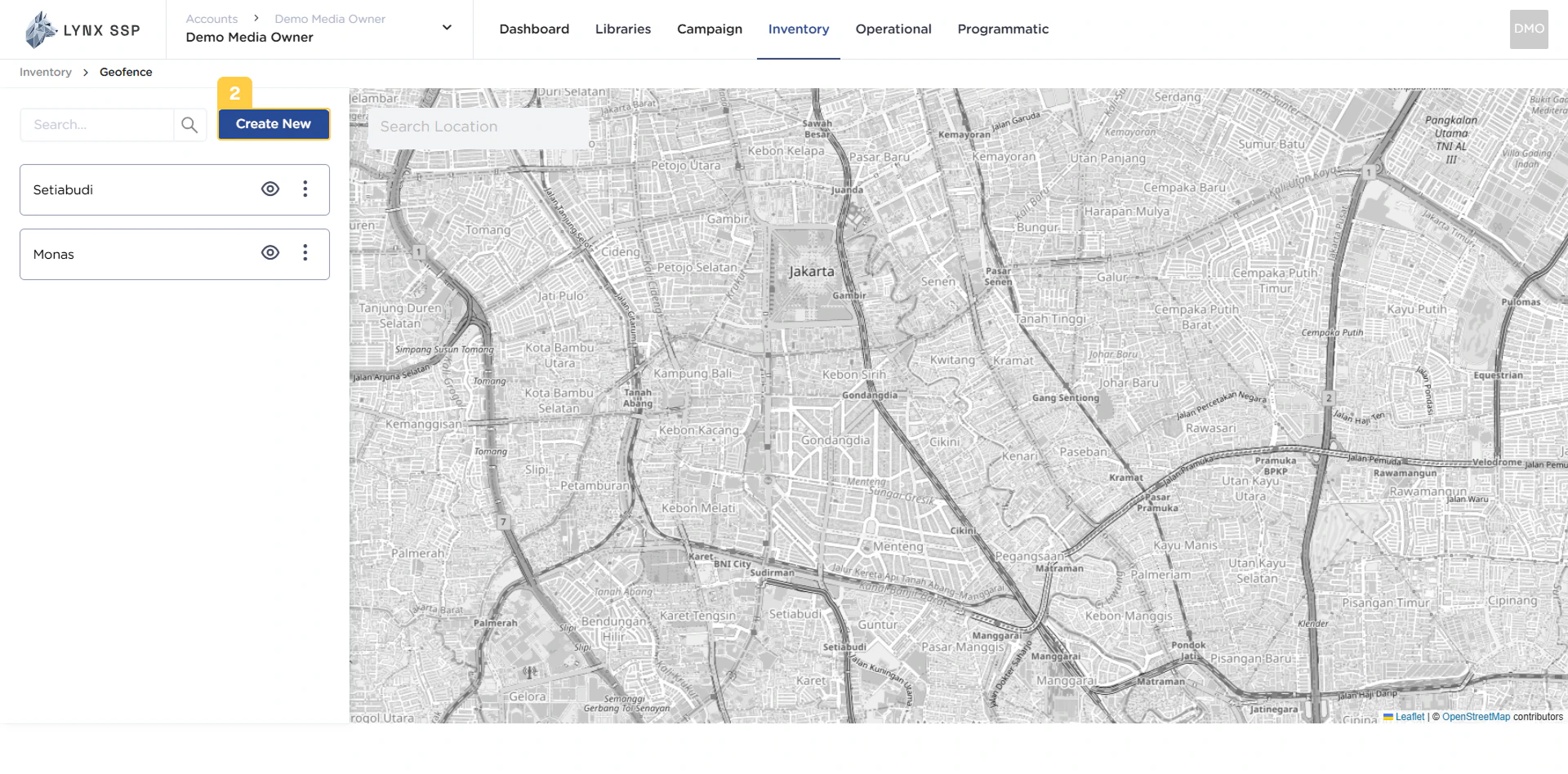
### Create New Geofence Button

You can click the Create New button to add new geofence ([See Create a Geofence ↗](/documentation/inventory/geofence/create)).
<img src="https://mintcdn.com/lynxssp-91a2d3cb/cAx60U0UwWThQAdR/images/documentation/inventory/geofence/overview/geofence-create-new-button.png?fit=max&auto=format&n=cAx60U0UwWThQAdR&q=85&s=c0e1d47cabec30cfacc2e8df2128104f" alt=" Create New Geofence Button " width="1920" height="948" data-path="images/documentation/inventory/geofence/overview/geofence-create-new-button.png" />

***

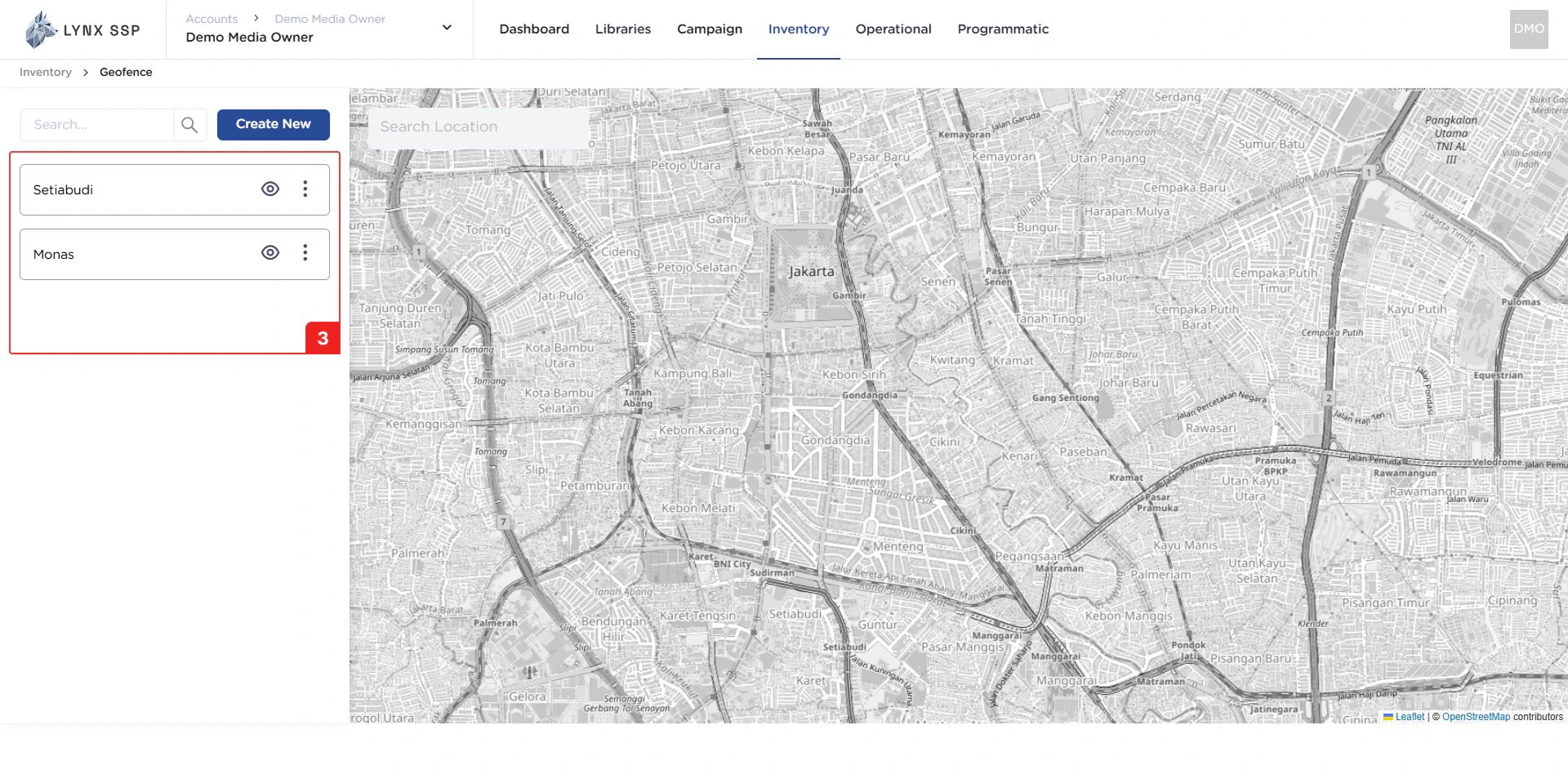
### List Geofence

In this section, you can see all the geofence lists that you have and have successfully entered into the Lynx SSP portal.
<img src="https://mintcdn.com/lynxssp-91a2d3cb/cAx60U0UwWThQAdR/images/documentation/inventory/geofence/overview/geofence-list.png?fit=max&auto=format&n=cAx60U0UwWThQAdR&q=85&s=3d6e6b1749489355c5385176ed9f505b" alt=" List Geofence " width="1920" height="948" data-path="images/documentation/inventory/geofence/overview/geofence-list.png" />

***

### Hide Geofence Button

You can click the Hide button to hide your geofence from Map Area.

***

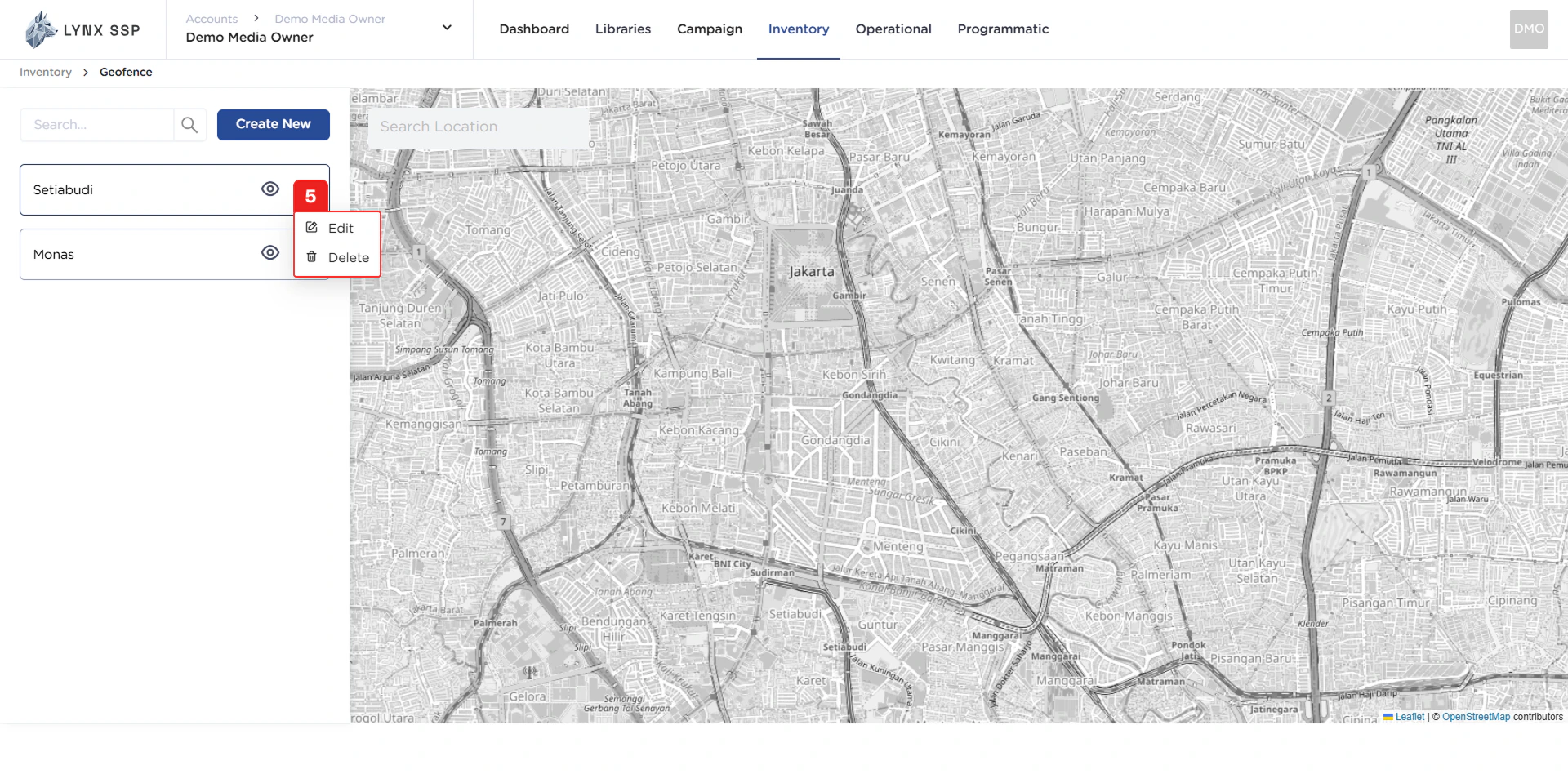
### Action Button "Edit" & "Delete"

Using the action button, you can navigate to the Edit Page or delete that has been created.
<img src="https://mintcdn.com/lynxssp-91a2d3cb/cAx60U0UwWThQAdR/images/documentation/inventory/geofence/overview/geofence-action-button.png?fit=max&auto=format&n=cAx60U0UwWThQAdR&q=85&s=6efa0845e3a37539634e7c92e449dc1d" alt=" Action Button &#x22;Edit&#x22; & &#x22;Delete&#x22; " width="1920" height="948" data-path="images/documentation/inventory/geofence/overview/geofence-action-button.png" />

***

### Search Location

You also can search by location name.

***

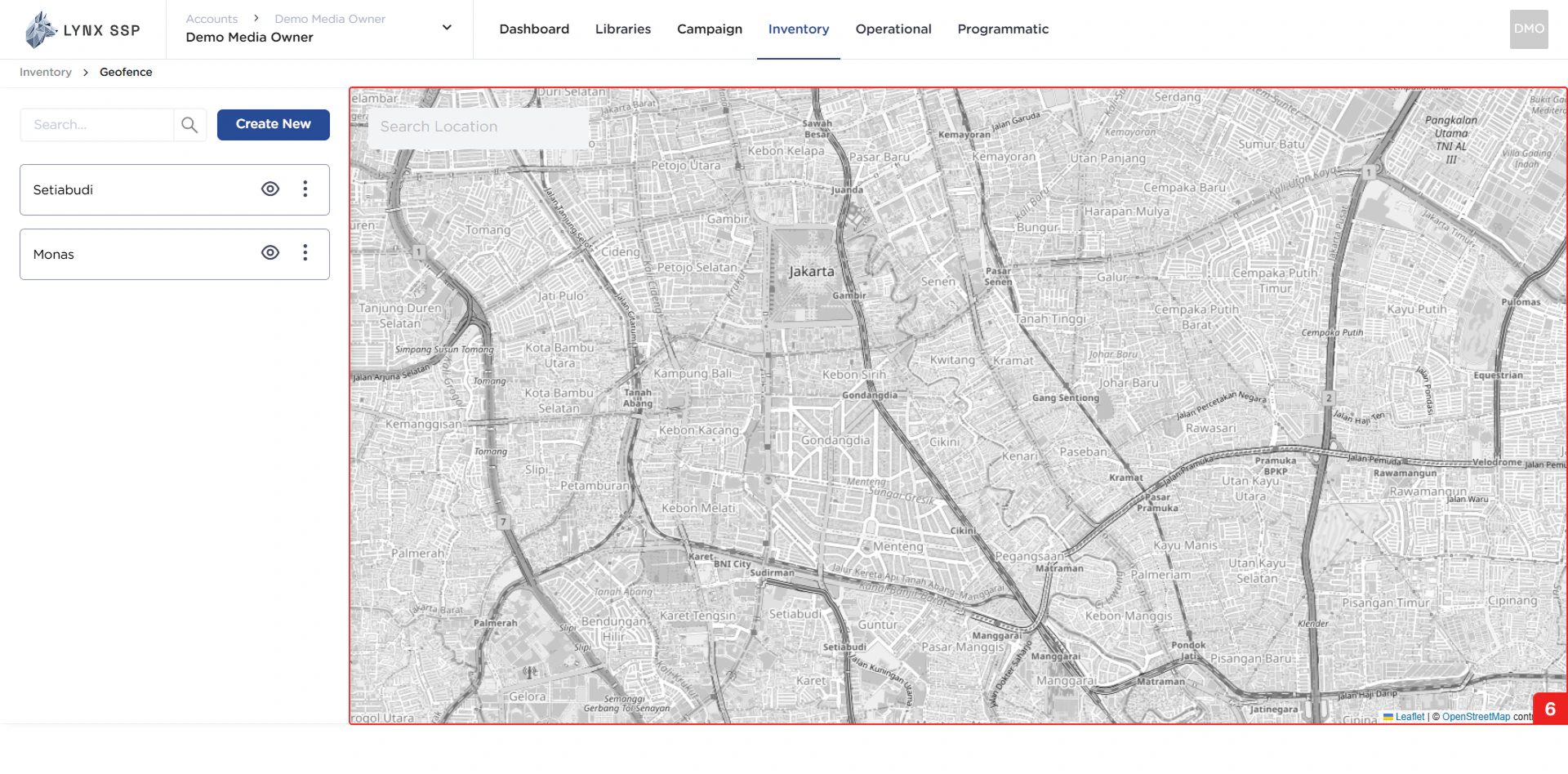
### Map Area
<img src="https://mintcdn.com/lynxssp-91a2d3cb/cAx60U0UwWThQAdR/images/documentation/inventory/geofence/overview/geofence-map.png?fit=max&auto=format&n=cAx60U0UwWThQAdR&q=85&s=012eea0baa5d3ea9c4f218d432aaaf1a" alt=" Map Area " width="1920" height="948" data-path="images/documentation/inventory/geofence/overview/geofence-map.png" />