> ## Documentation Index
> Fetch the complete documentation index at: https://docs.lynxssp.com/llms.txt
> Use this file to discover all available pages before exploring further.
# Download Ad Exchange
You can download Ad Exchange data for reporting on your inventory performance and ongoing programmatic campaigns by following these steps:
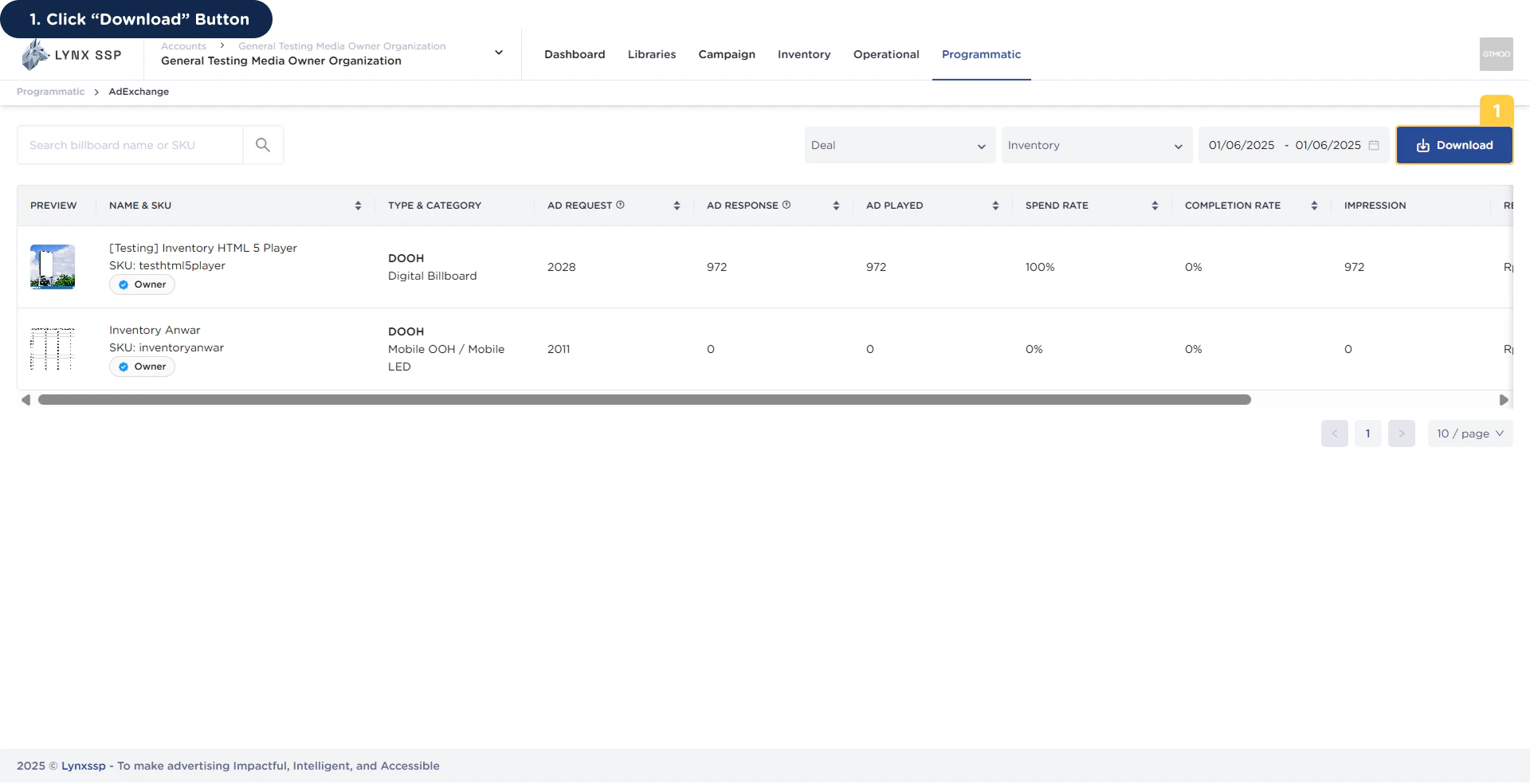 The Ad Exchange data has been successfully downloaded.
You can download a sample Ad Exchange report in csv format at the following link:
The Ad Exchange data has been successfully downloaded.
You can download a sample Ad Exchange report in csv format at the following link: