Lynx SSP Documentation home page
Search...
⌘K
Support
Dashboard
Dashboard
Search...
Navigation
Reports
Access Campaign Report
Documentation
User Guideline
Programmatic
API Reference
User Guideline
Introduction
Generate Campaign Report
Getting Started
Add New Inventory
Create a Campaign
Reports
Overview
Download Campaign Report
Share Campaign Report
Access Campaign Report
Screen Connection
Lynx CMS (Screen App)
HTML
On this page
Accessing Campaign Reports
Reports
Access Campaign Report
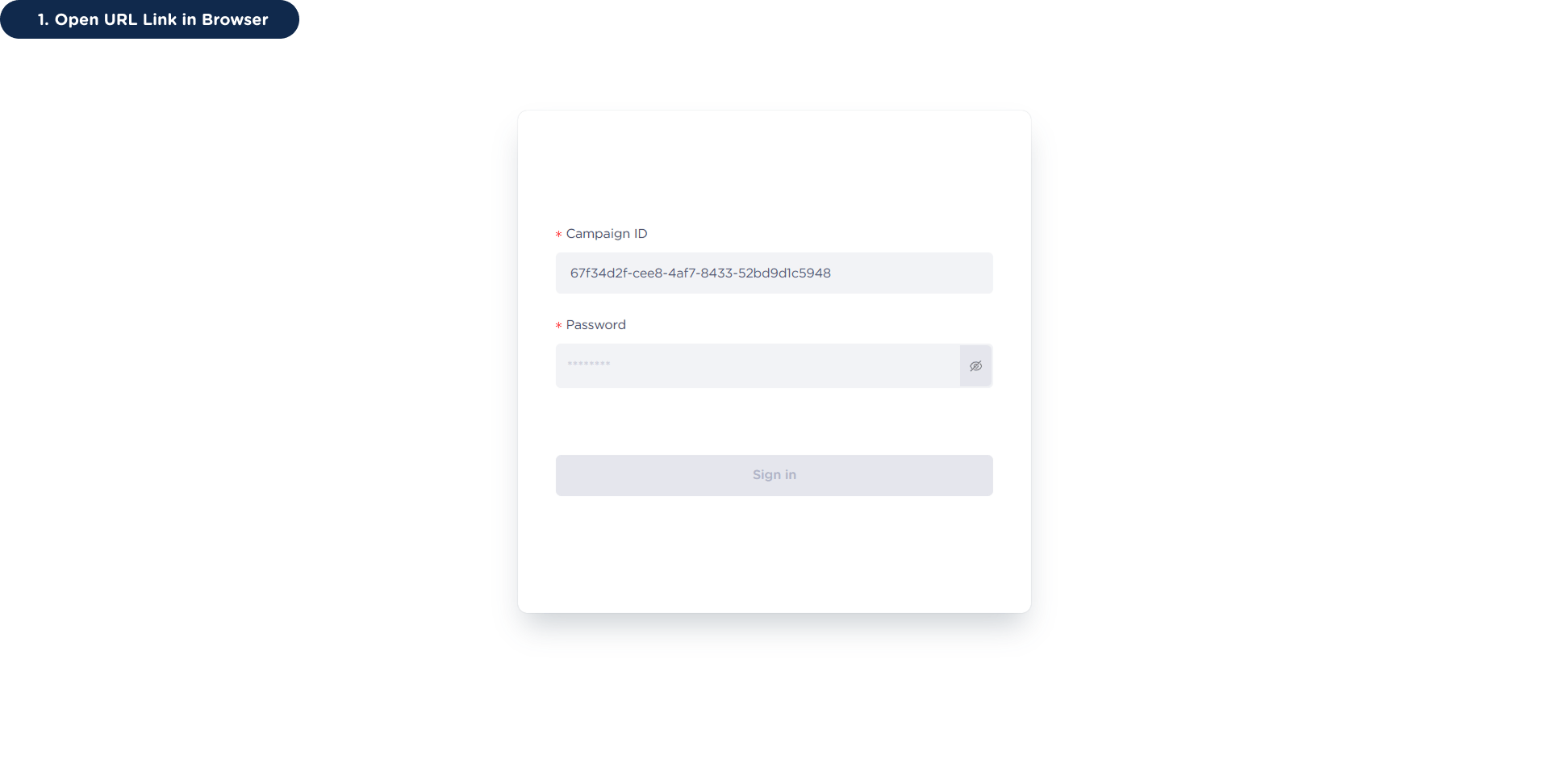
After sharing the campaign report with clients or stakeholders, they will receive three pieces of information: Campaign ID, URL Link, and Password.
This page will help you access the campaign report.
Accessing Campaign Reports
1
Open URL Link in Browser
2
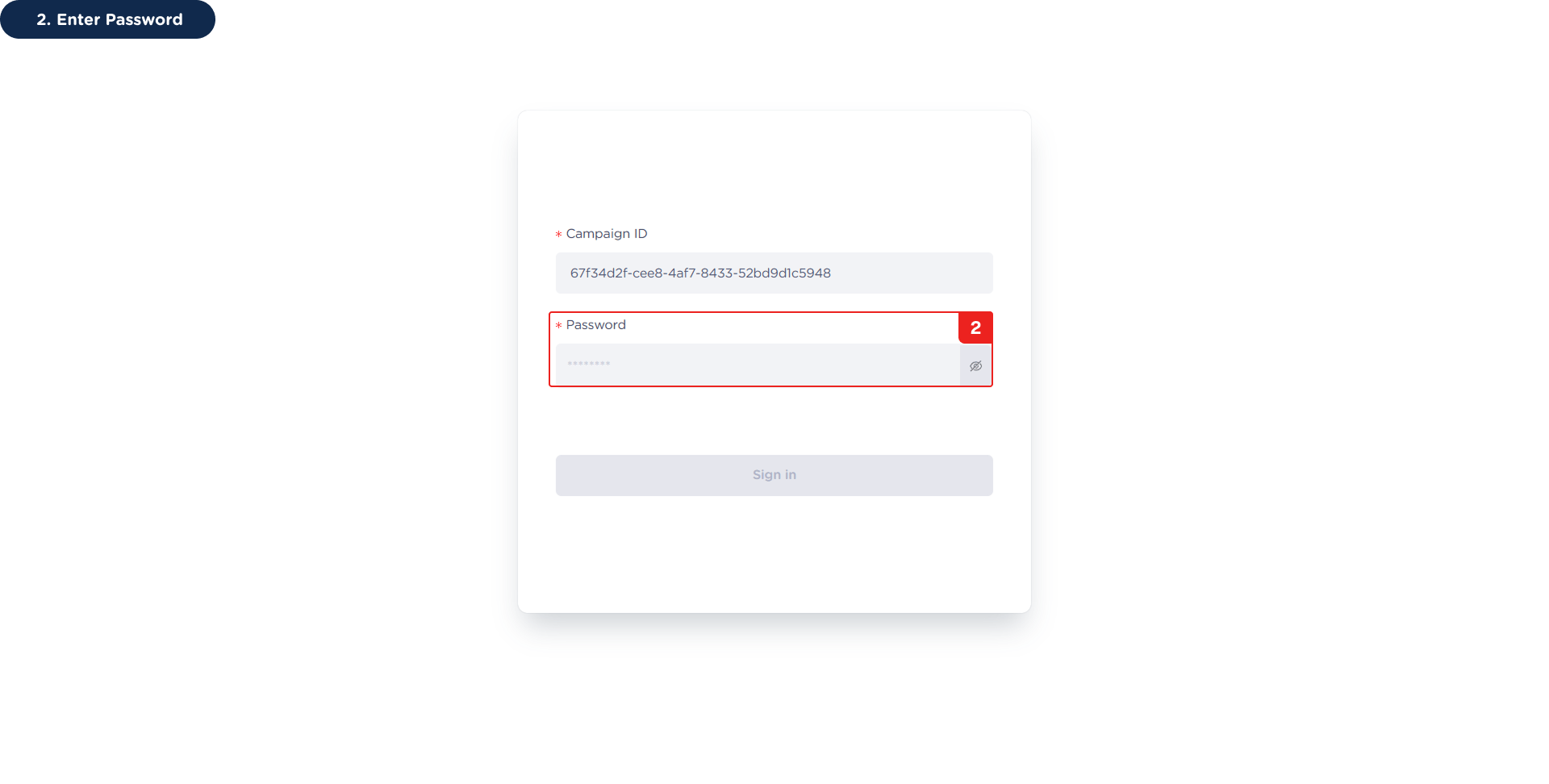
Enter Password
3
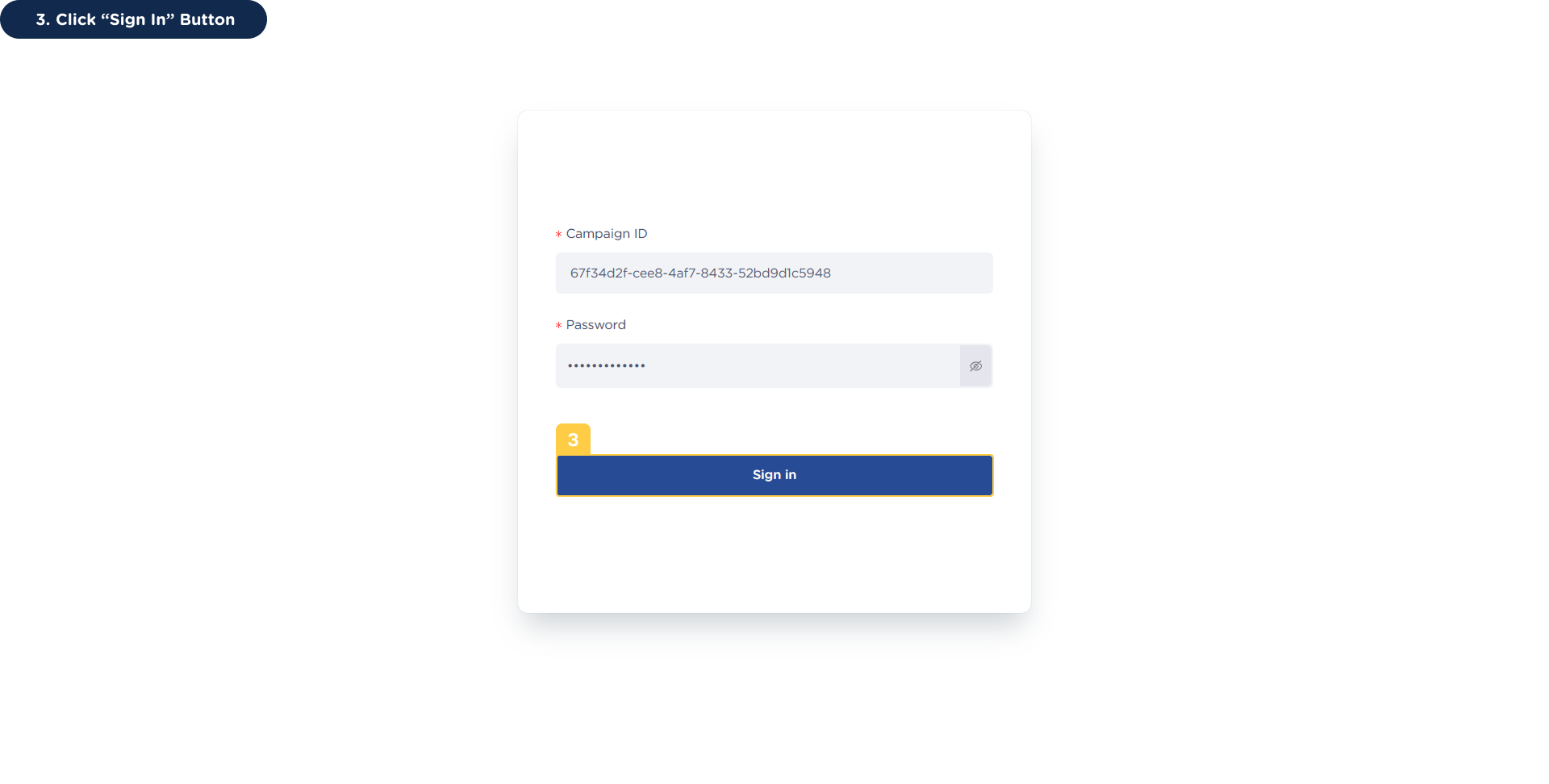
Click “Sign In” Button
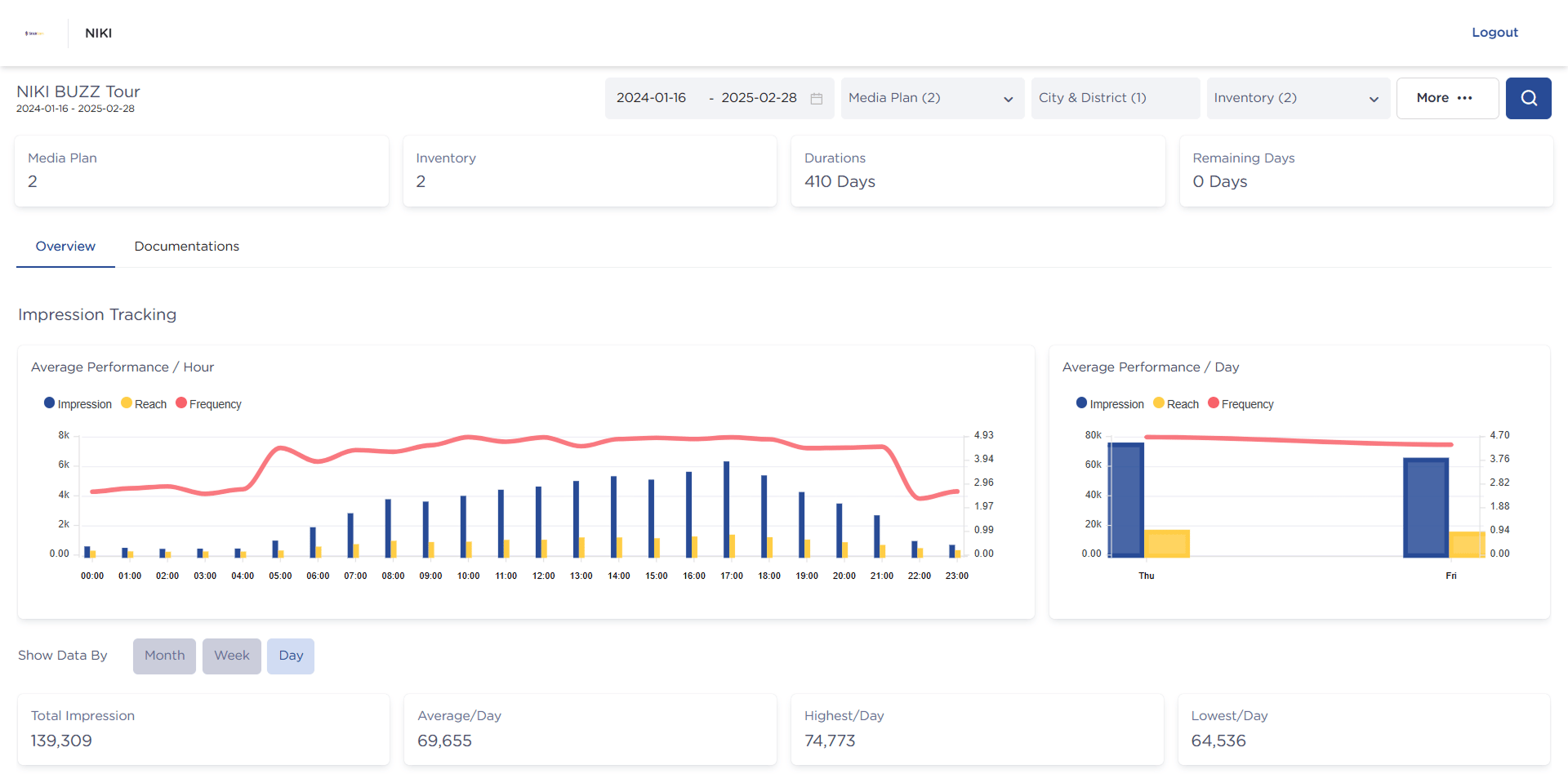
This will display the campaign reporting dashboard.
Share Campaign Report
Getting Started
⌘I