This page helps you check the running filer in your DOOH (Digital-Out-of-Home) Inventory after connect using HTML5.

How to Check Connection

1

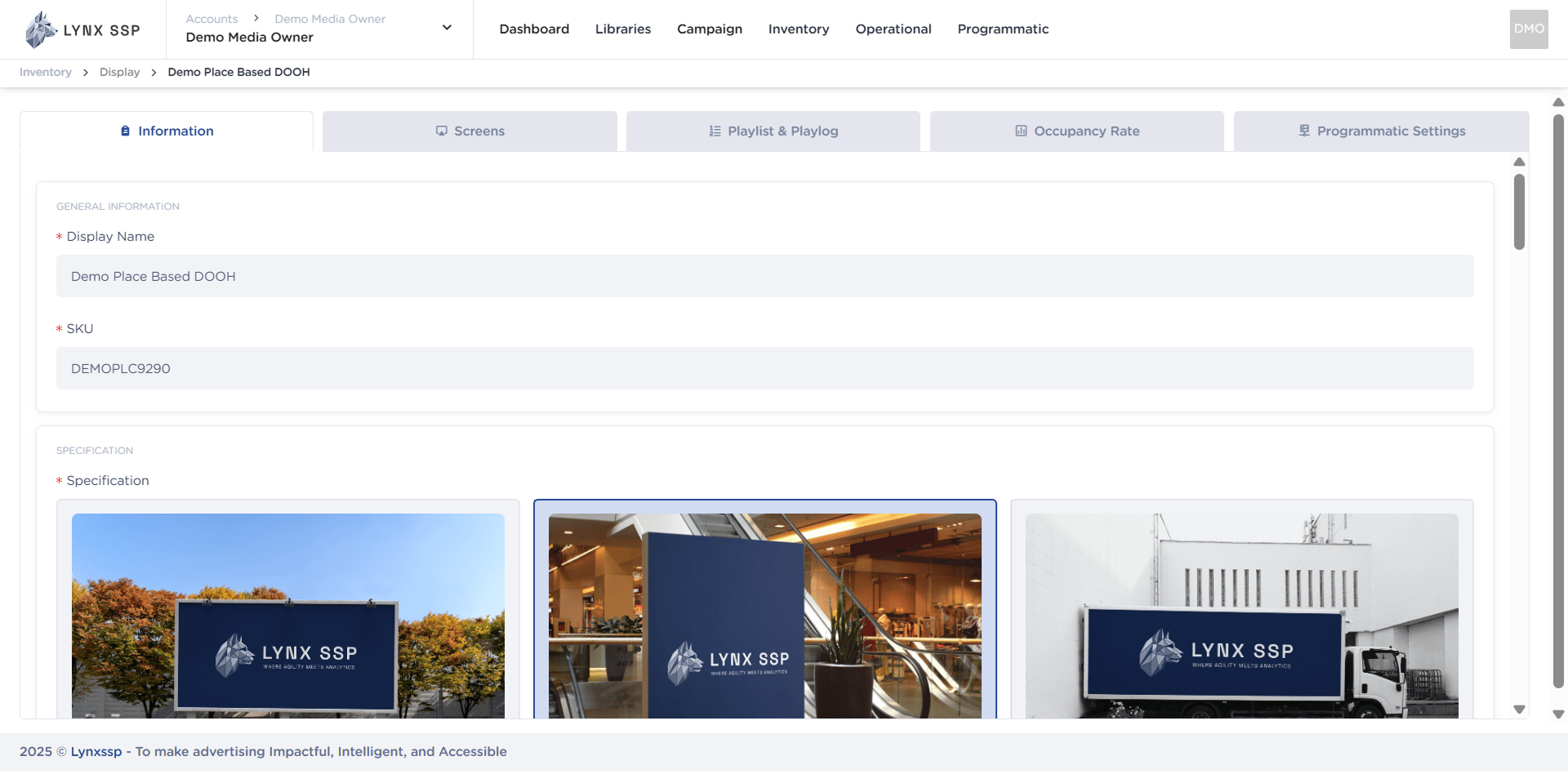
Click the “Action” Button & Click “Edit”
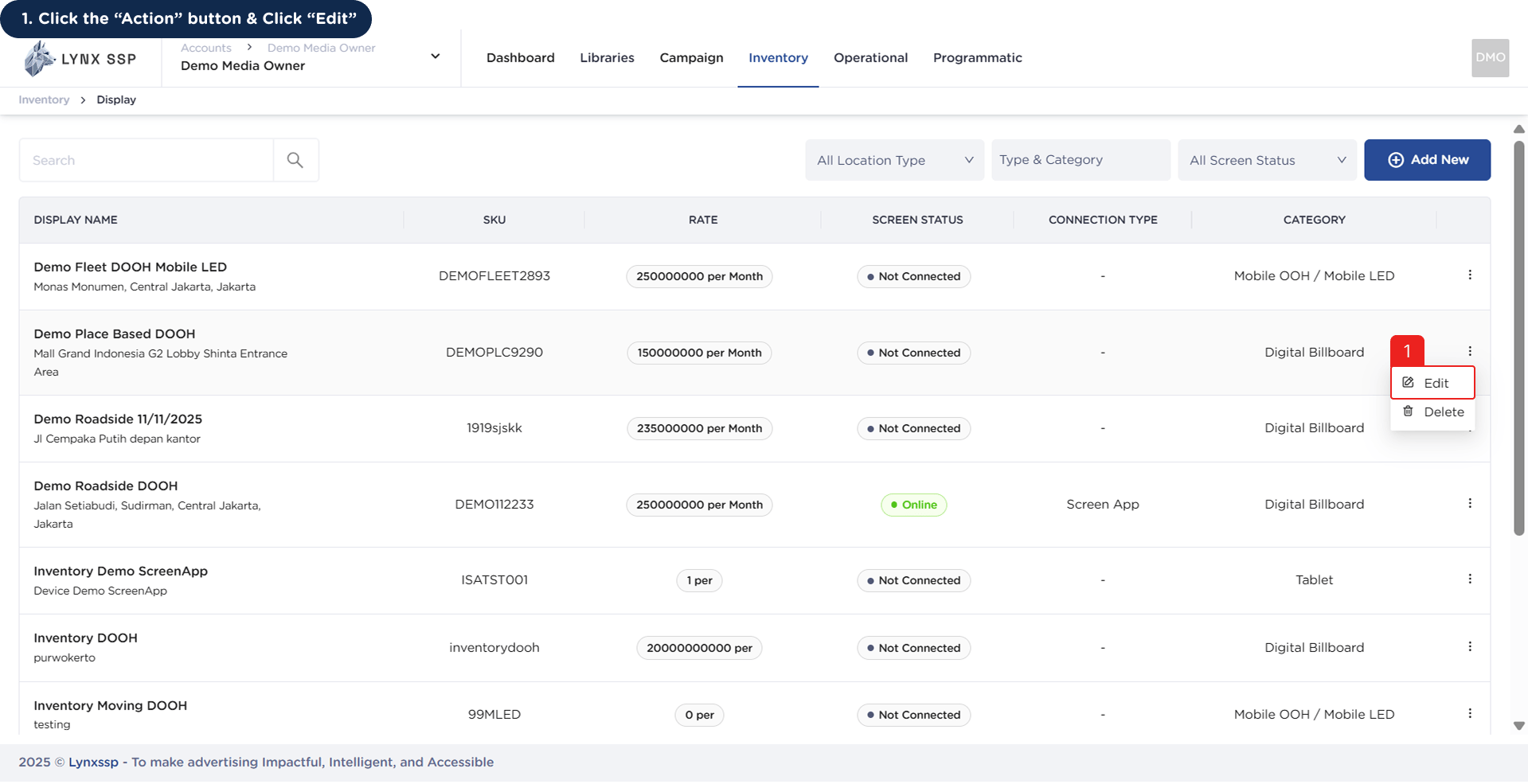
How to Check Connection 1This will display the Inventory Details Page.How to Check Connection 1.2
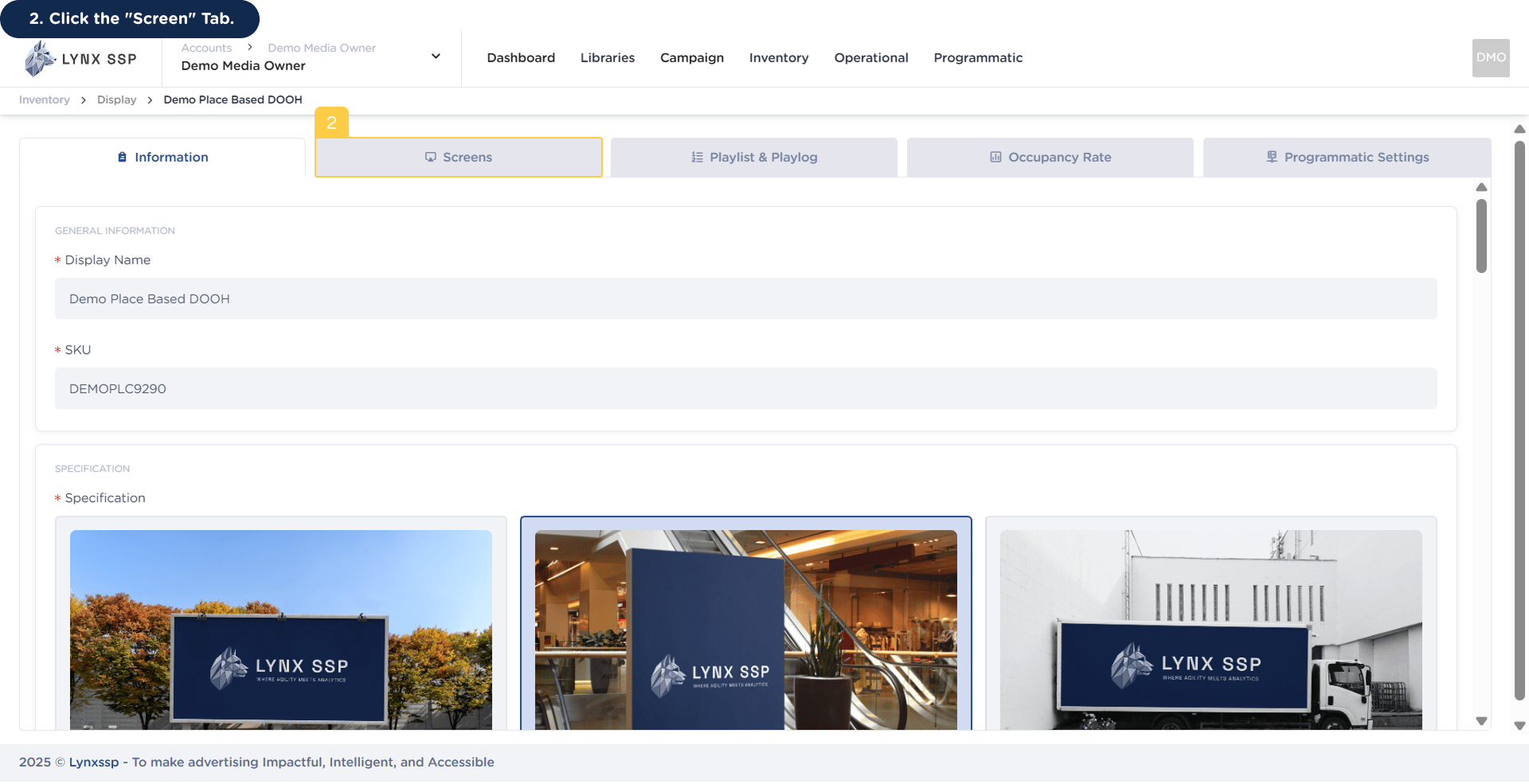
2

Click the “Screen” Tab

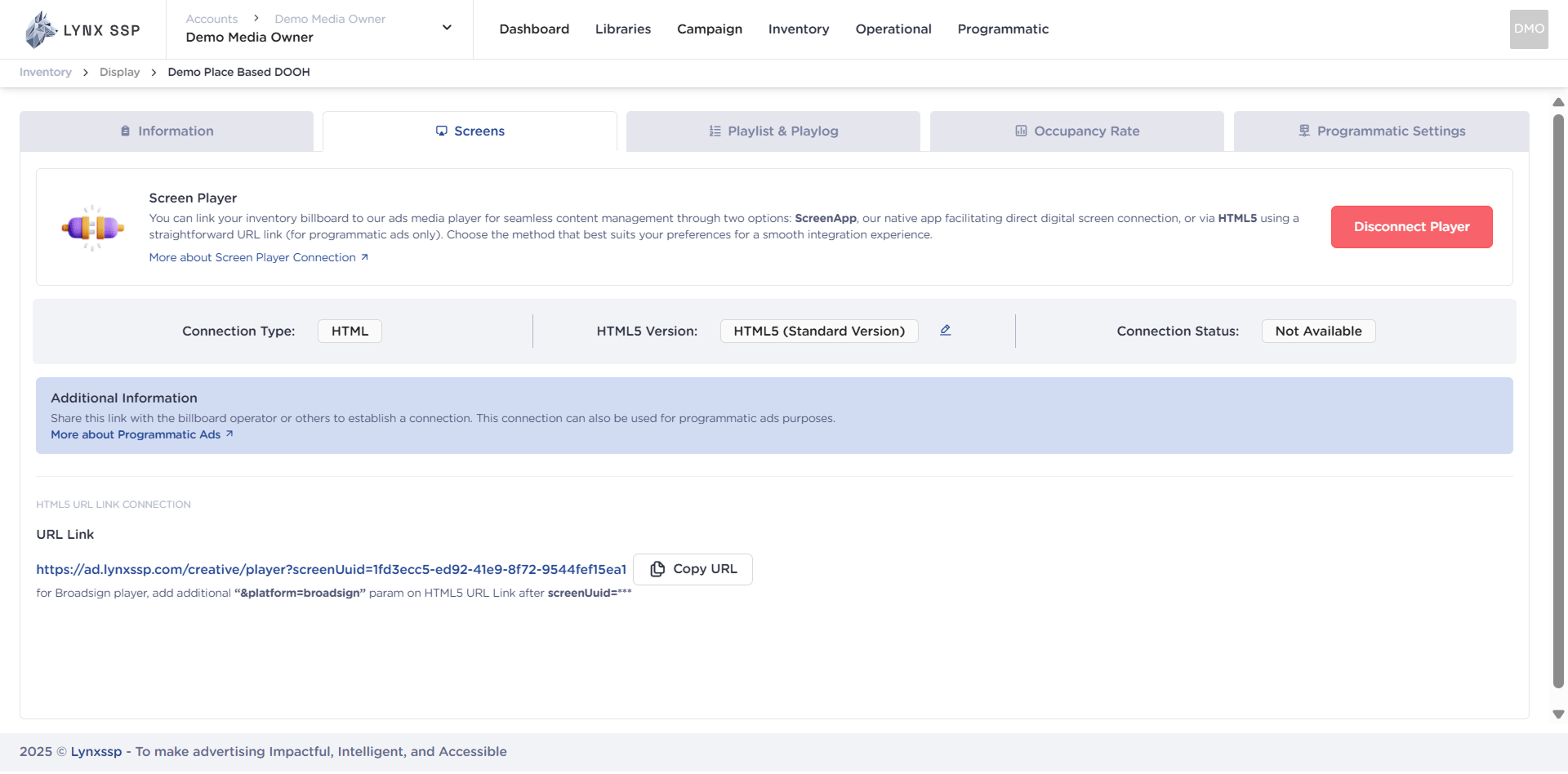
How to Check Connection 2Then it will display the Screen Page.How to Check Connection 2.2
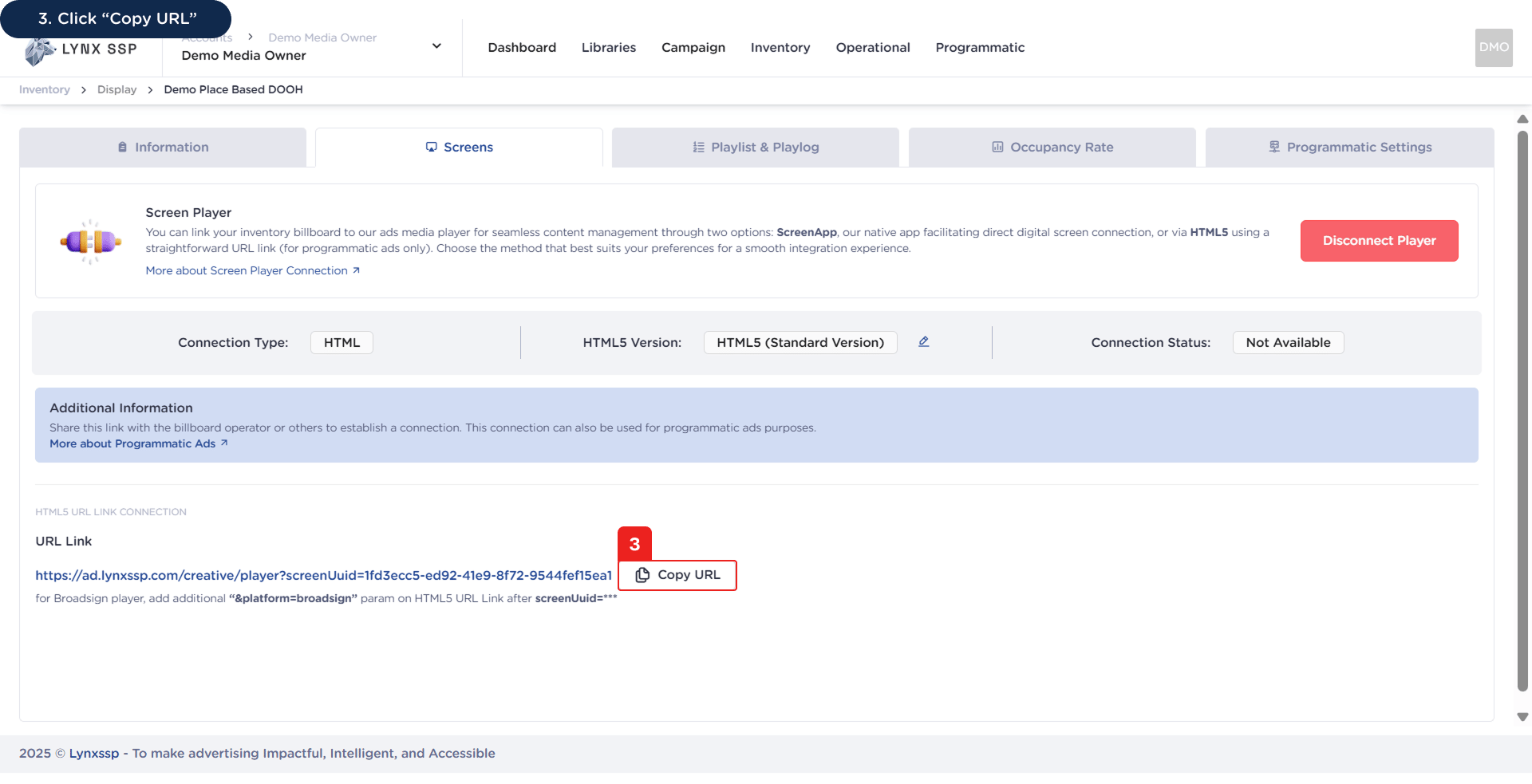
3

Click “Copy URL”

How to Check Connection 3
4

Open the URL in a browser tab

Then it will display the added filler.
You can monitor the list of creatives and fillers that have been played on your DOOH (Digital-Out-of-Home) Inventory through (See Playlist & Playlog ↗).