Both Playlist & Playlog data can appear if DOOH (Digital-Out-of-Home) Inventory uses a ScreenApp connection. If using an HTML5 & API Integration connection, only Playlog can be monitored from DOOH (Digital-Out-of-Home) Inventory.
Accessing the Playlist & Playlog Page
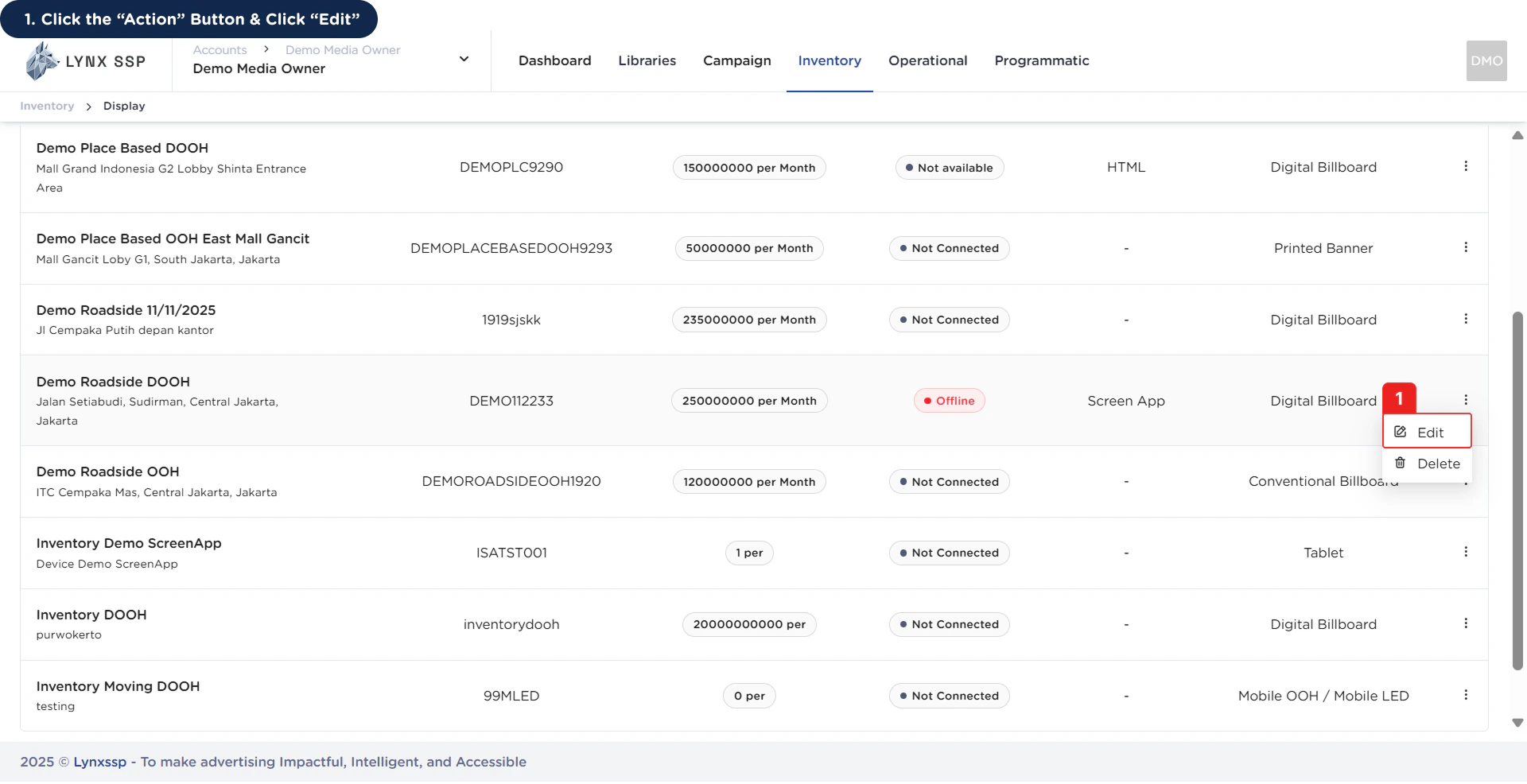
1
Click the “Action” Button & Click “Edit”
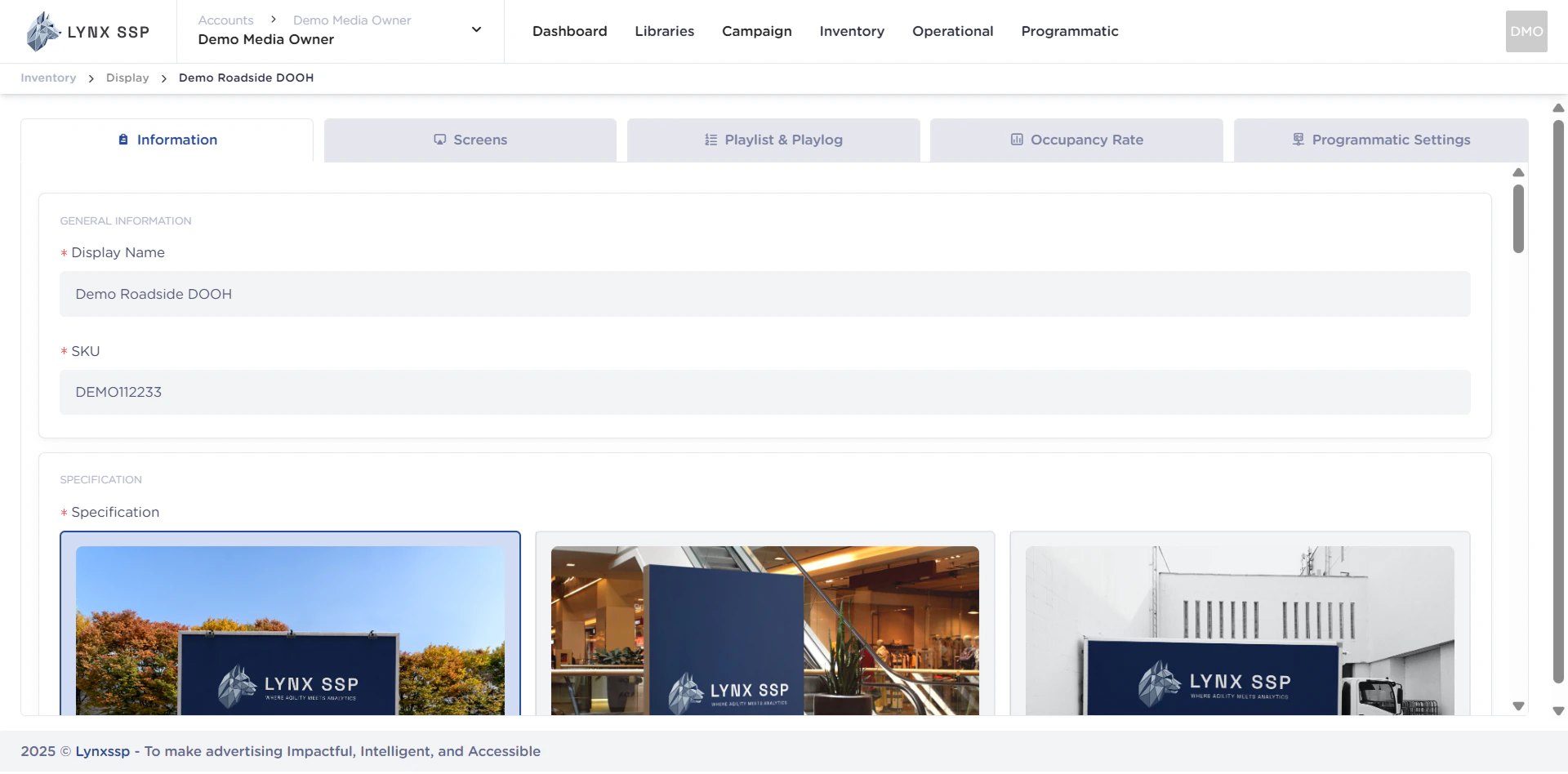
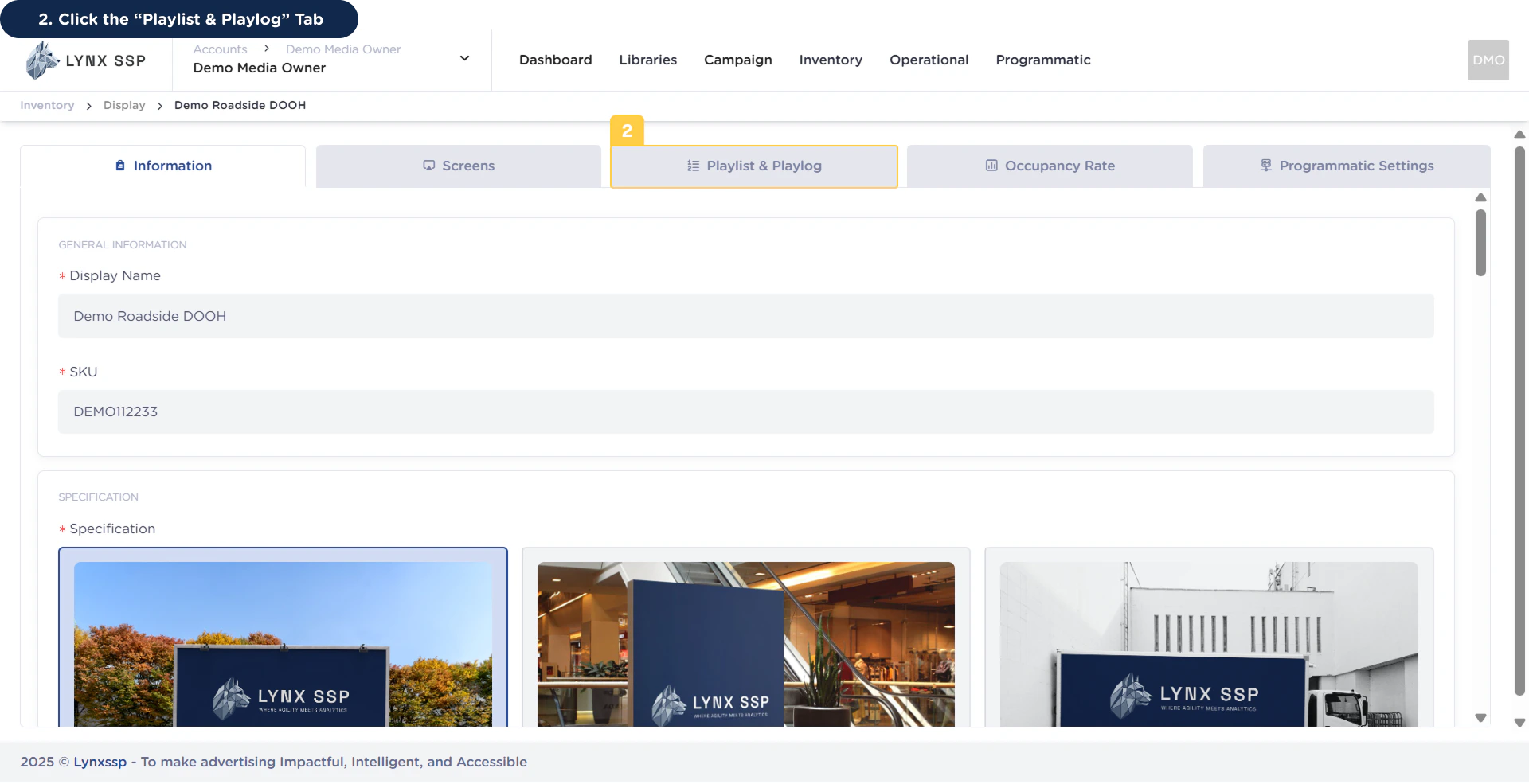
2
Click the “Playlist & Playlog” Tab
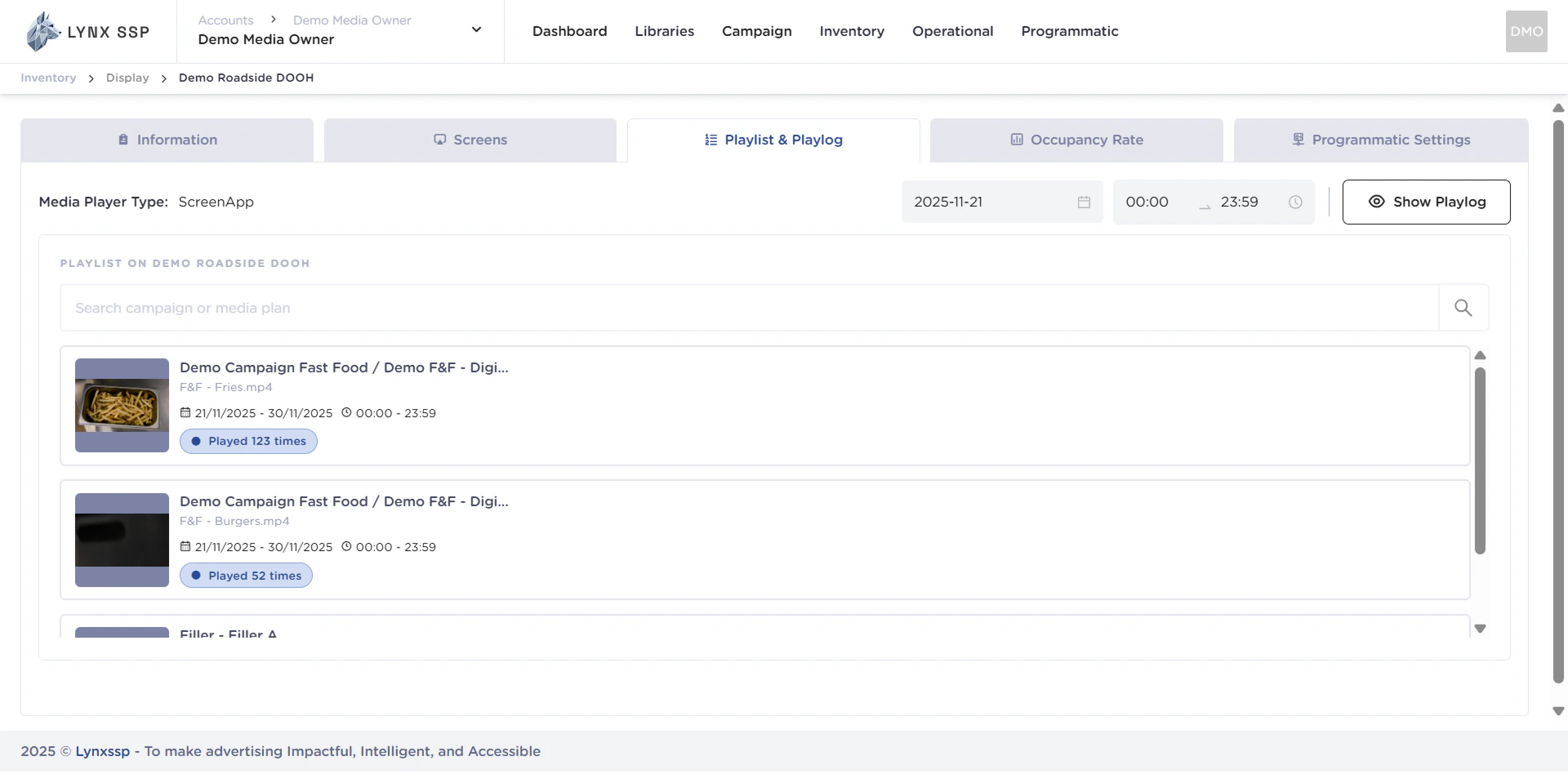
Playlist Overview
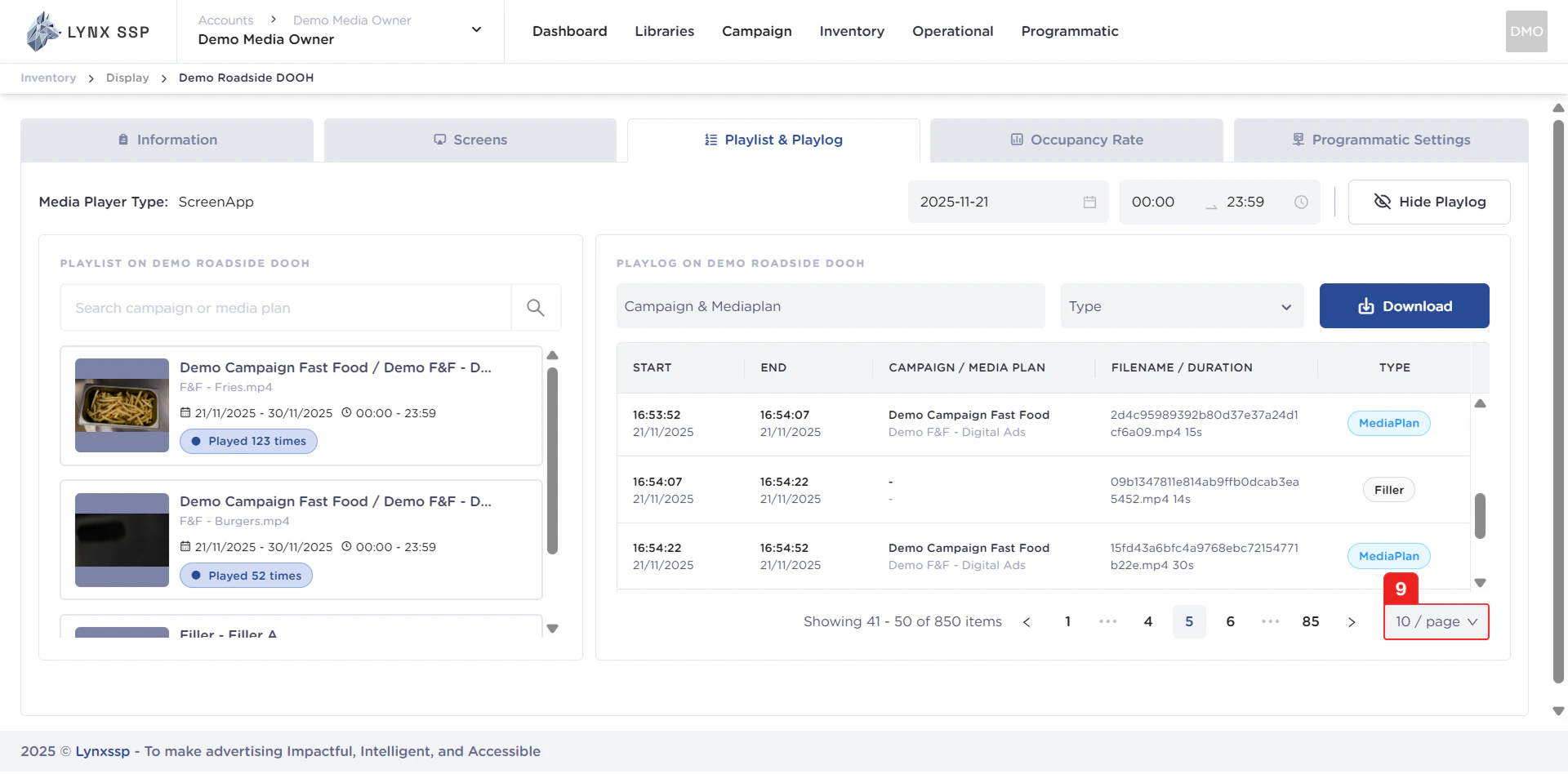
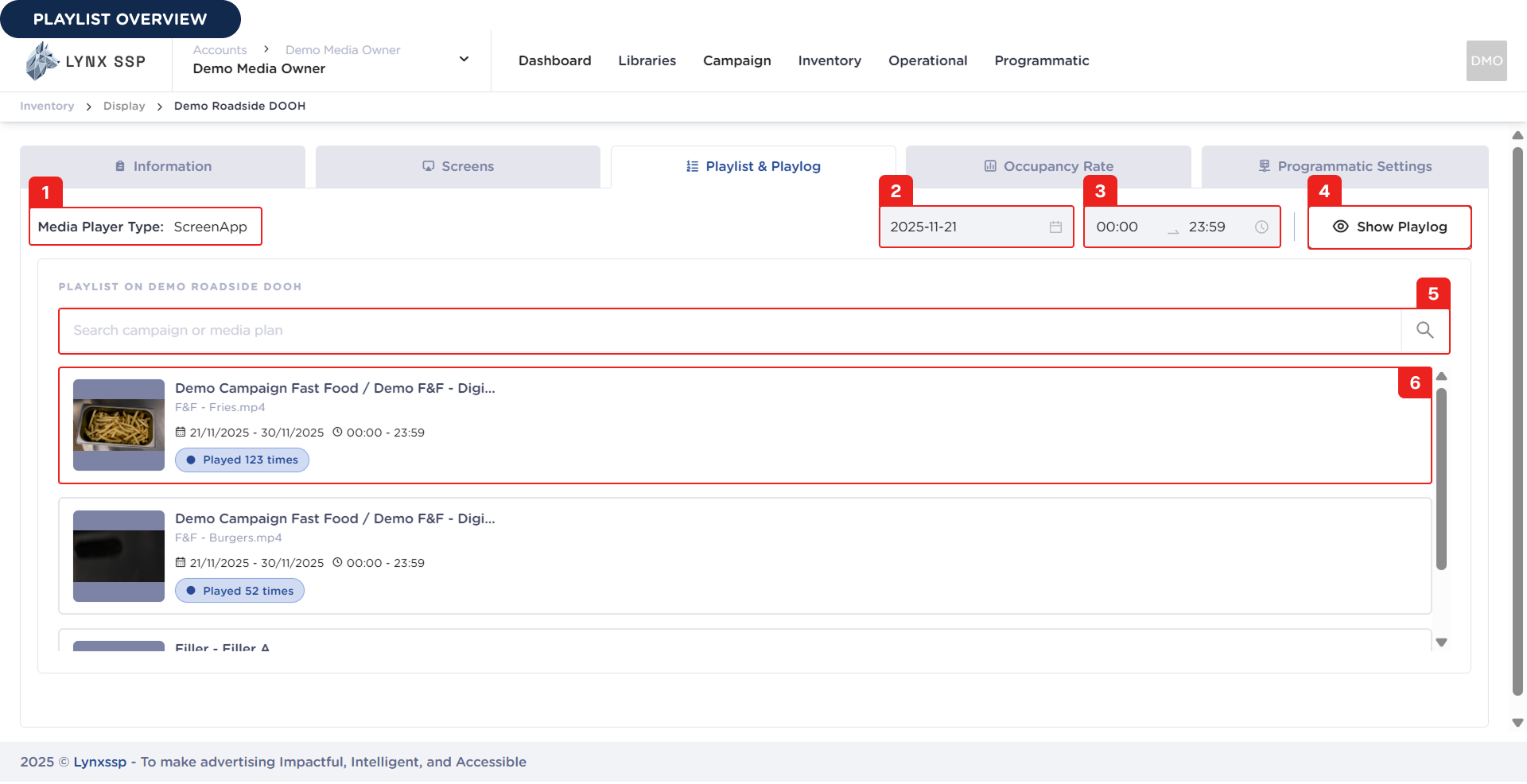 Based on the Playlist Overview above, here is an explanation of each section:
Media Player Connection Type
Displays information about the type of connection your media player uses. Make sure you have completed the connection to the media player (See Connect to Screen ↗).Filter by Date
You can filter playlist data based on date.Filter by Period
You can filter data in the playlist based on a time range.Show Playlog Button
You can view playlog data by click the “Show Playlog” button, and the system will display playlog data from your DOOH (Digital-Out-of-Home) Inventory.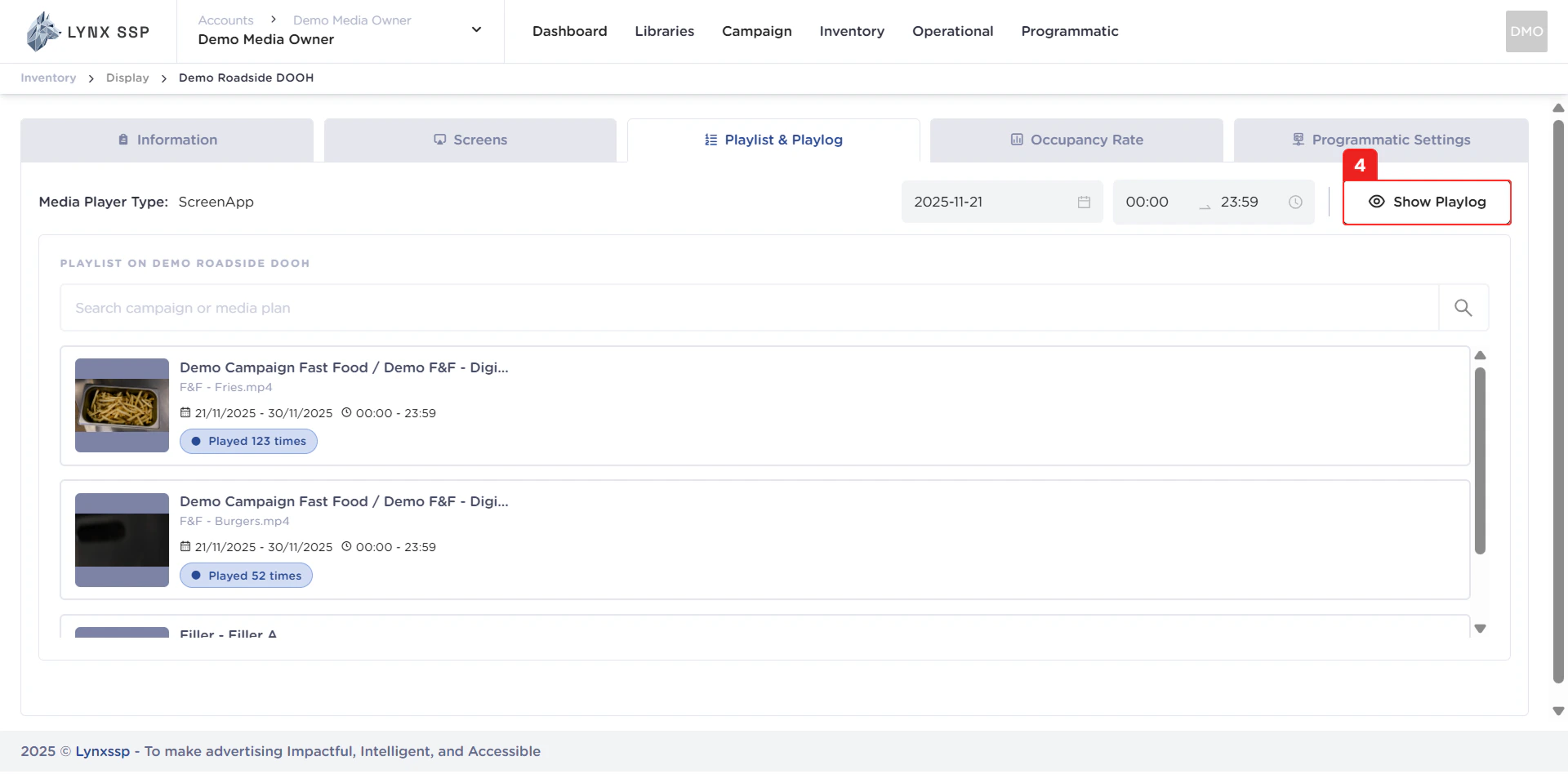
Search Campaign or Media Plan
You can search for playlist data by typing in the keyword name of the campaign or media plan contained in the DOOH (Digital-Out-of-Home) Inventory.Playlist
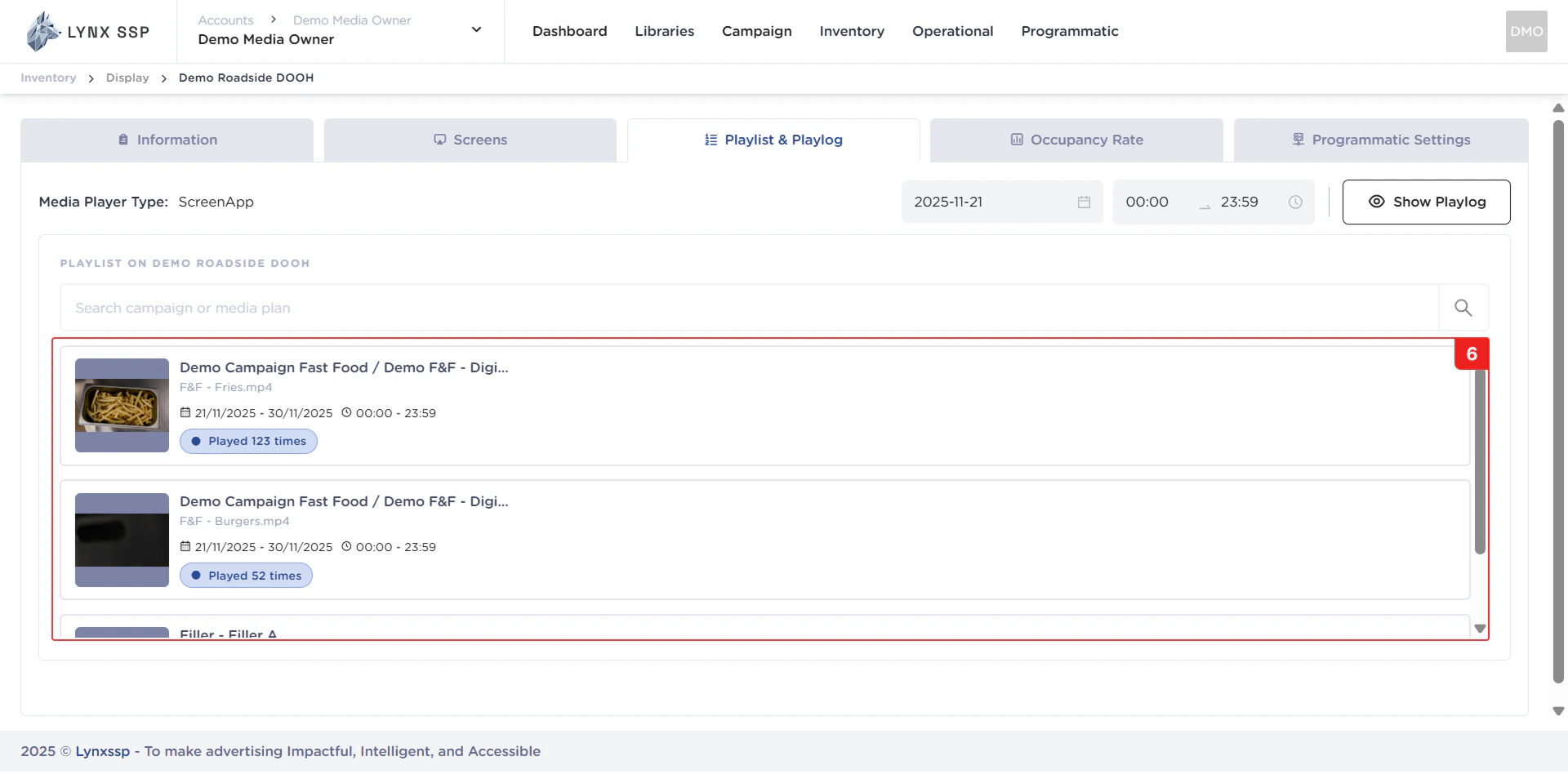
In this section, you can see all the playlists in your DOOH (Digital-Out-of-Home) Inventory. The playlist data is displayed based on date filtering (Point No. 2). The properties that can be seen in this table are as follows:- Preview Creative
- Campaign Name
- Media Plan Name
- Media Plan & Schedule Period
- Total Play
Playlog Overview
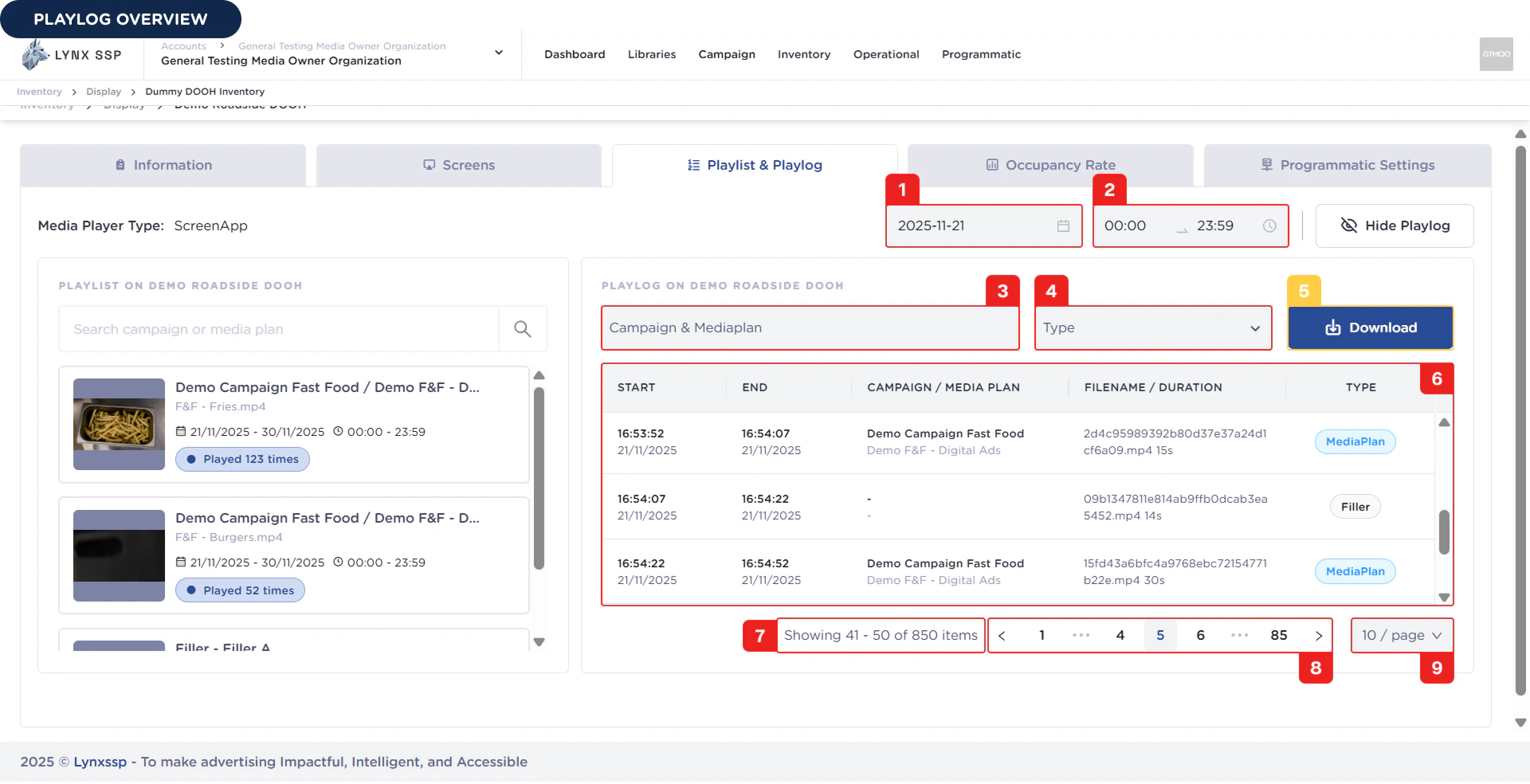
Filter by Date
You can filter playlog data by date.Filter by Period
You can filter data in the playlist based on a time range.Filter by Campaign & Media Plan
You can filter playlog data based on campaign and media plan.Filter Type
You can filter playlog data based on the type of creative content that is displayed.Button Download Playlog
You can download playlog data via the button “Download”.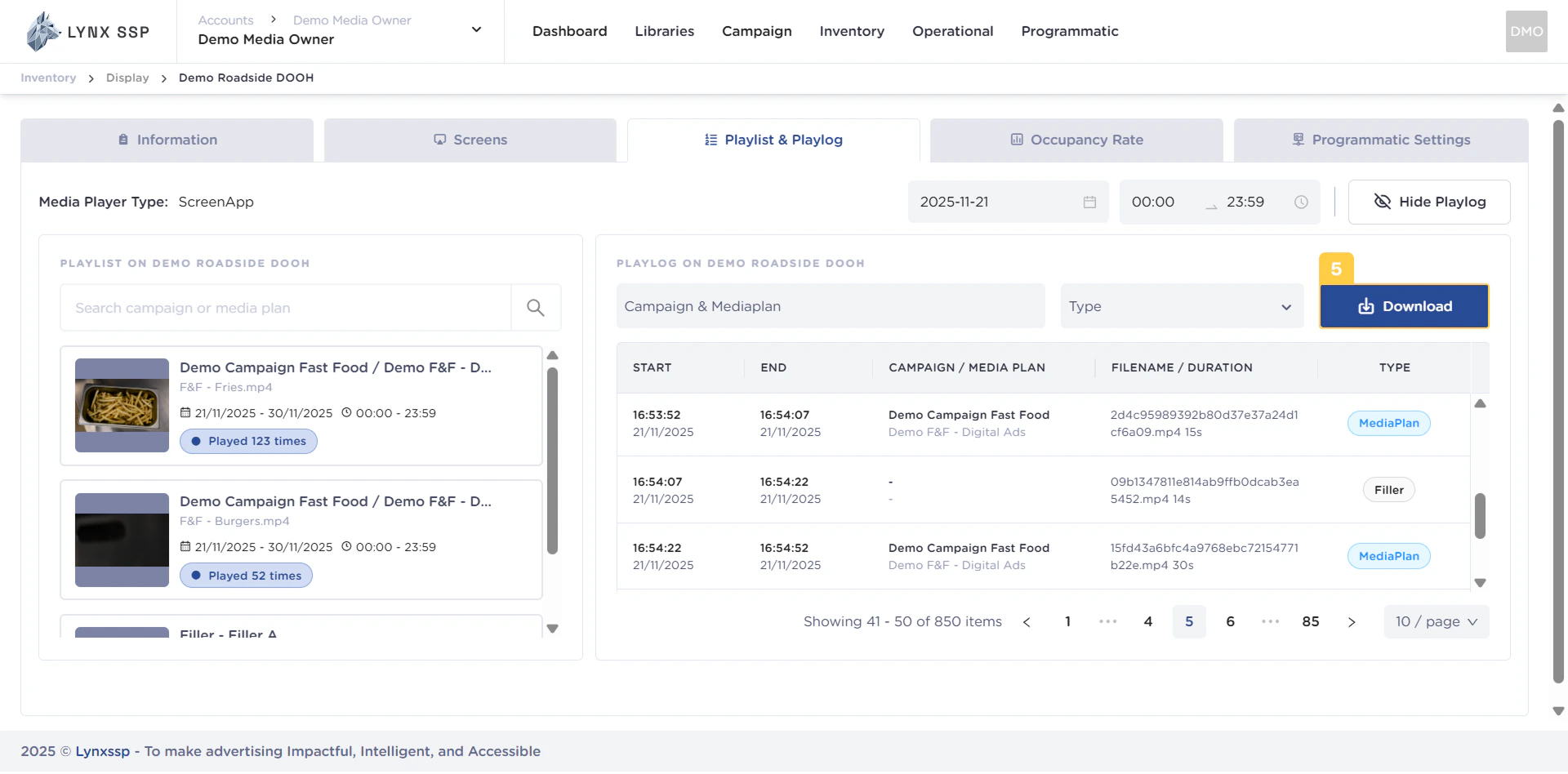
List Playlog Data
In this section, you can see all the log lists in your DOOH (Digital-Out-of-Home) Inventory. The playlist data is displayed based on date and time range filtering (Points 1 & 2). The properties that can be seen in this table are as follows: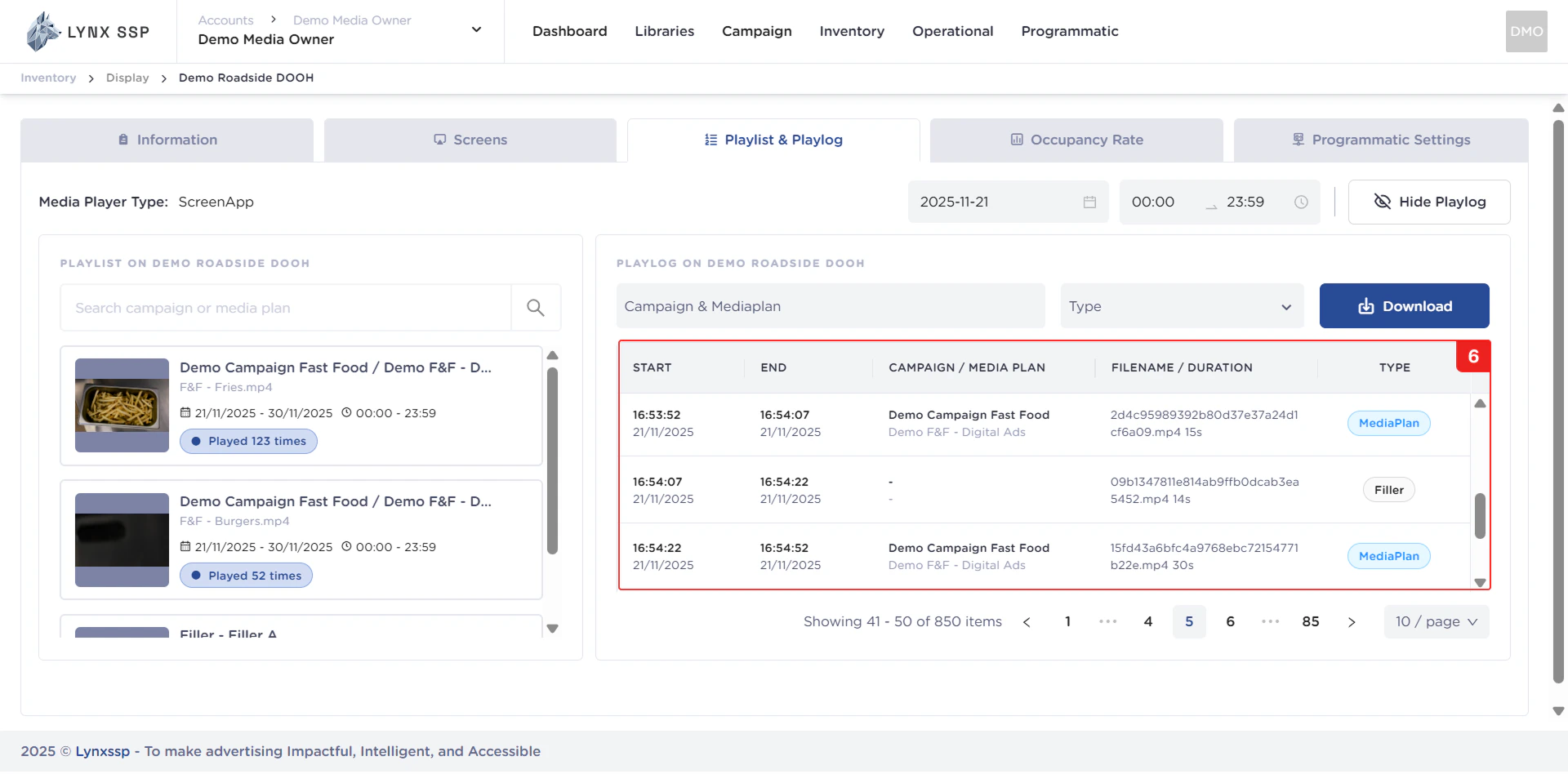
Log Count Information
Displaying information on the number of logs in your DOOH (Digital-Out-of-Home) Inventory. The playlist data is displayed based on filtering by date, time range, campaign, and type (Points 1, 2, 3, and 4).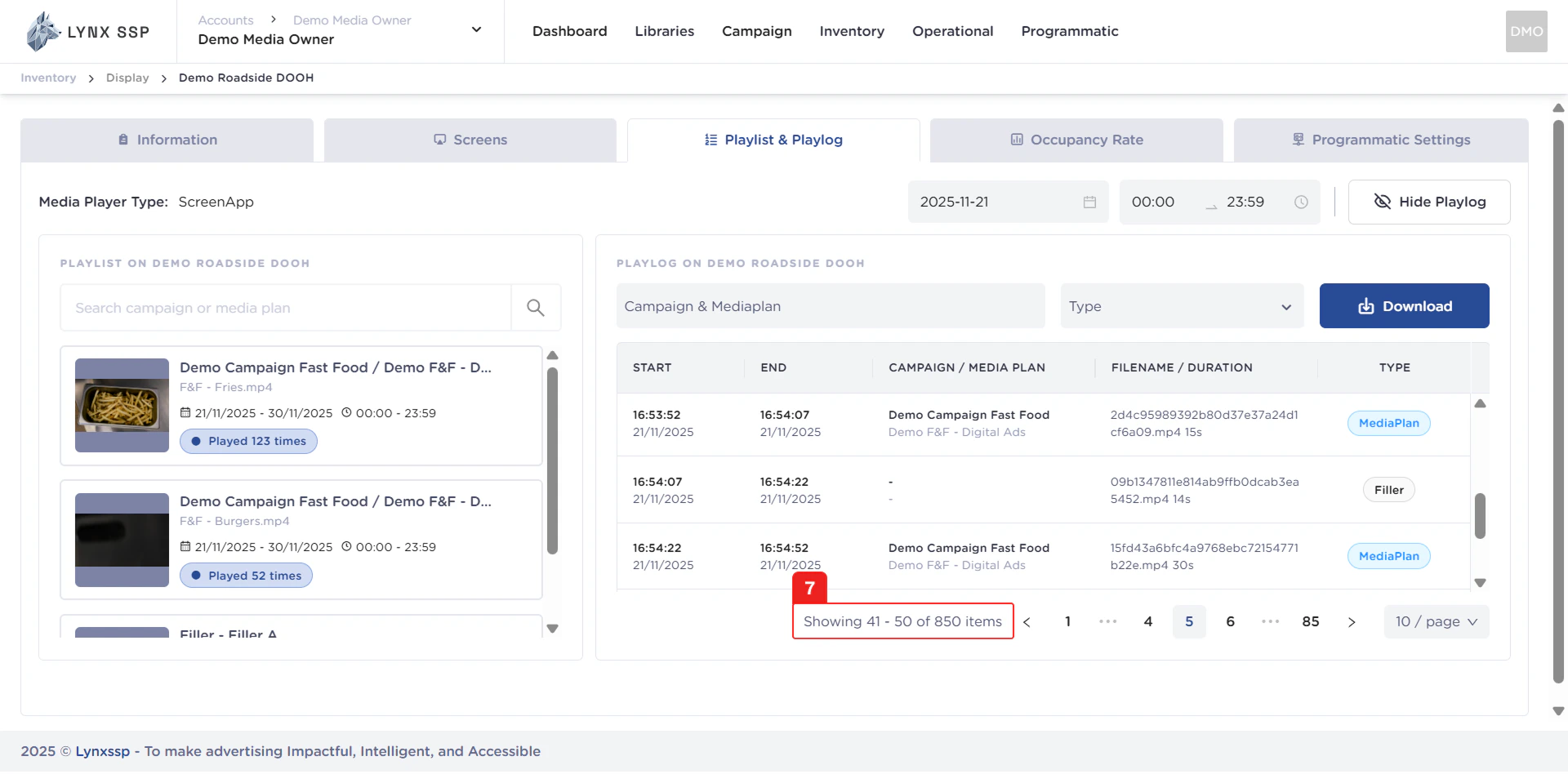
Pagination
The sequential numbers in the image below are navigation points you can use to go to the next log list page.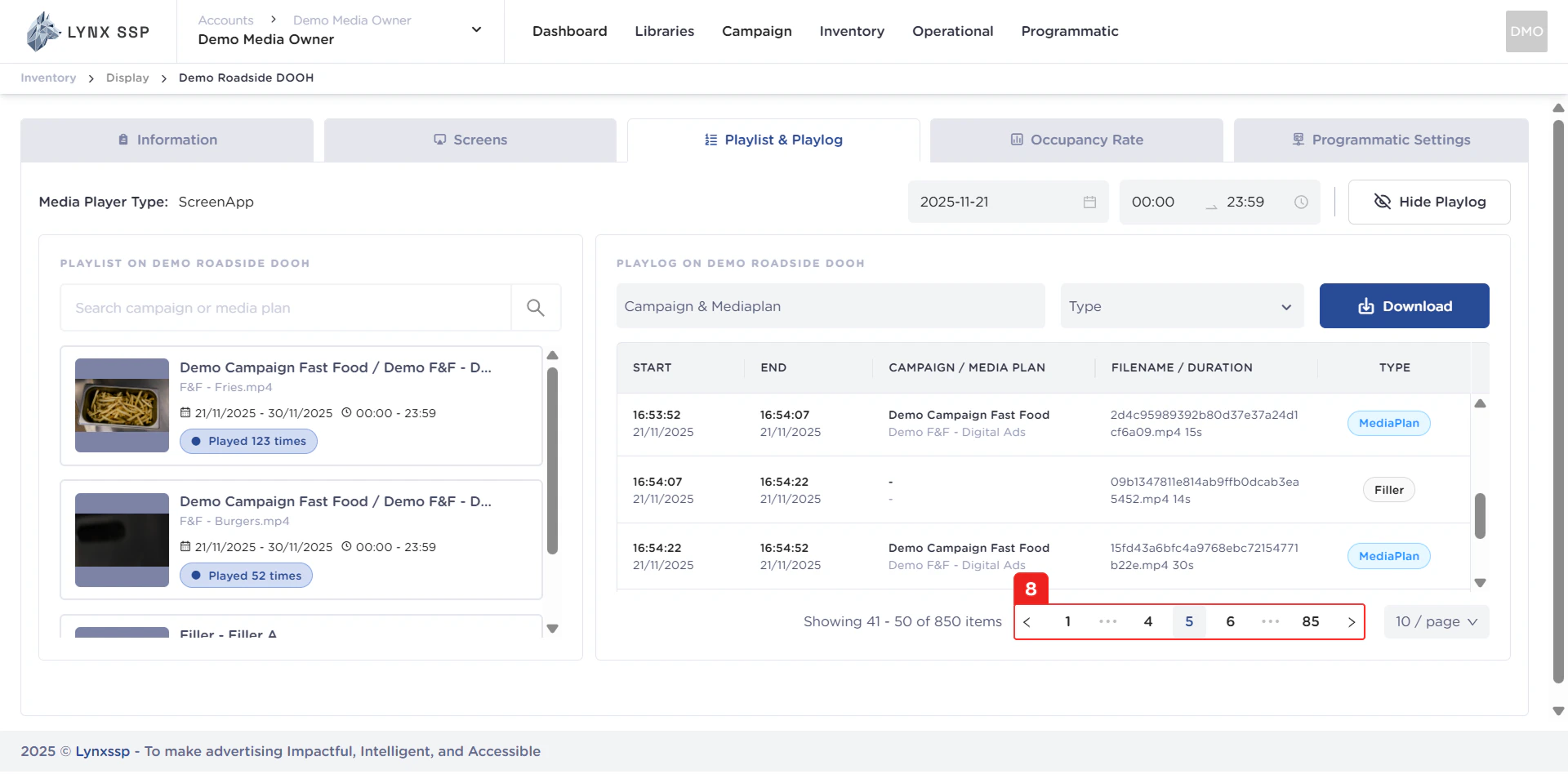
Page List
You can change the inventory list displayed. By default, it shows 10 items, but you can change it to 50 or 100.