Accessing the Deal Management Page
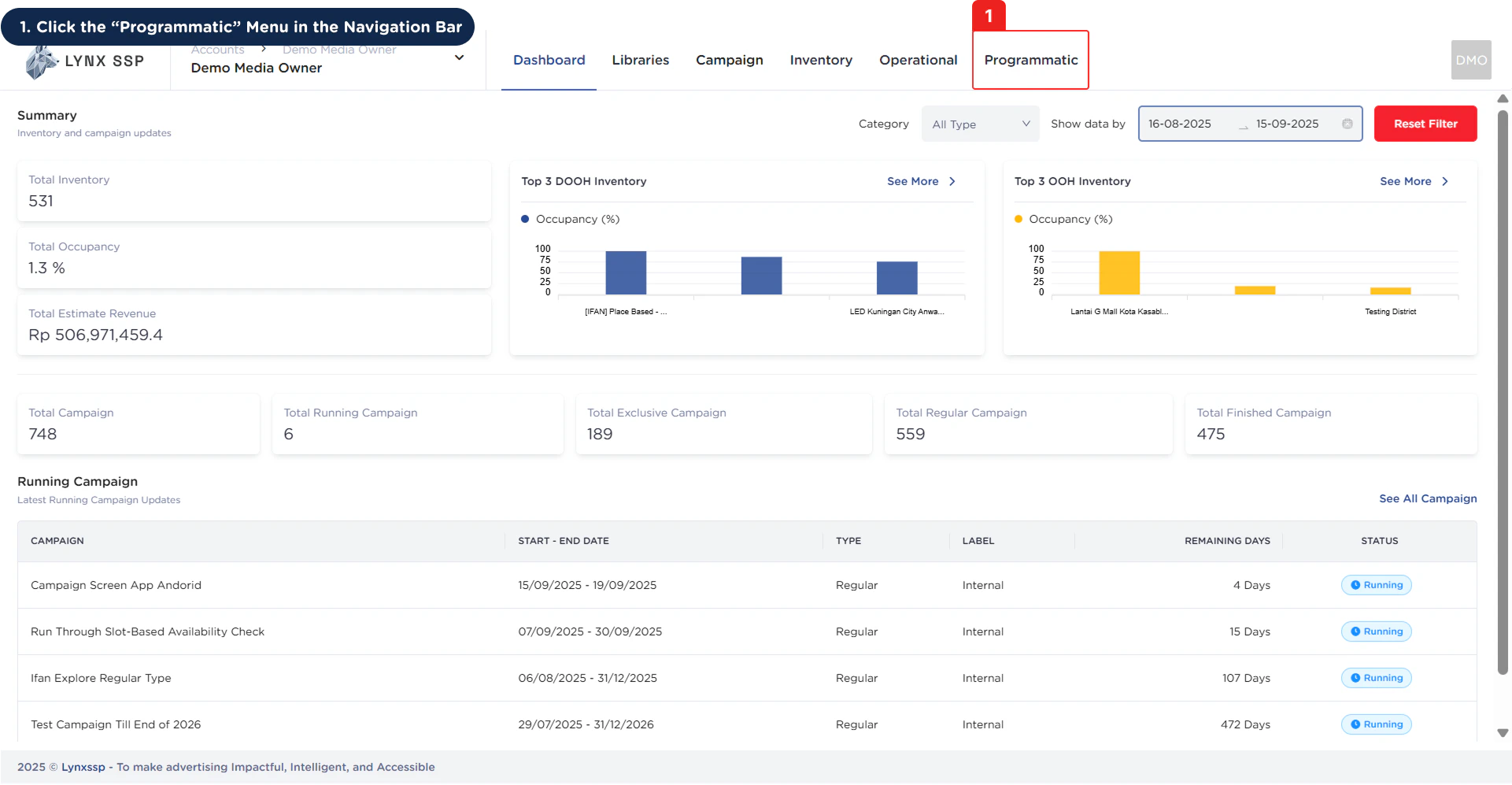
1
Click the 'Programmatic' Menu
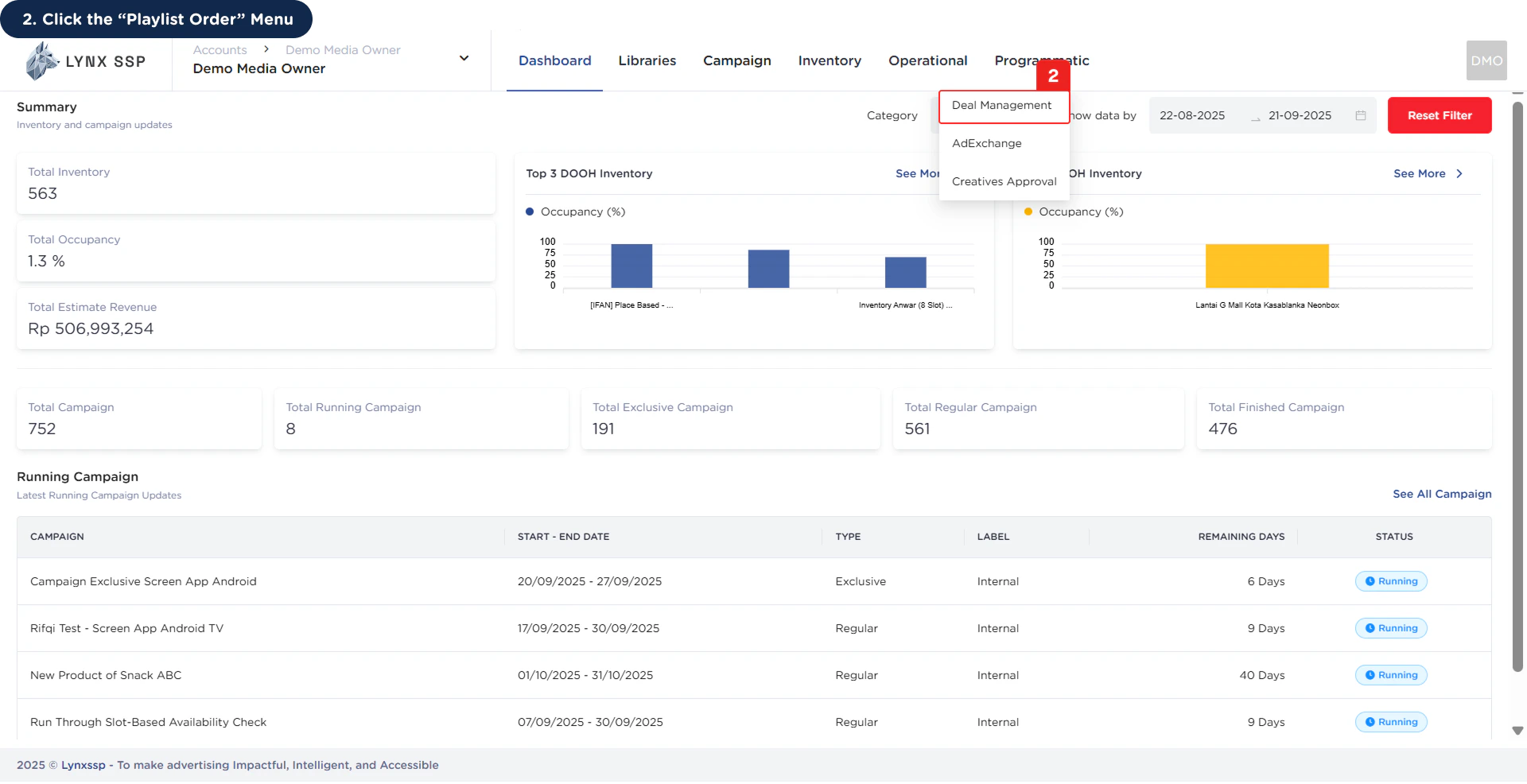
2
Click the 'Deal Management' Menu
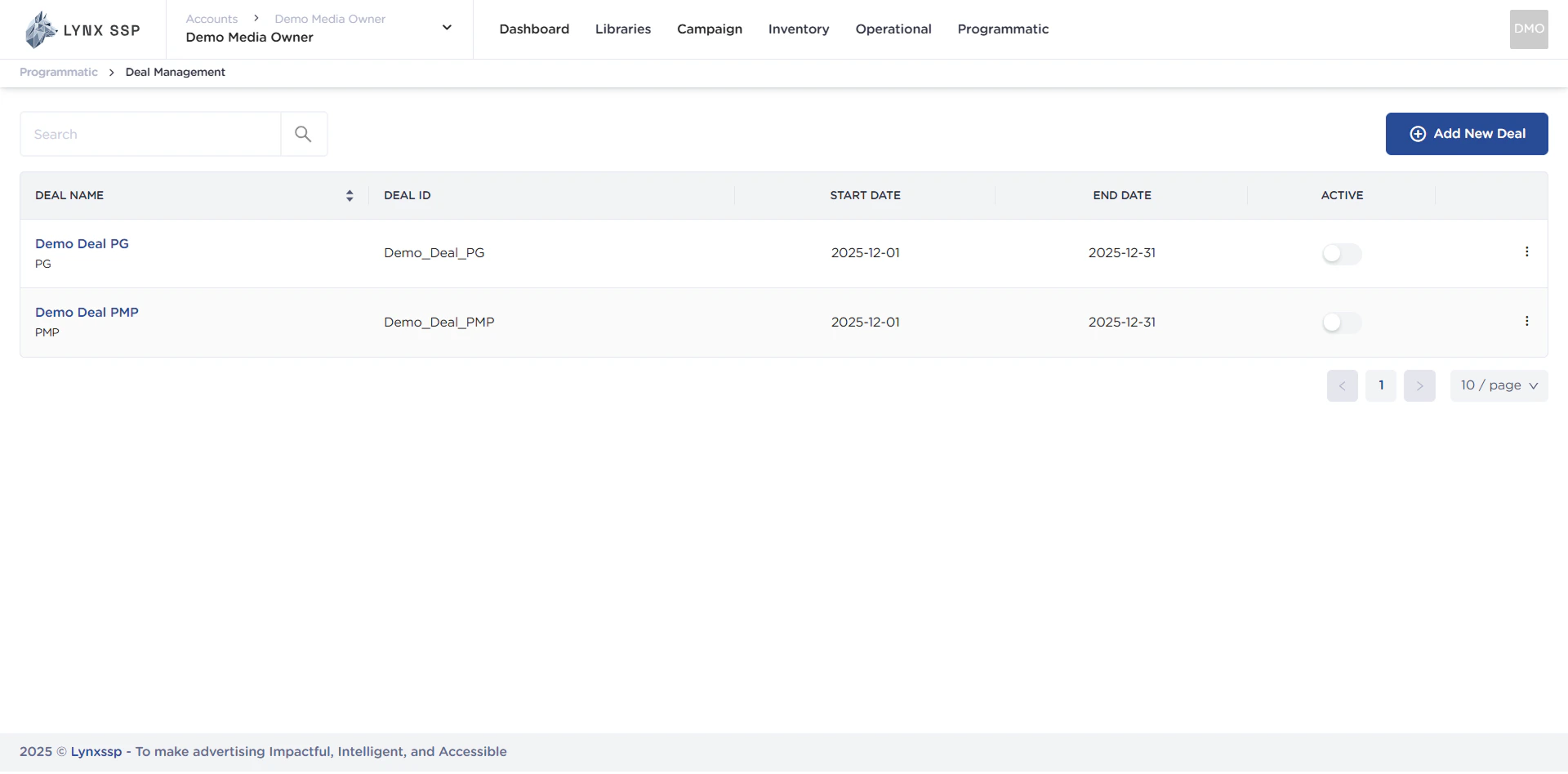
Deal Management Overview
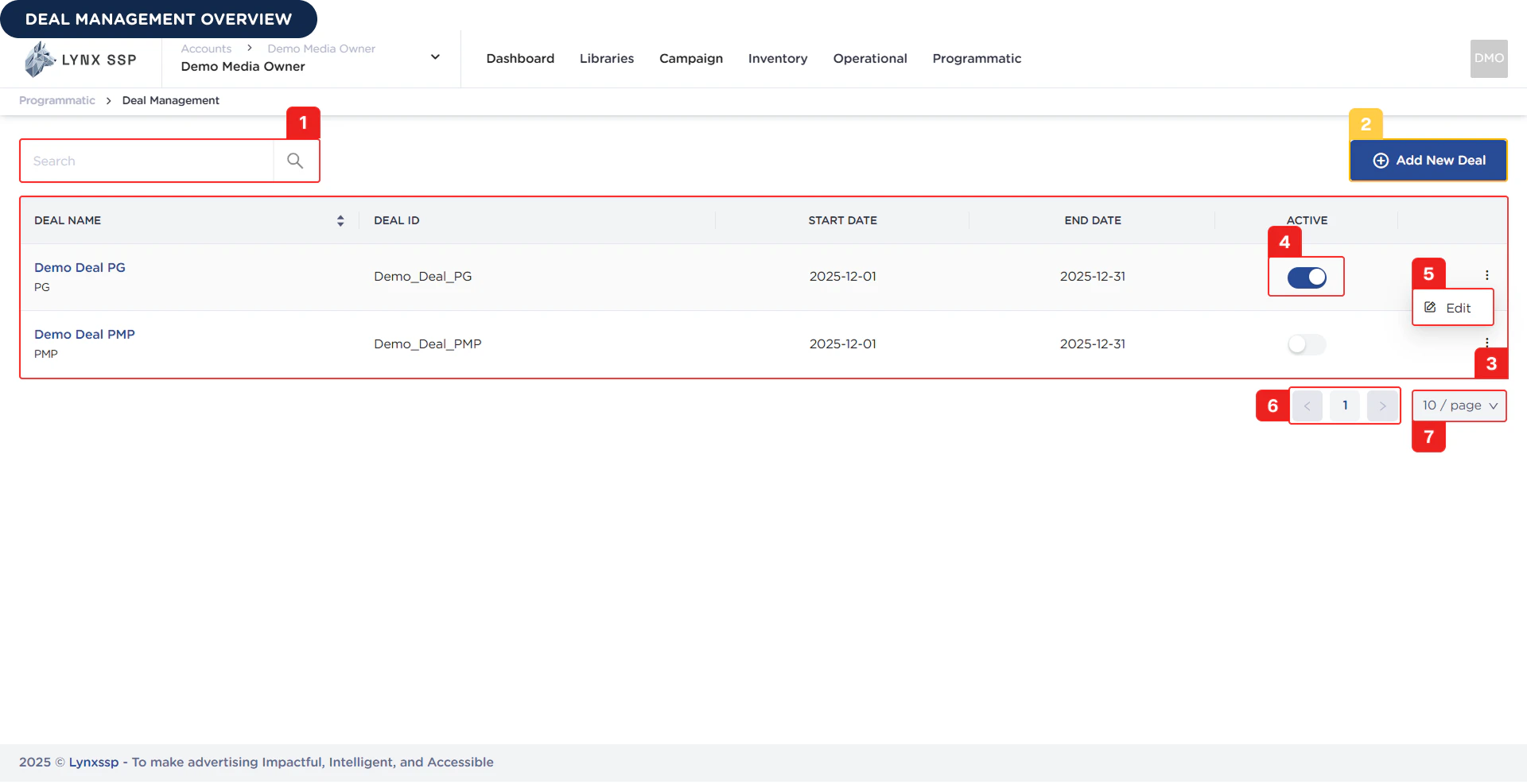
Deal Search
You can search for deals by typing keywords based on the Deal Name or the Deal ID you defined when creating it.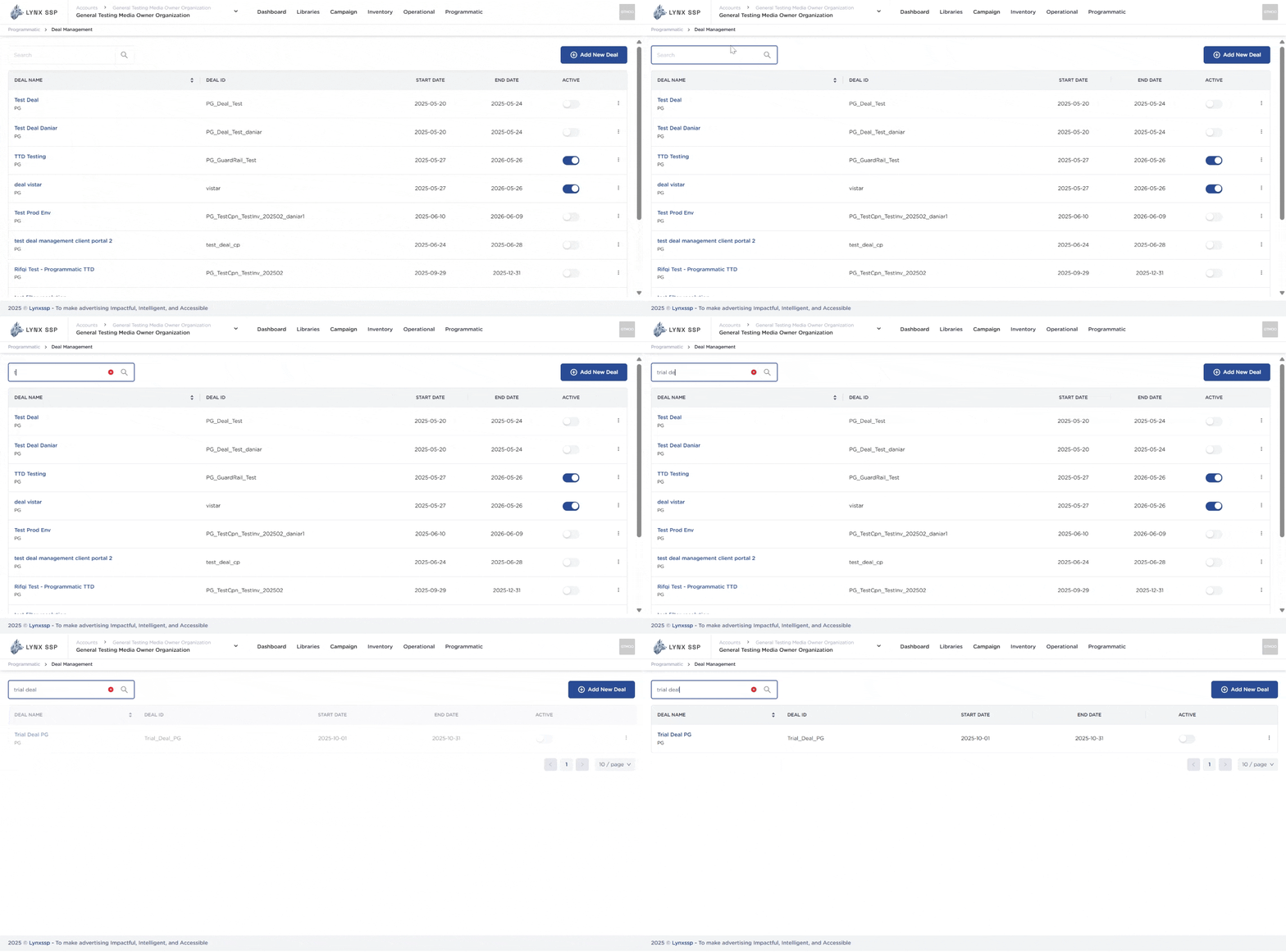
Add New Deal Button
To create a new deal in the Lynx SSP platform, you can press the Add New Deal button on this page, and the system will immediately take you to a new page where you must fill in the data regarding the specifications of the deal to be created.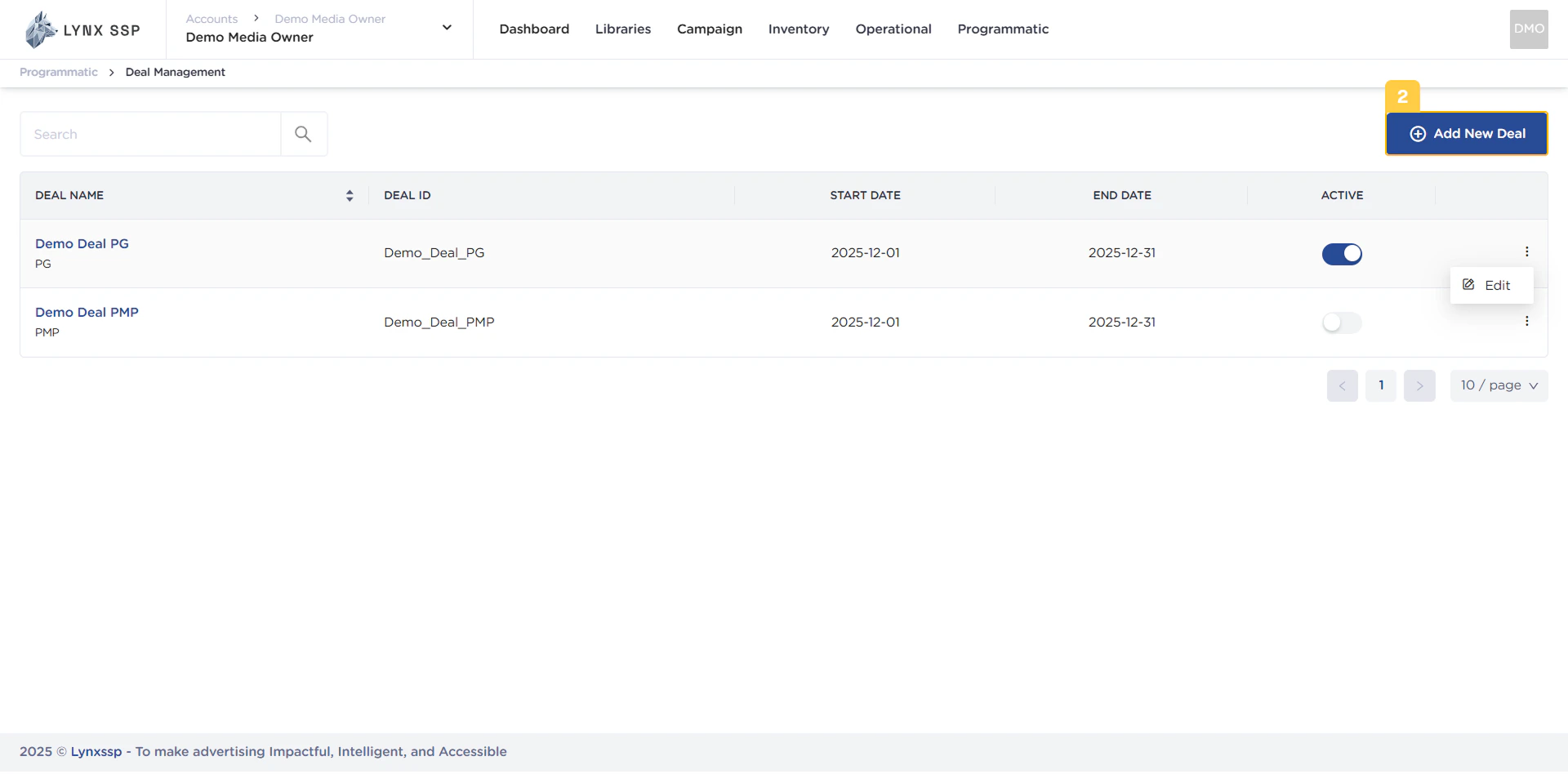
Create a Programmatic Guaranteed (PG) Deal ↗
Create a Private Marketplace (PMP) Deal ↗
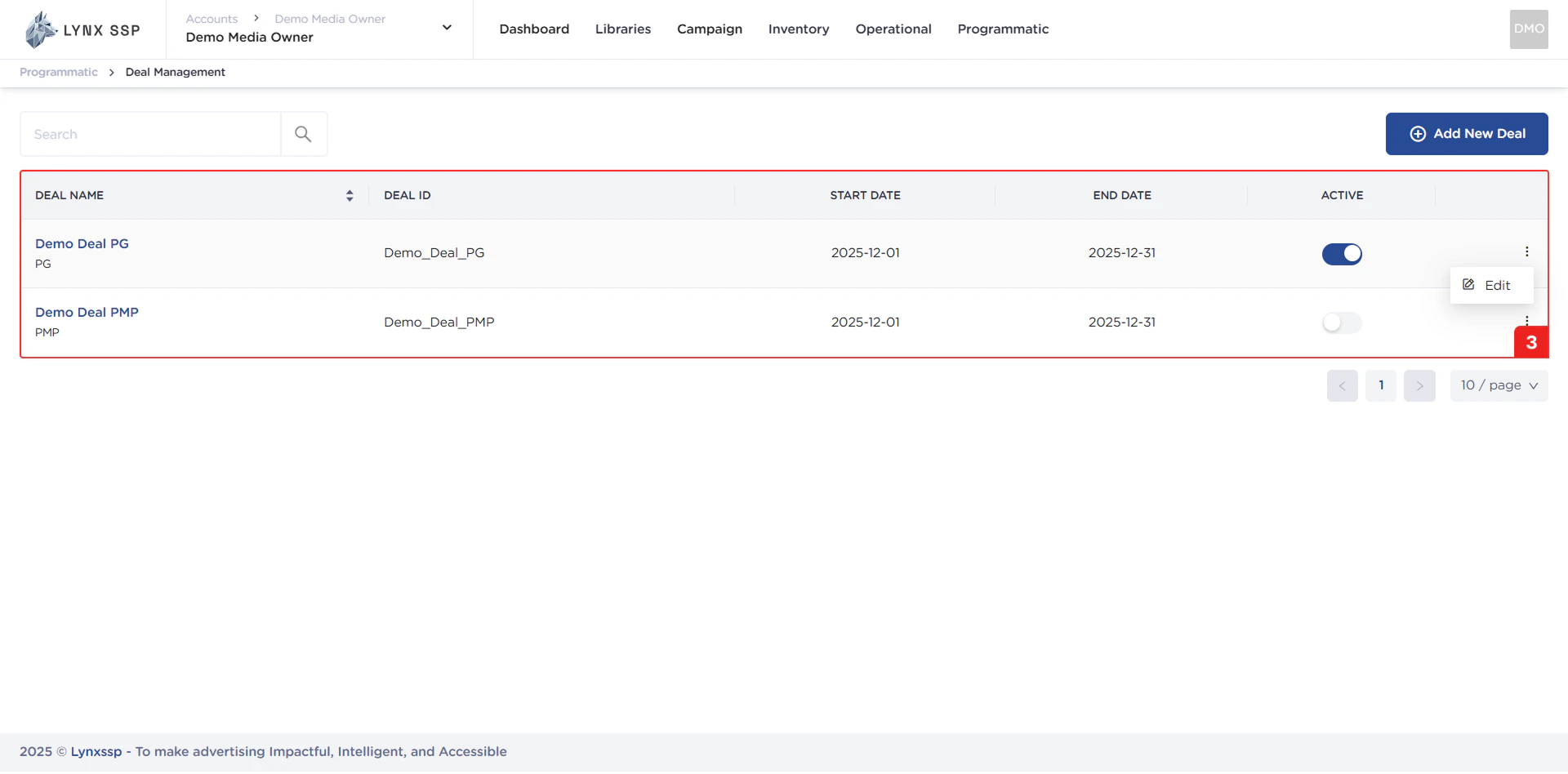
List Deal
In this section, you can see all the deals you have and that have been successfully entered into the Lynx SSP portal. The properties that can be seen in this table are as follows:- Deal Name
- Deal Type (See Deal Type ↗)
- Deal ID
- Start Date - End Date
- Deal Status Button (See Deal Status ↗)
Deal Status Button
Using this button, you can activate your deals and change their status (See Deal Status ↗).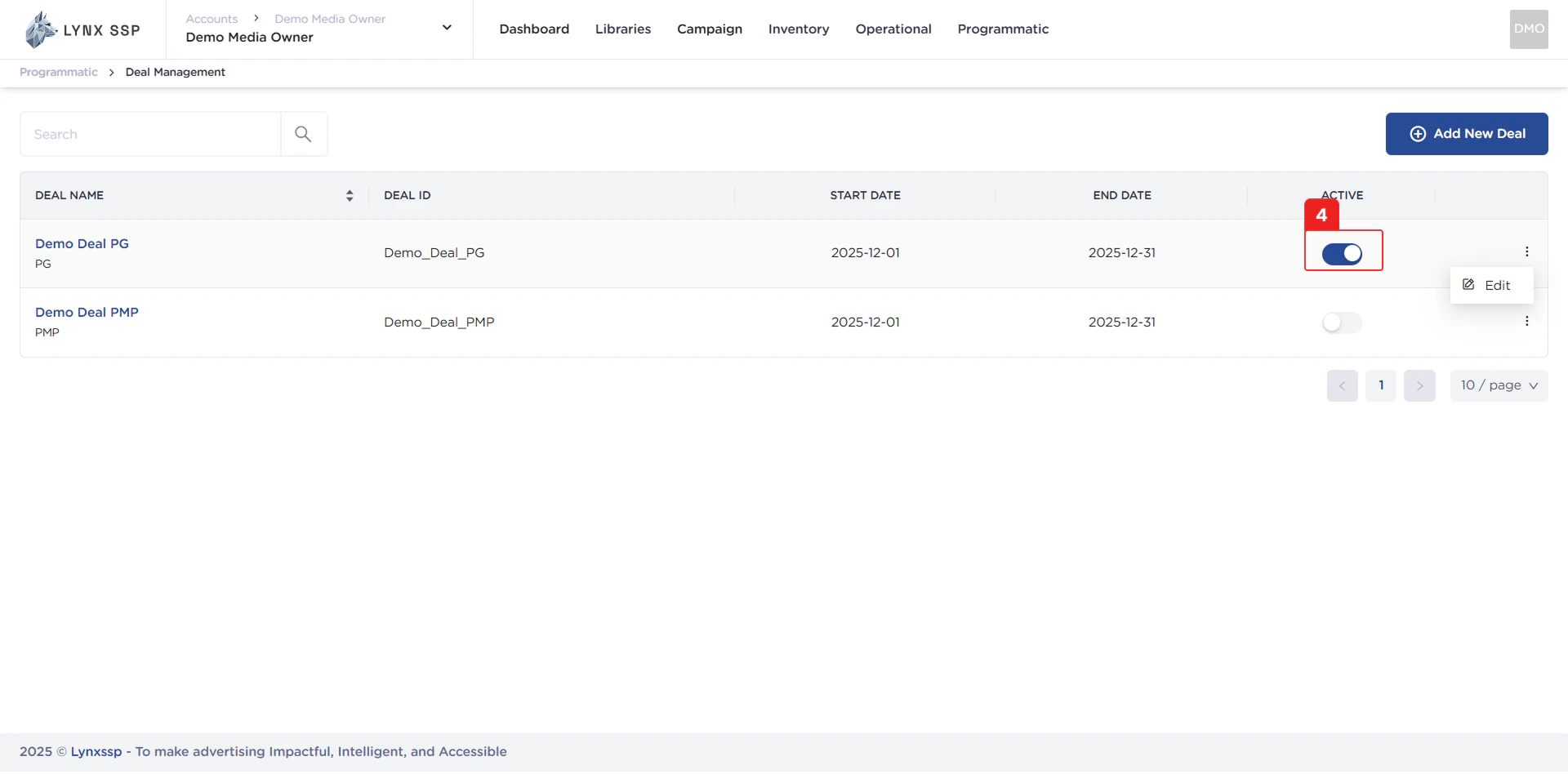
Edit Deal Button
Using this button, you can edit the details of your deals (See Edit Deal ↗).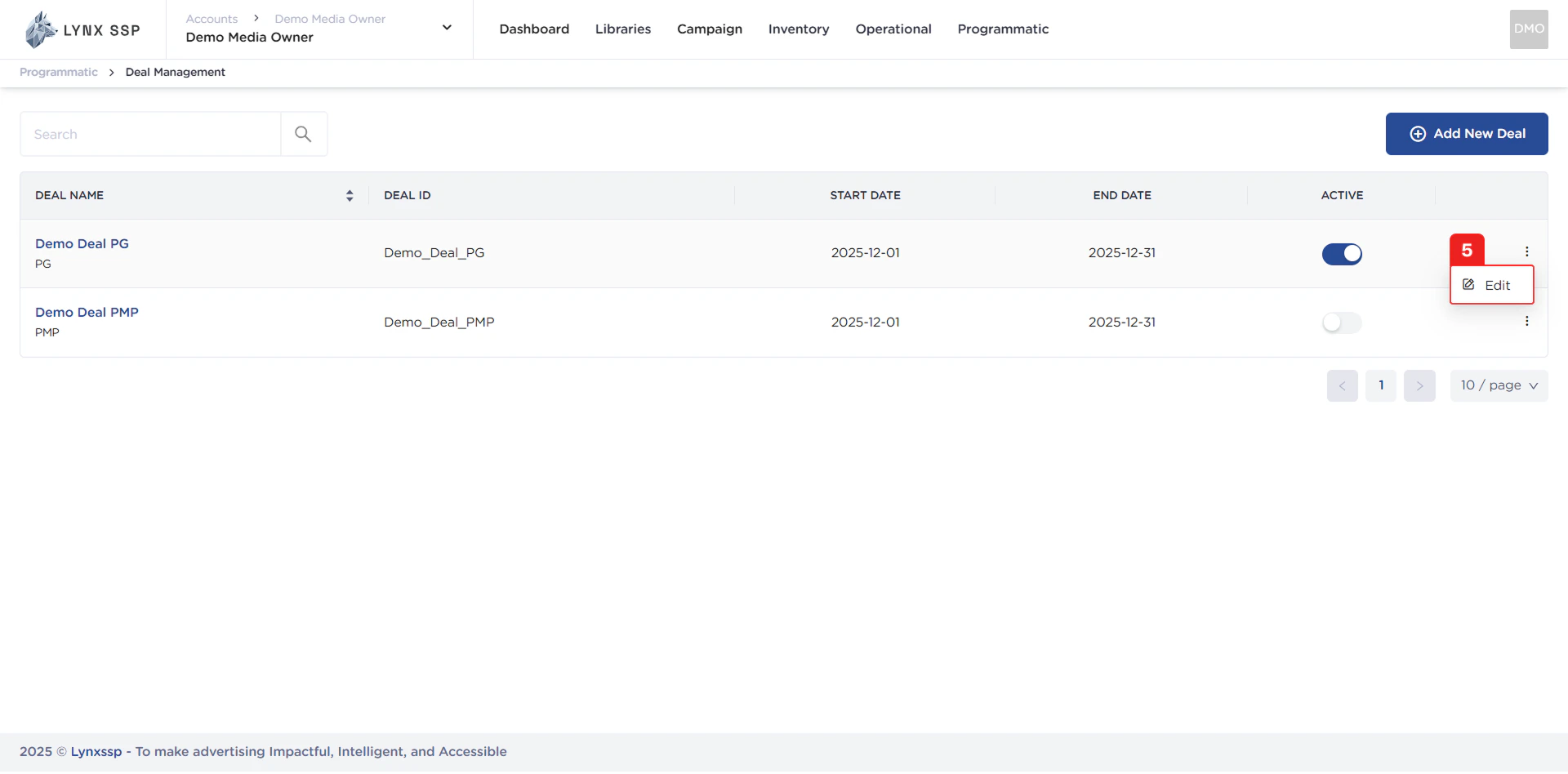
Pagination
The sequential numbers in the image below are navigation buttons you can use to go to the next deal list page.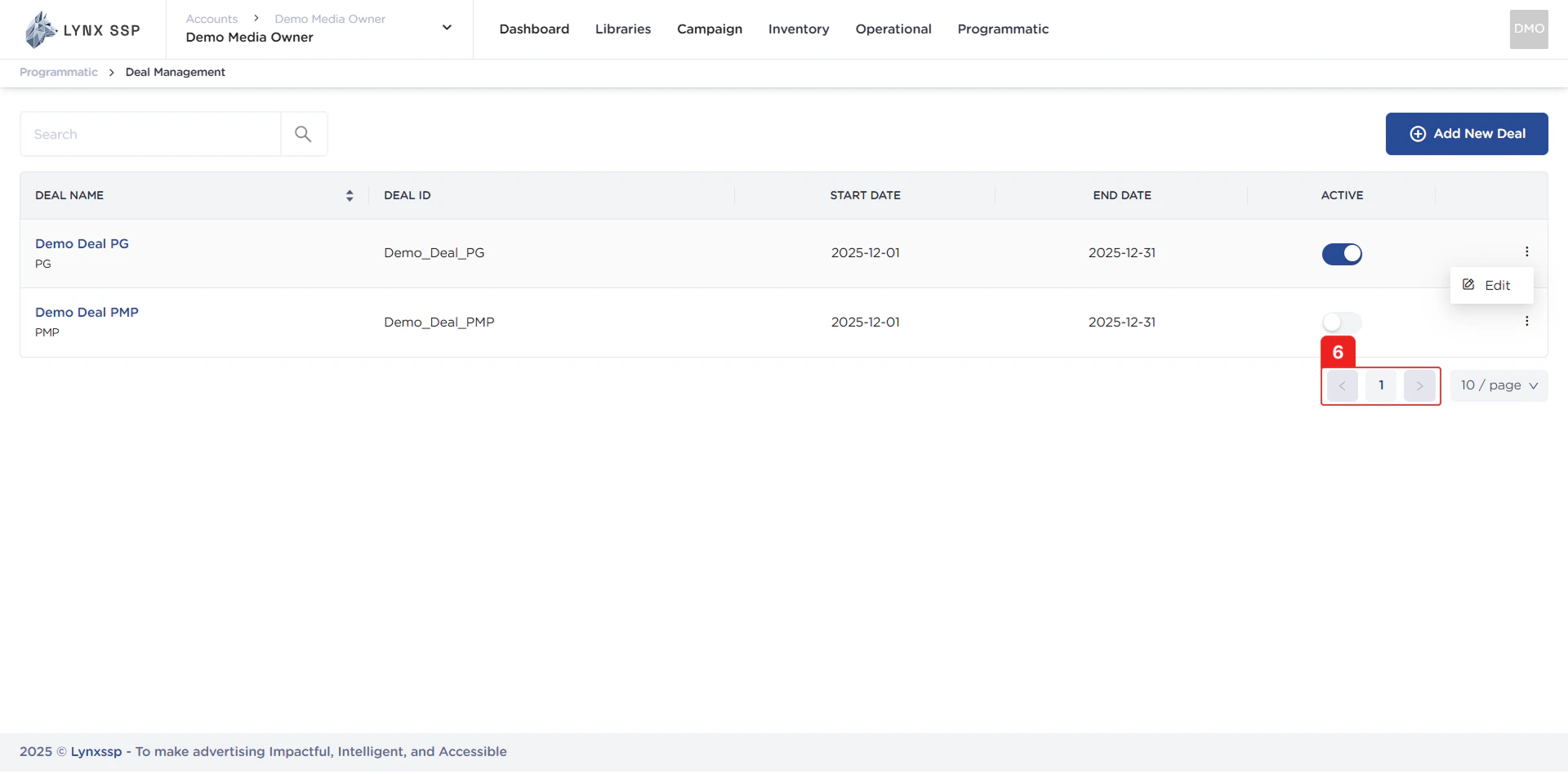
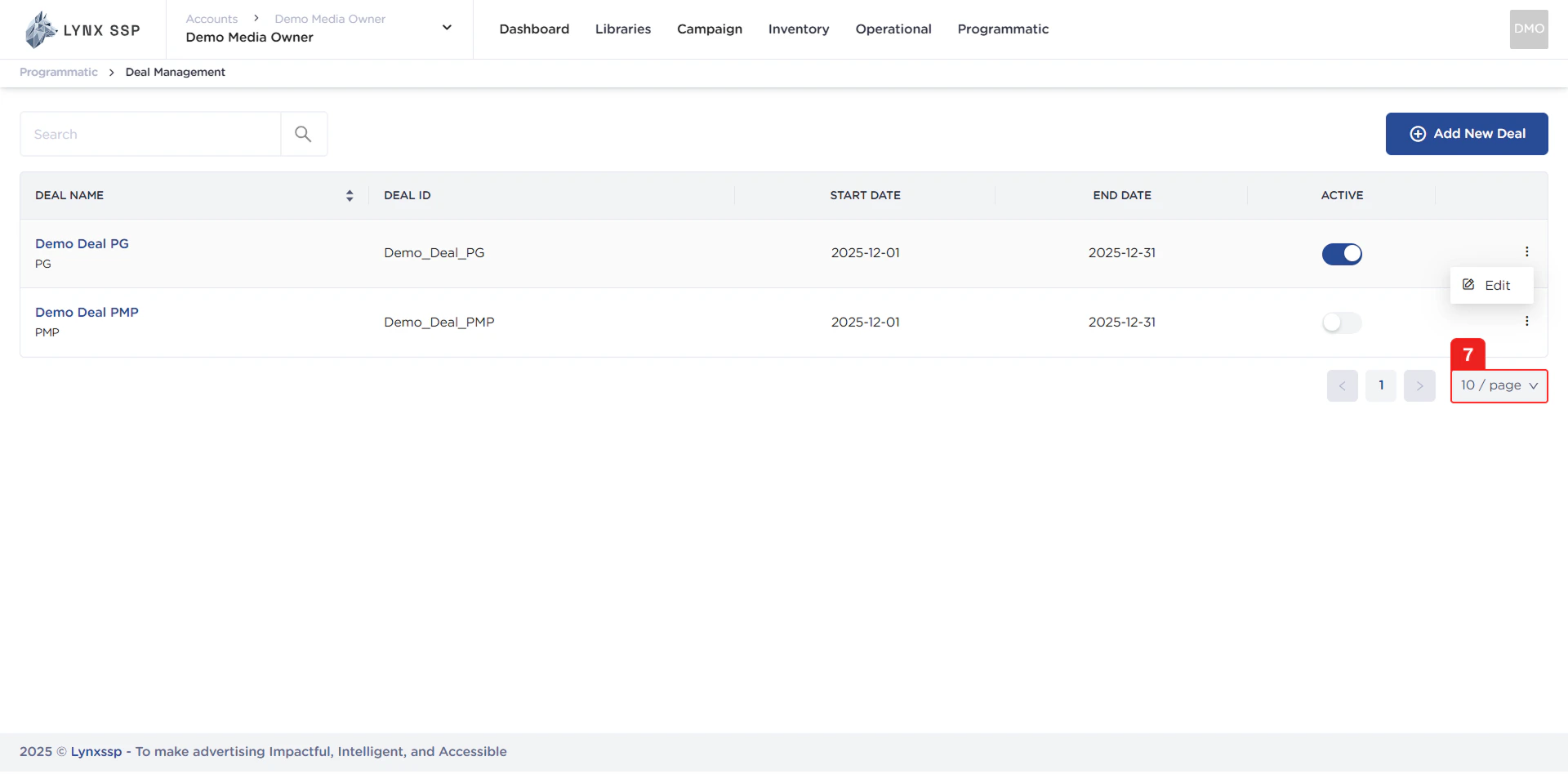
Page List
You can change the number of deals displayed. By default, there are 10 items, and you can change it to 50 or 100.