Ensure you have added DOOH (Digital-Out-of-Home) Inventory on the Lynx SSP Platform.
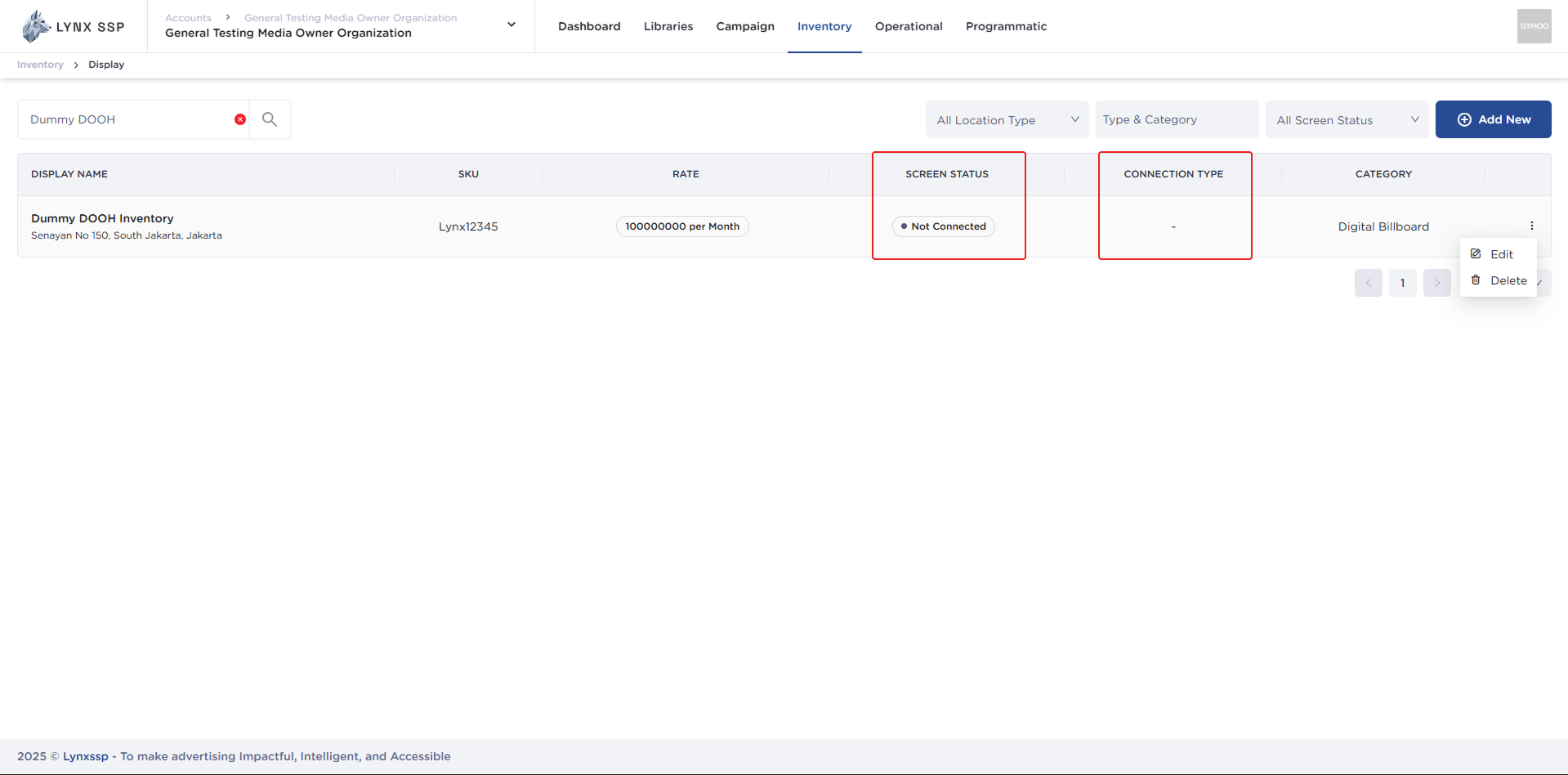
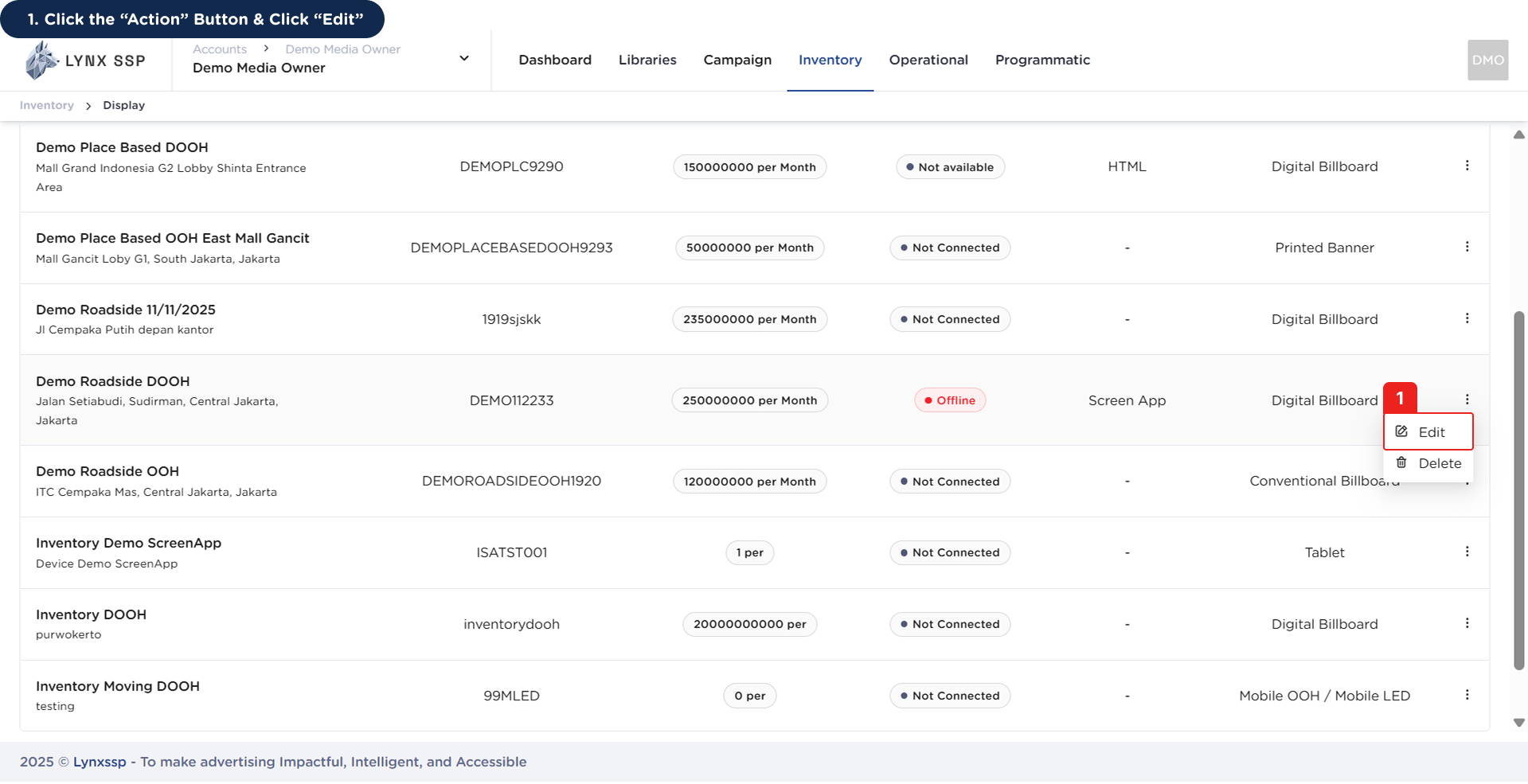
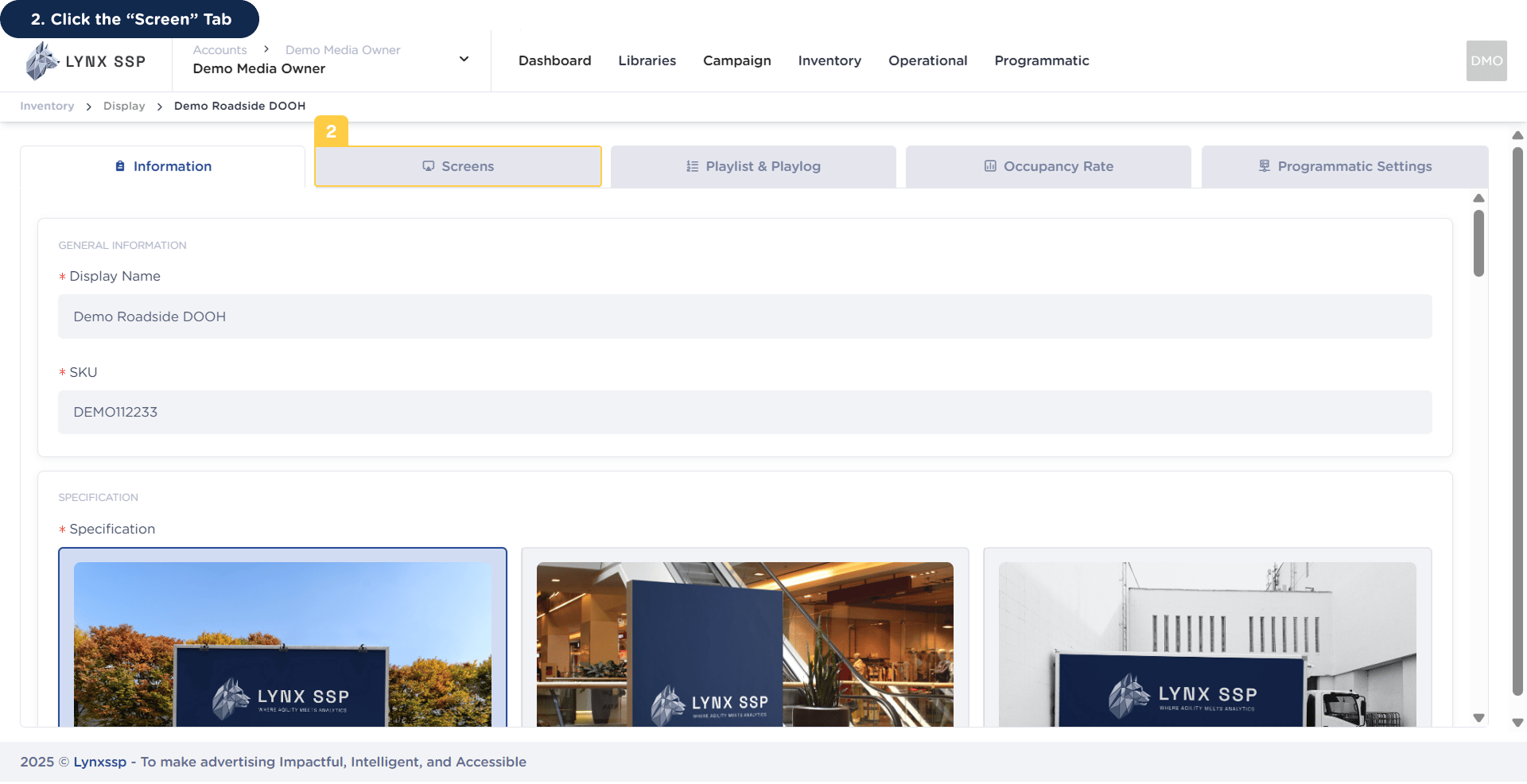
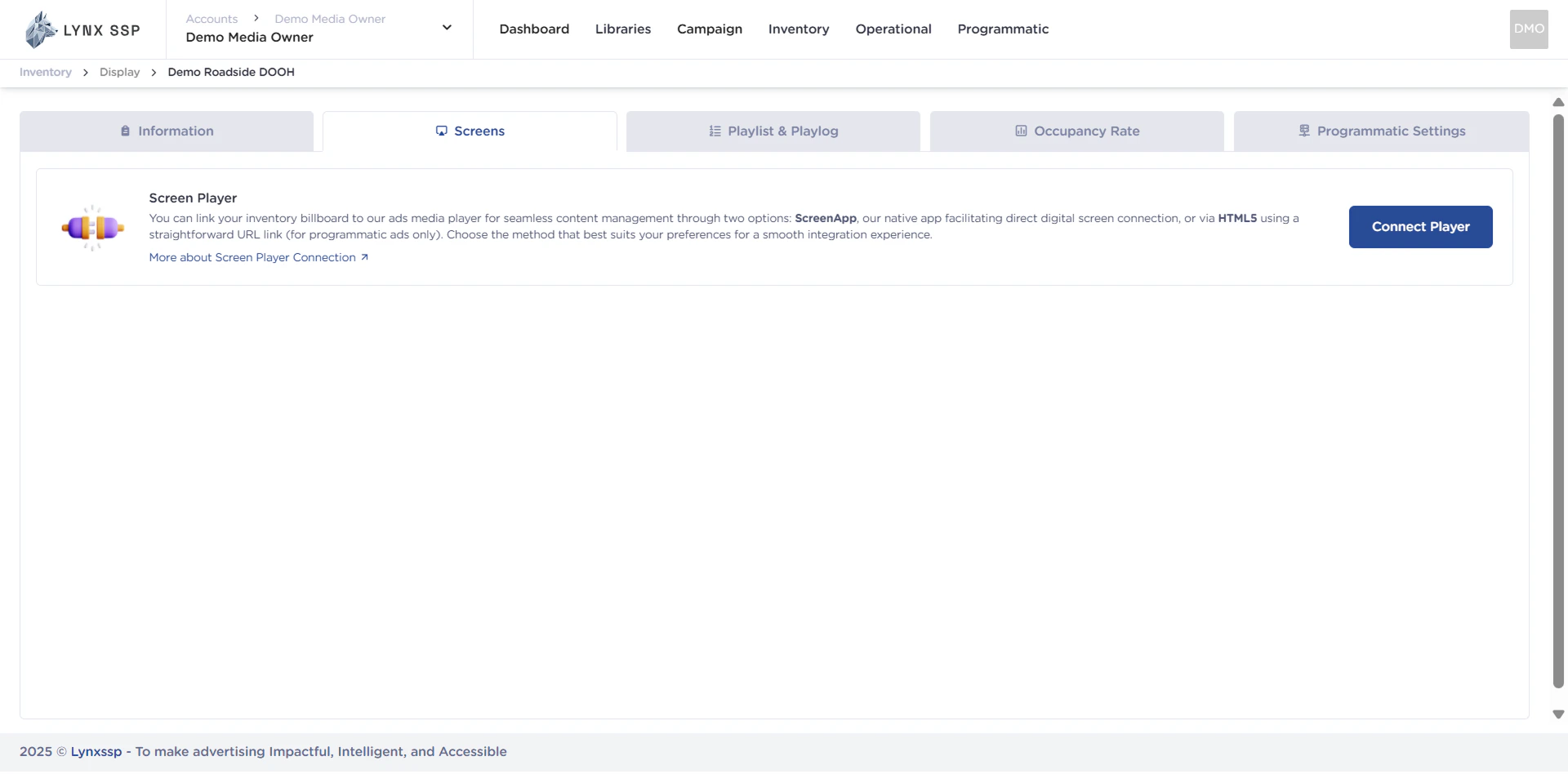
By default, after adding DOOH (Digital-Out-of-Home) Inventory, you can see the Screen Status in the form “Not Connected” (See Screen Status ↗) and Connection Type ”-” (See Connection Type ↗). This indicates that the DOOH (Digital-Out-of-Home) Inventory on the Lynx SSP Platform is not yet connected to the Screen. Therefore, further configuration is required by connecting the DOOH (Digital-Out-of-Home) Inventory that has been added with the Player to display creative content and filler campaigns.This page helps you configure or connect your DOOH (Digital-Out-of-Home) Inventory with Player on Lynx SSP Platform.
In addition to using Screen App, you can also connect your DOOH (Digital-Out-of-Home) Inventory with a compatible HTML5 Player. The HTML5 Connection simplifies integration for inventory based on a web player or digital signage devices that support HTML5.