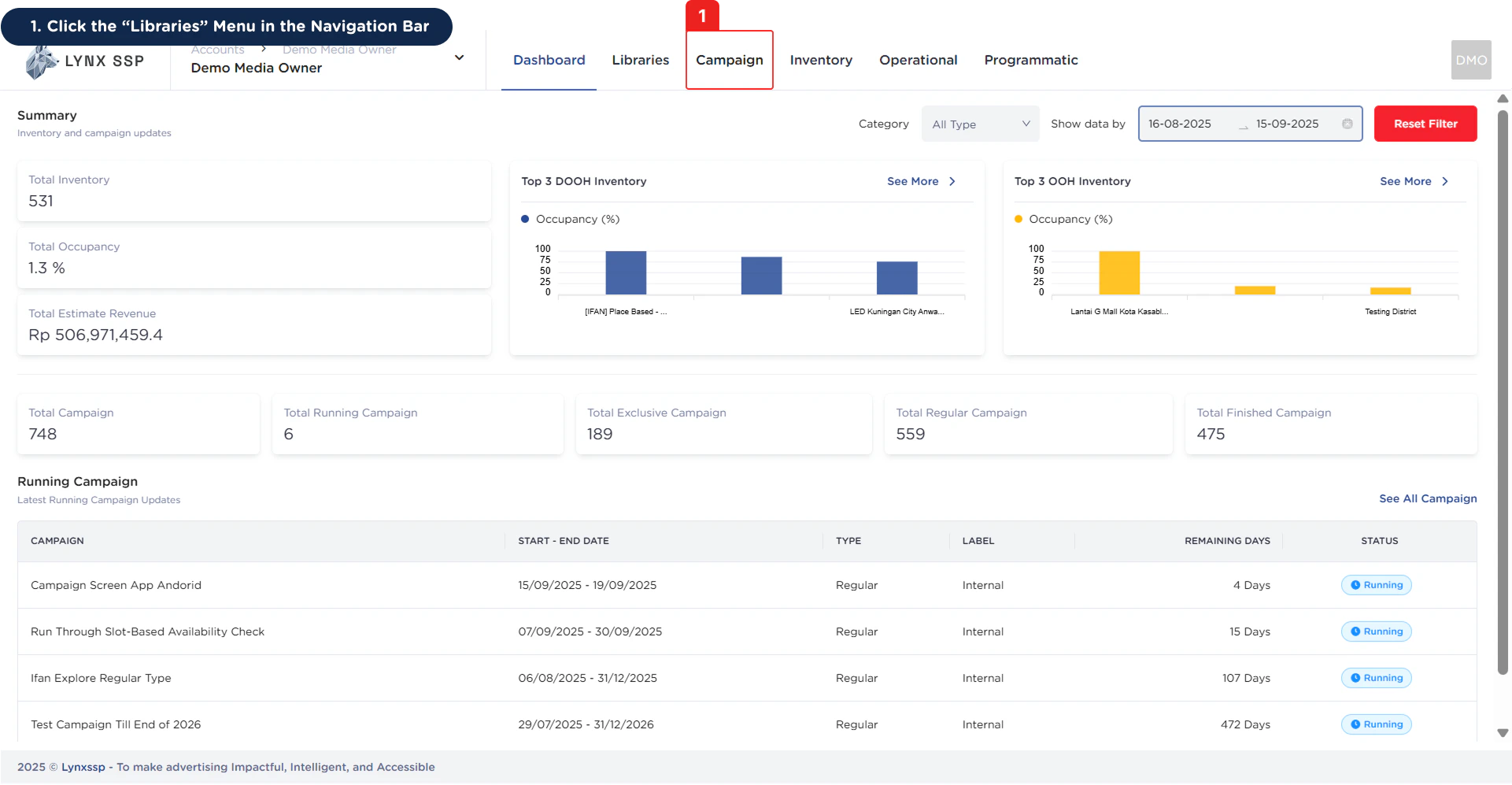
Accessing Campaign
1
Click the 'Campaign' Menu in the Navigation Bar
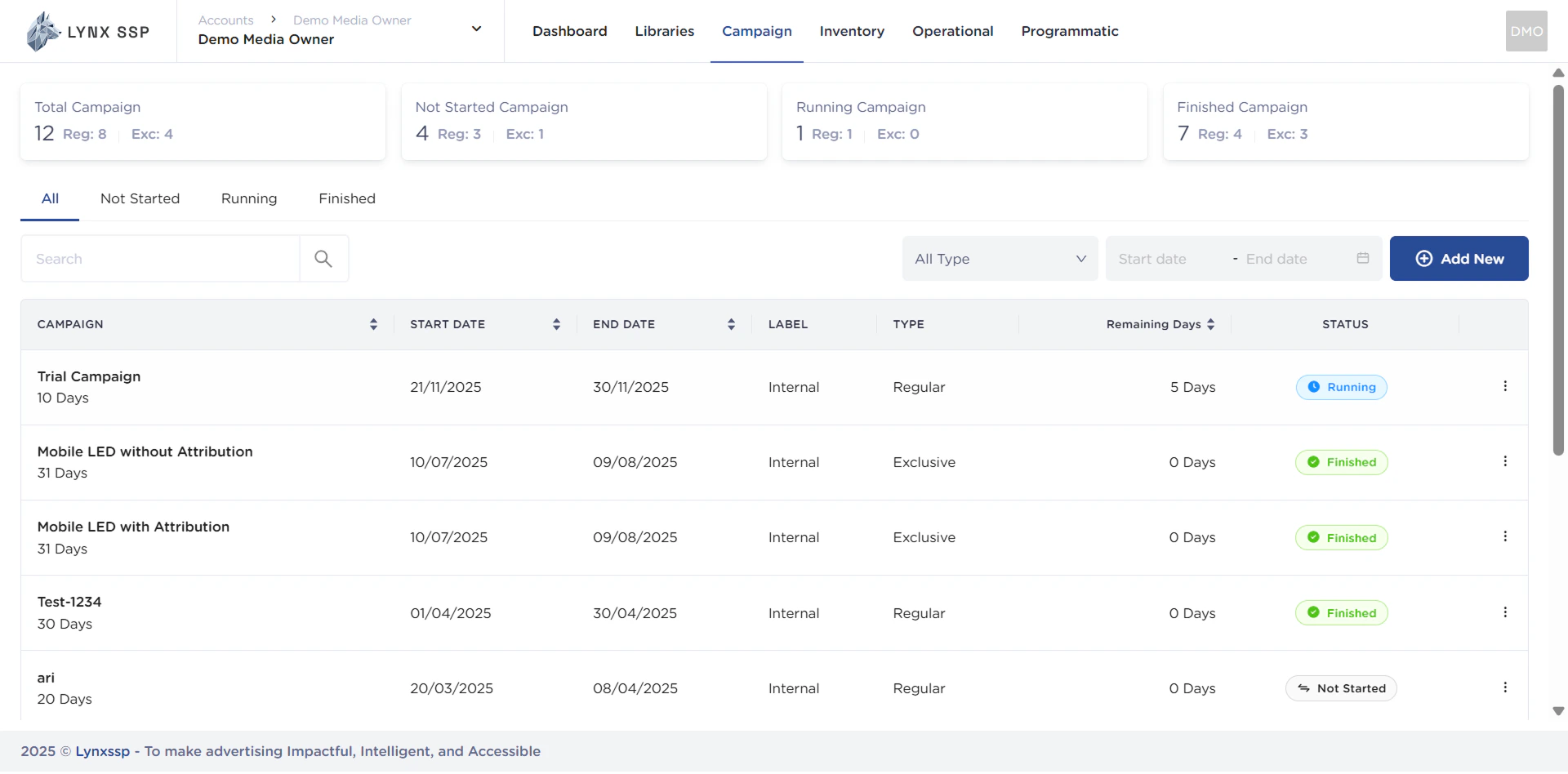
Campaign Overview
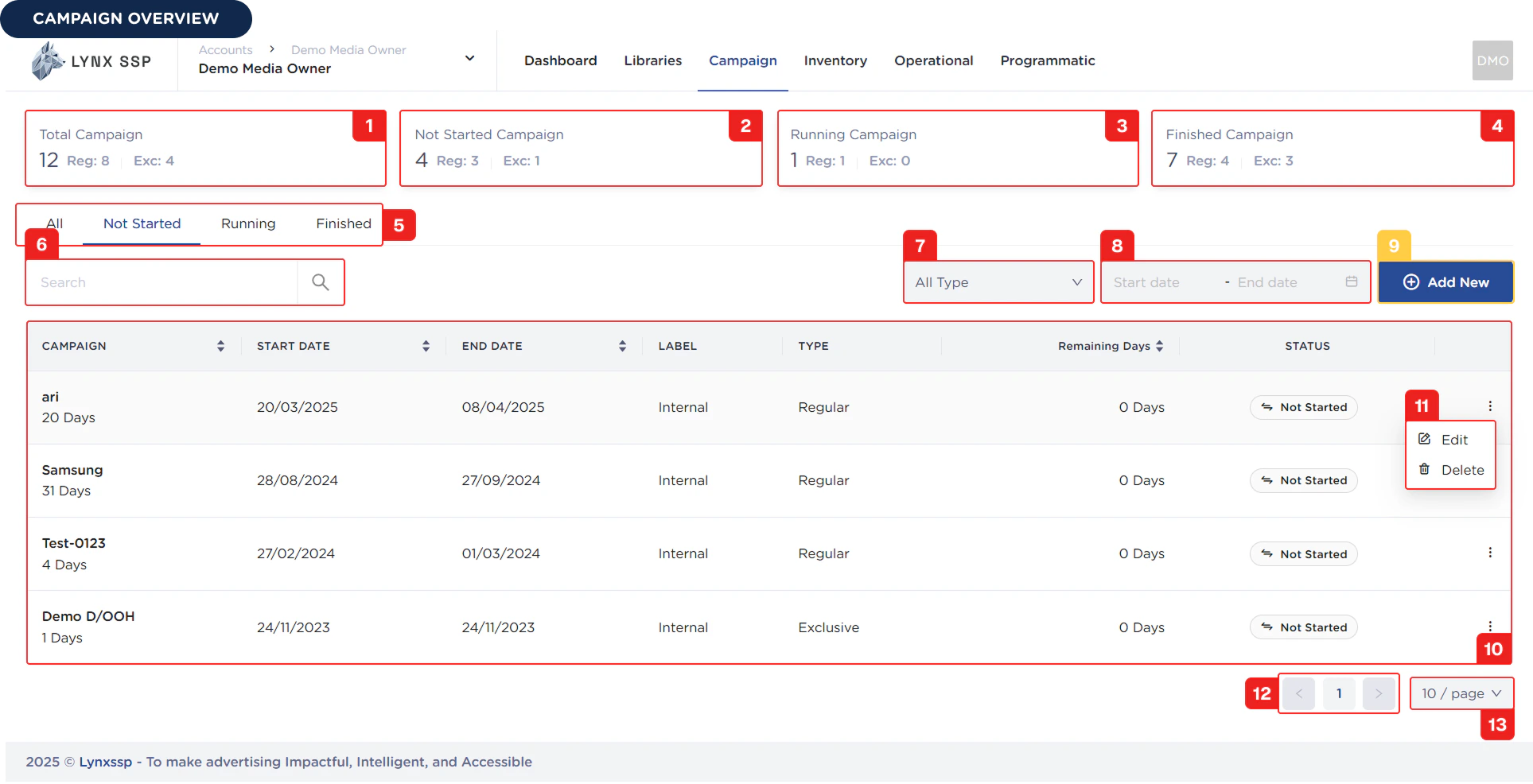
Total Campaign
Display information on the total number of campaigns managed.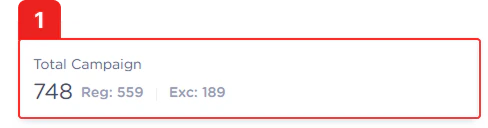
Total Not Started Campaign
Display information on the number of campaigns that have not yet run or have not yet entered the campaign period.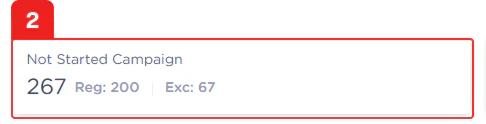
Total Running Campaign
Display information on the number of campaigns currently running or entering the campaign period.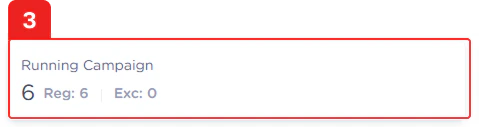
Total Finished Campaign
Display information on the number of campaigns that have been completed or whose duration has ended.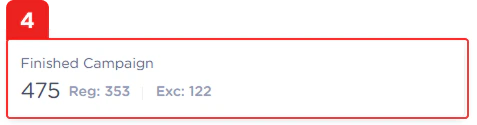
Filter by Campaign Status
You can filter campaign status to display a list of campaign data (See Campaign Status ↗).Search Campaign
You can search for campaigns by typing keywords based on the campaign name that has been created.Filter by Campaign Type
You can filter the campaign data displayed on this page based on the type of campaign. There are two types of campaigns you can choose from: Regular and Exclusive (See Campaign Type ↗).Filter by Date period
You can filter the campaign data displayed on this page based on the period you want in the format dd/MM/yyyy ~ dd/MM/yyyy.Add New Campaign Button
To create a new campaign in the system, simply click the “Add New” button, and the system will immediately take you to the page (See Create a Campaign ↗) dd New” button, and the system will immediately take you to the page (See Add New Campaign) where you must fill in the data or information regarding the details of the campaign to be created.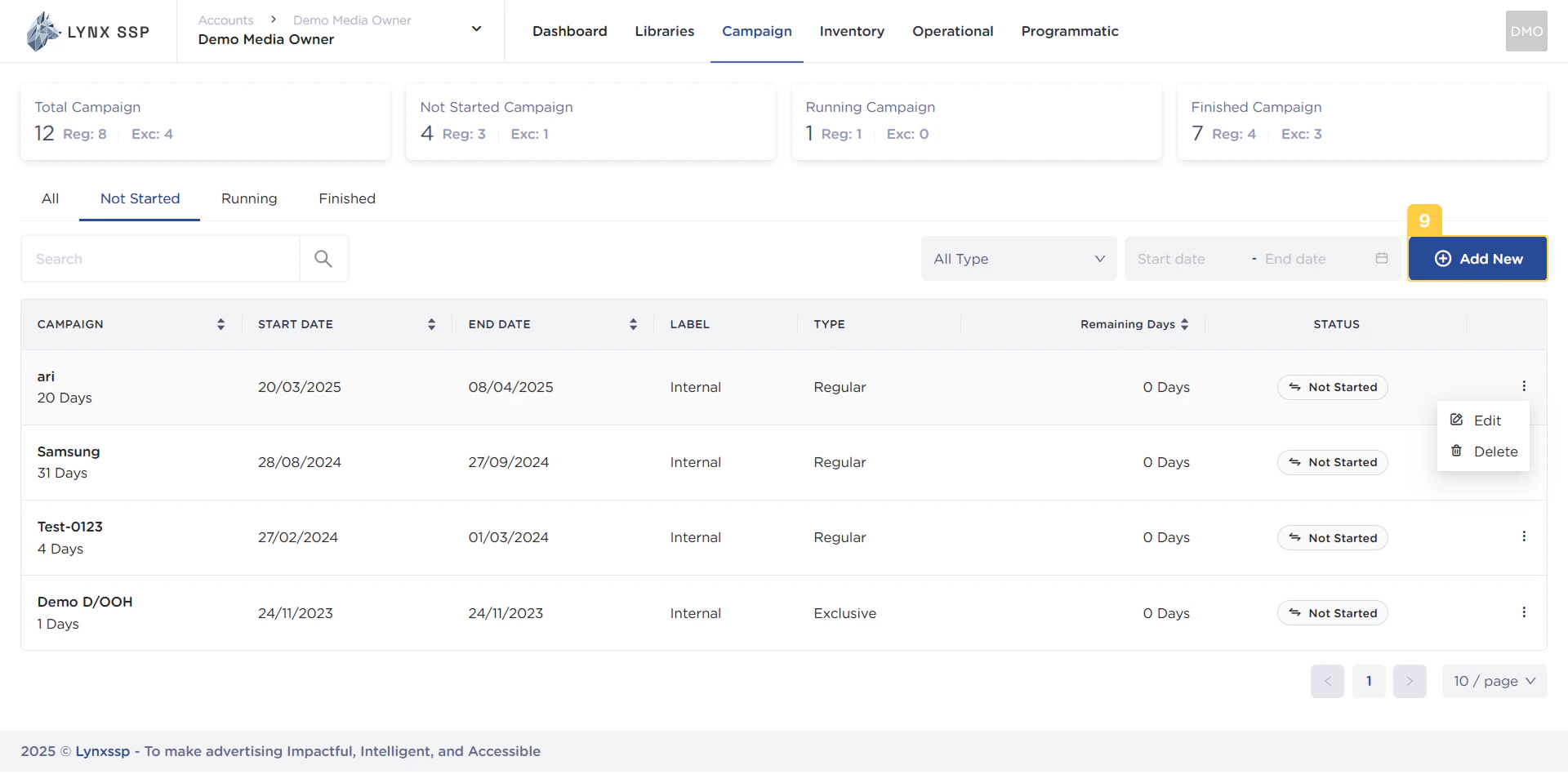
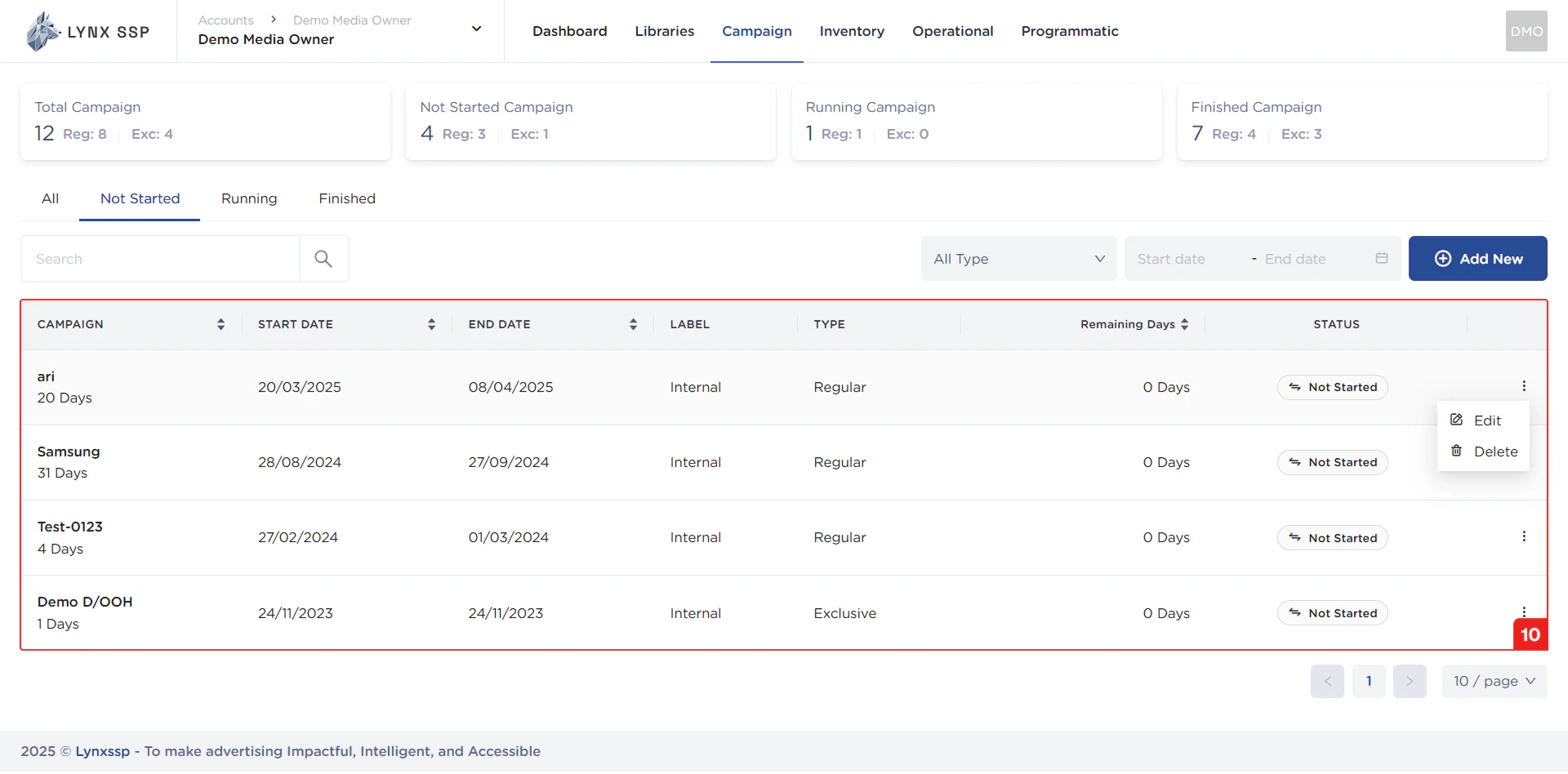
List Campaign
In this section, you can see all the campaigns you have and that have been successfully entered into the Lynx SSP portal. The campaign properties that can be seen in this table are as follows:- Campaign Name
- Start Date
- End Date
- Label
- Campaign Type (See Campaign Type ↗)
- Remaining Days
- Campaign Status (See Campaign Status ↗)
Edit & Delete Action Button
Using the action button, you can navigate to the Edit Page (See Edit a Campaign ↗) or delete a campaign (See Delete a Campaign ↗) that has been created.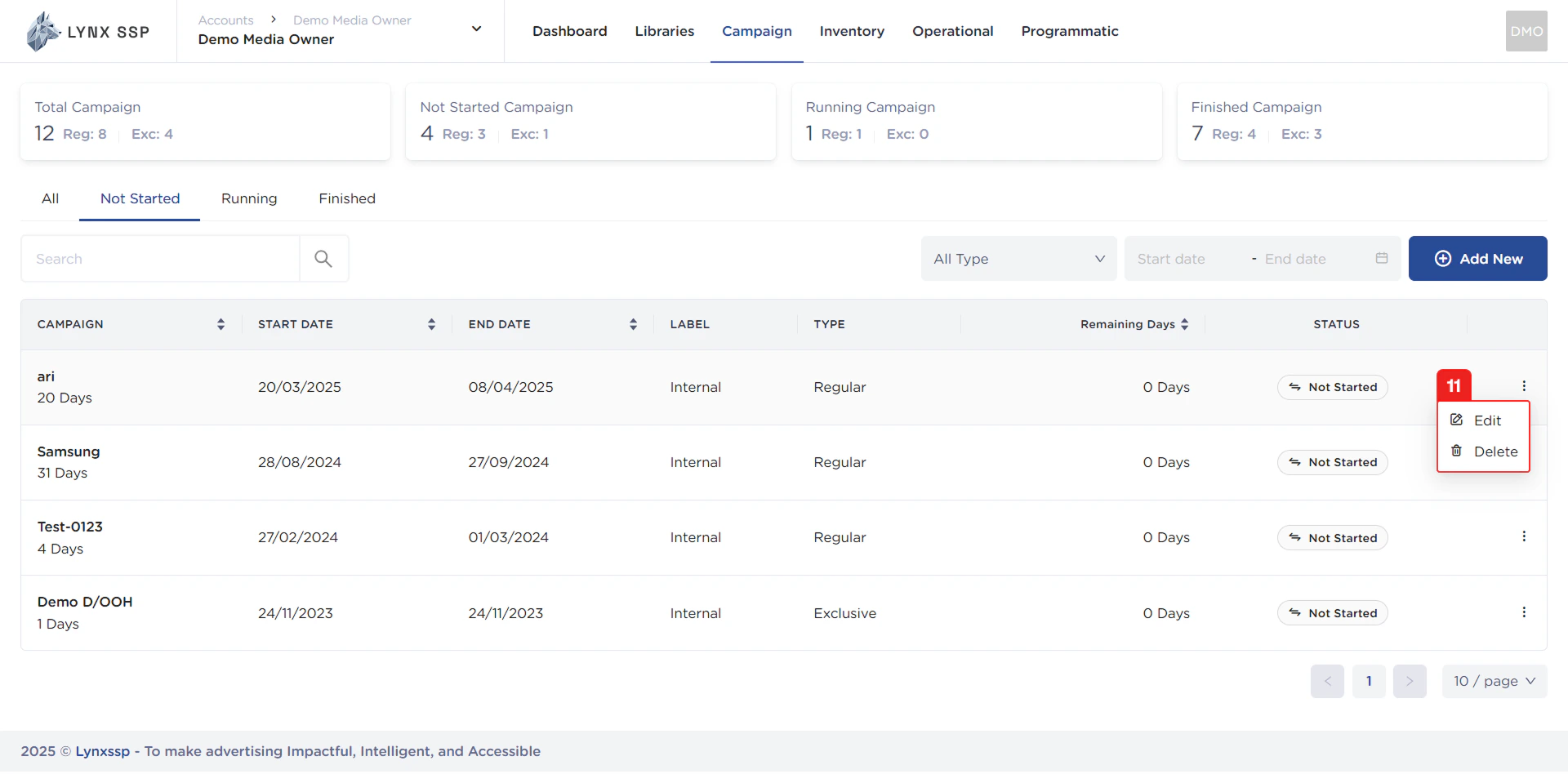
Pagination
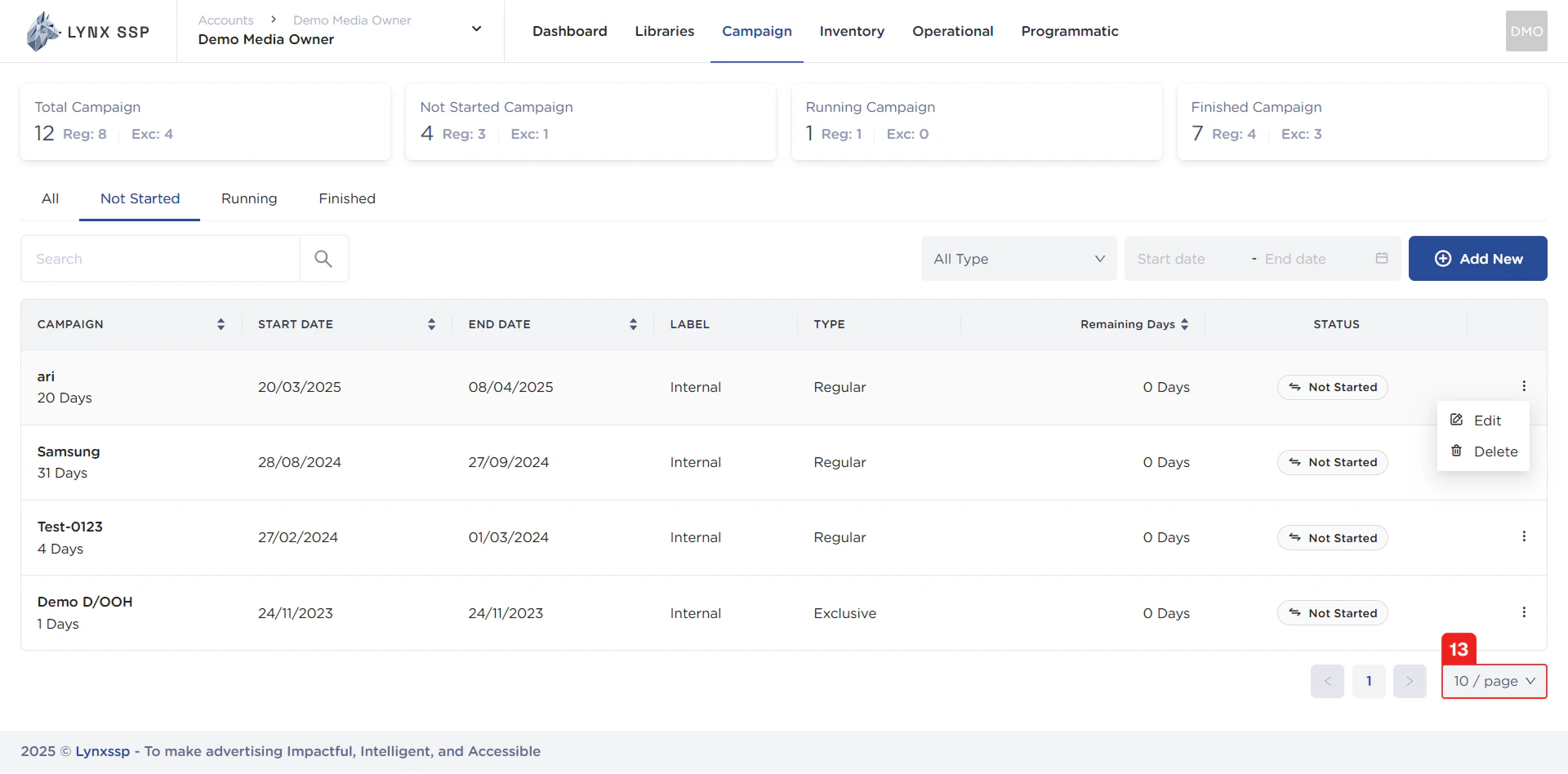
The sequential numbers in the image below are navigation points you can use to go to the next campaign list page.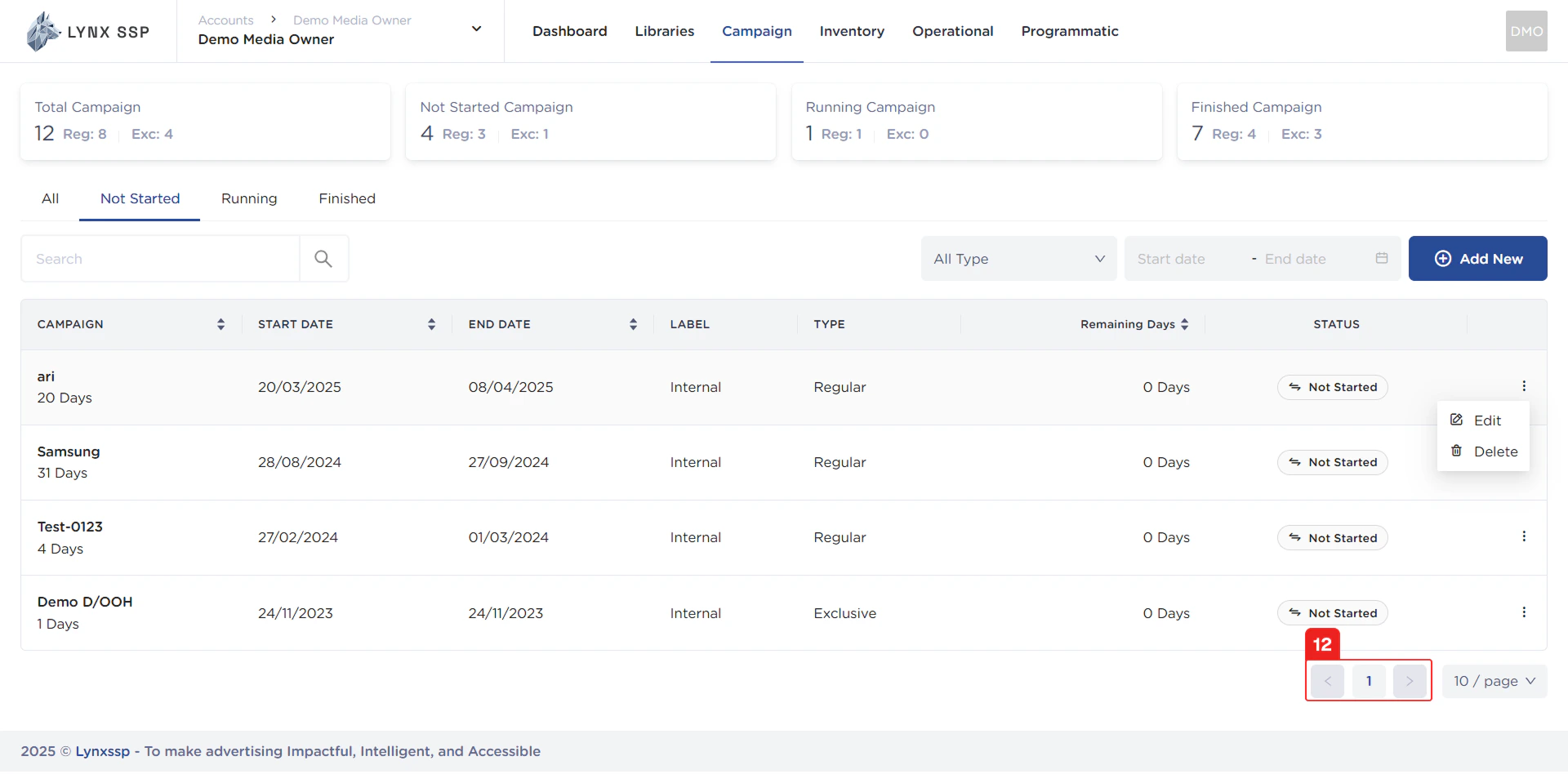
Page List
You can change the list of campaigns displayed. By default, 10 items are displayed, and you can change this to 50 or 100.