This page helps you manage your account profile by changing your current account profile data.

Accessing Profile Page

1

Click “Avatar” on the Navigation Bar
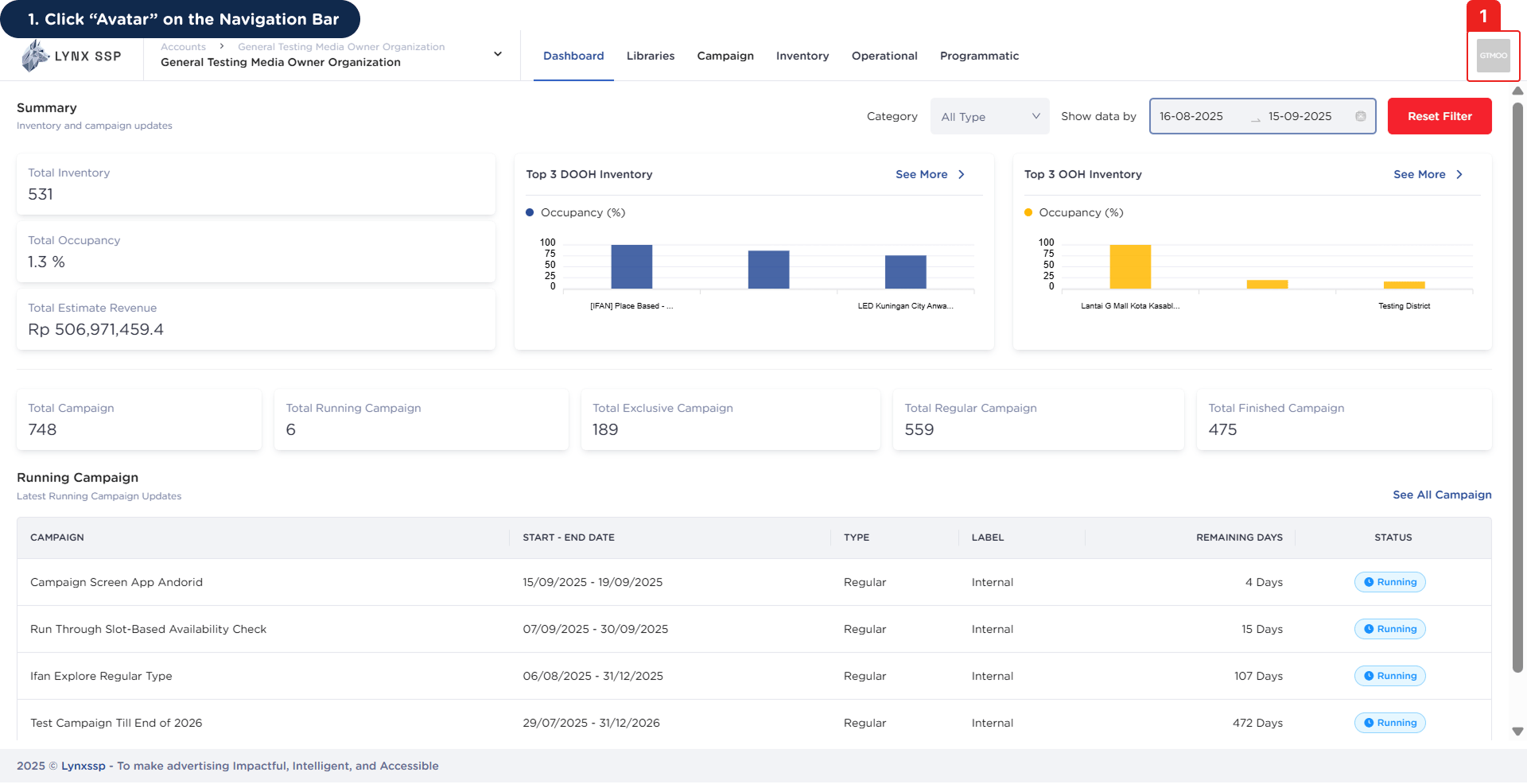
Accessing Profile Page 1
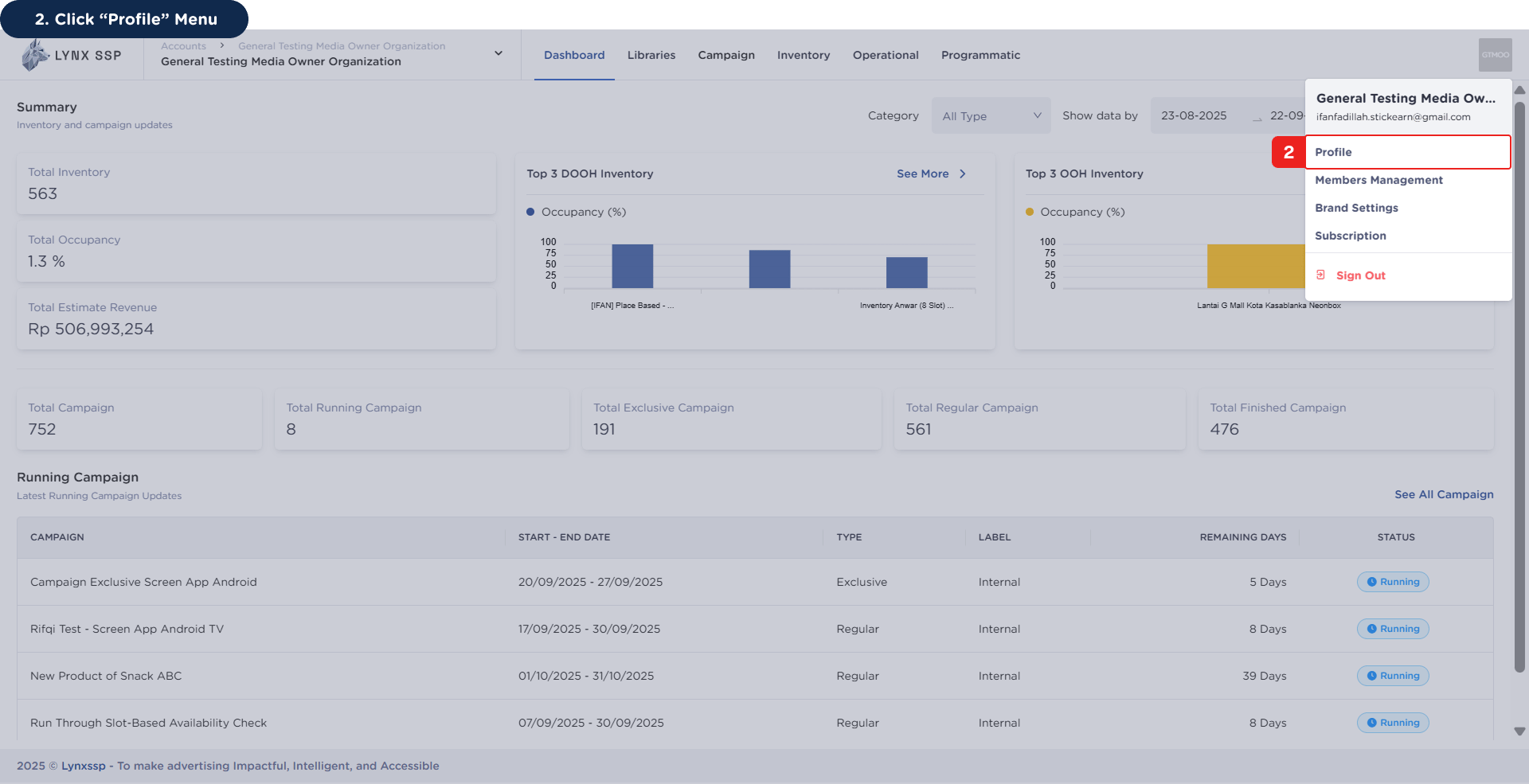
2

Click “Profile” Menu

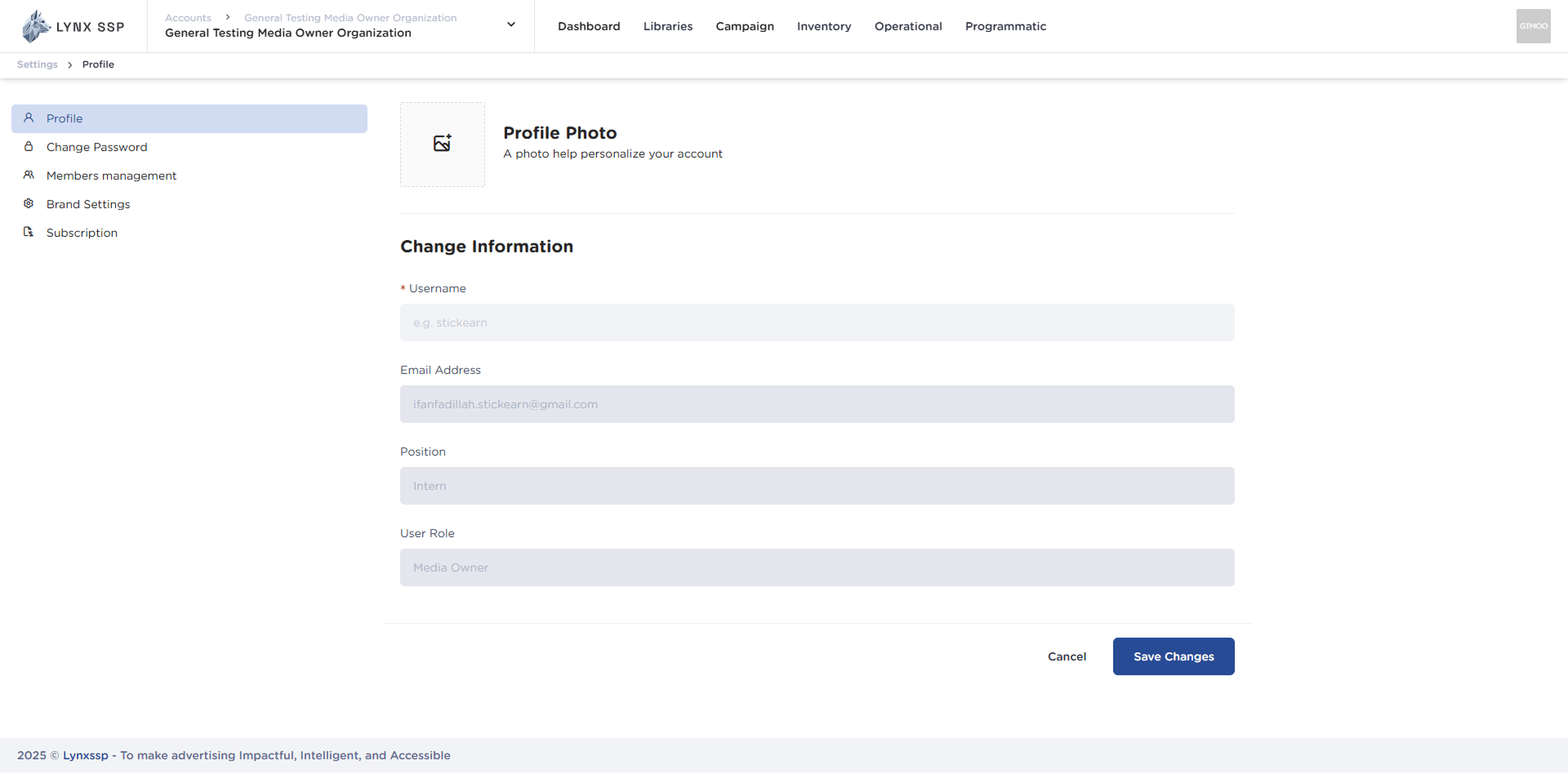
Accessing Profile Page 2This will display the Profile Page.Accessing Profile Page 2.2

How to Edit Profile

If there are changes to your account profile, you can change or edit it by following these steps:
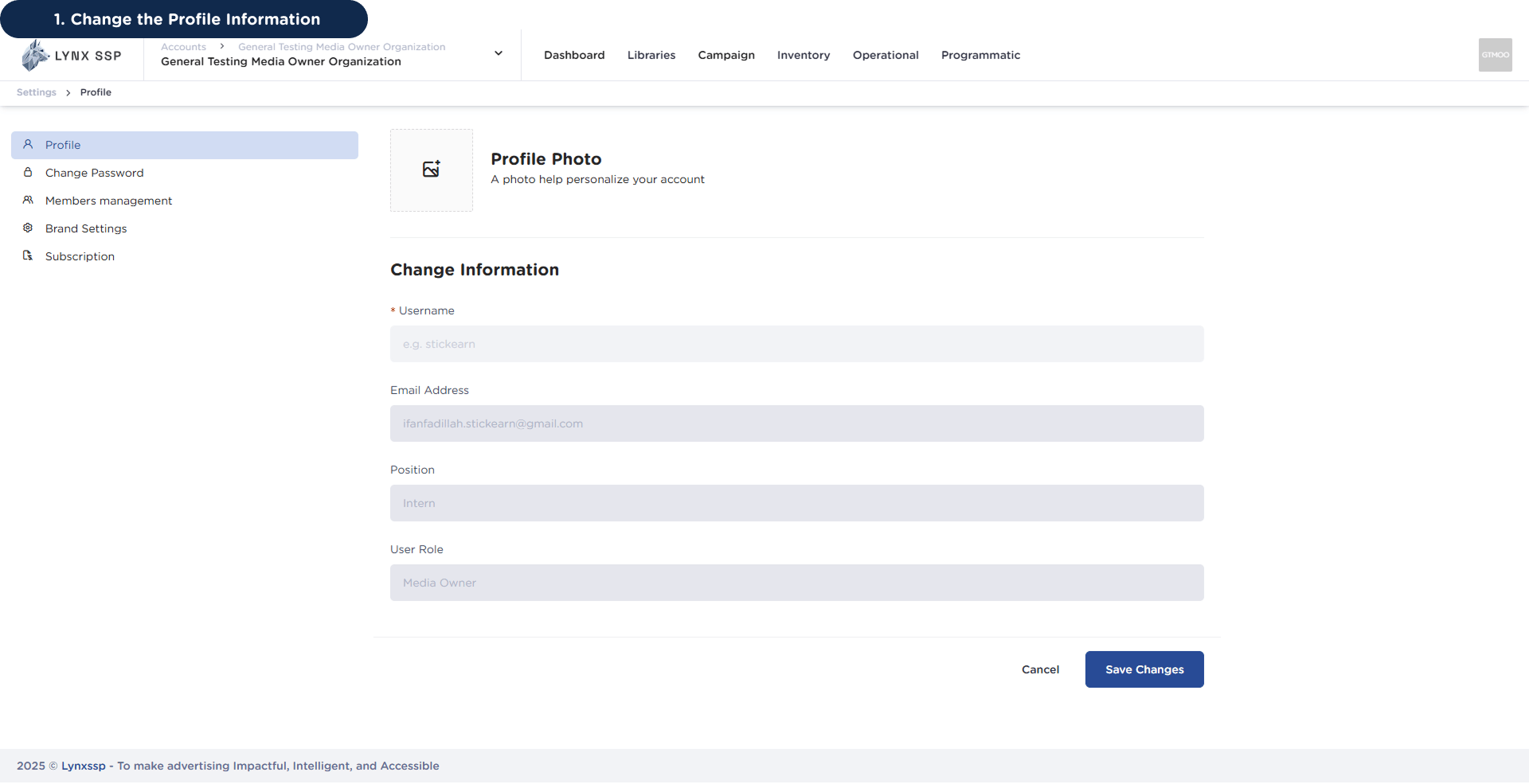
1

Change the Profile Information

How to Edit Profile 1
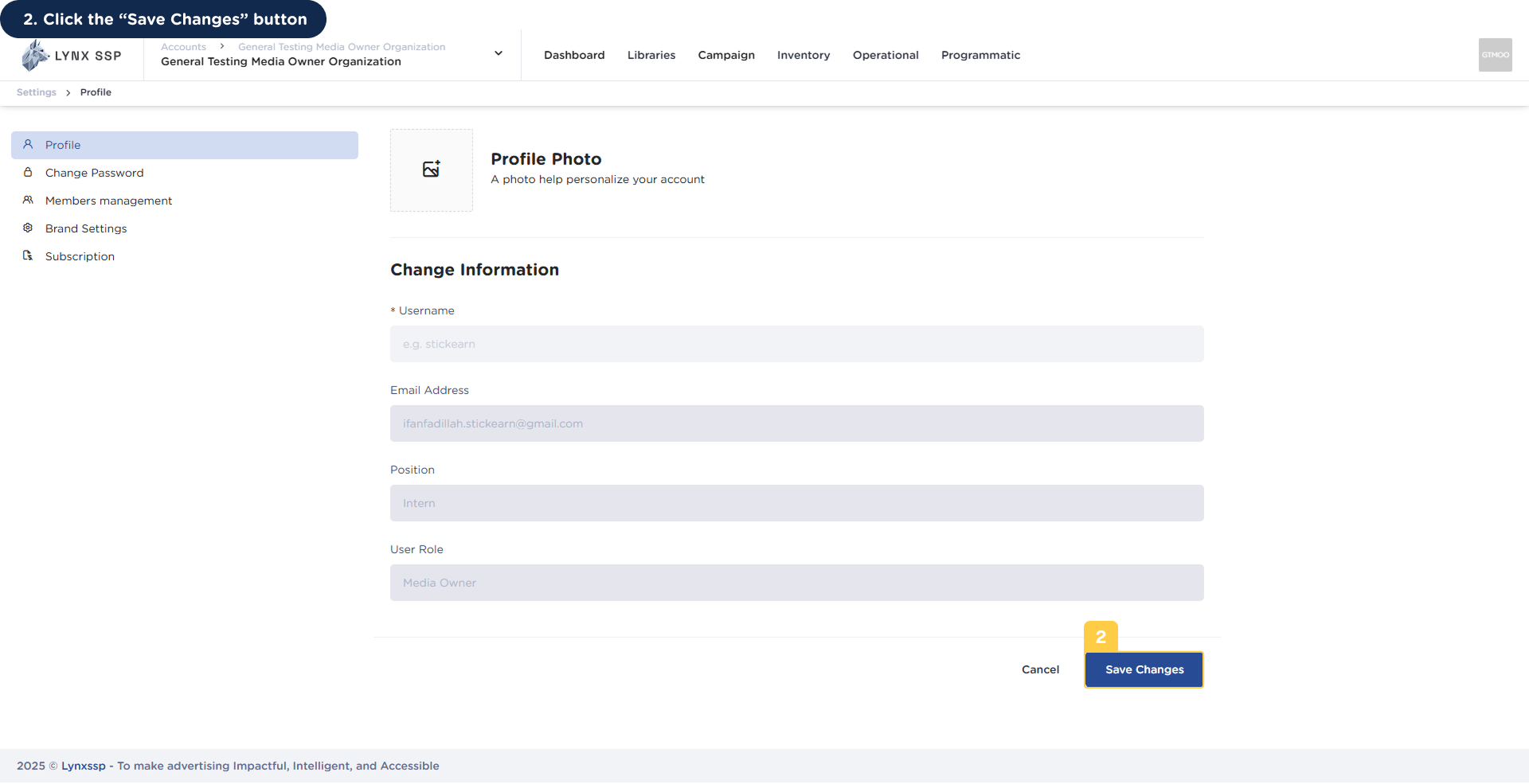
2

Click the “Save Changes” button

How to Edit Profile 2You will then receive a notification that your profile data has been successfully changed or edited.