

Accessing Schedule
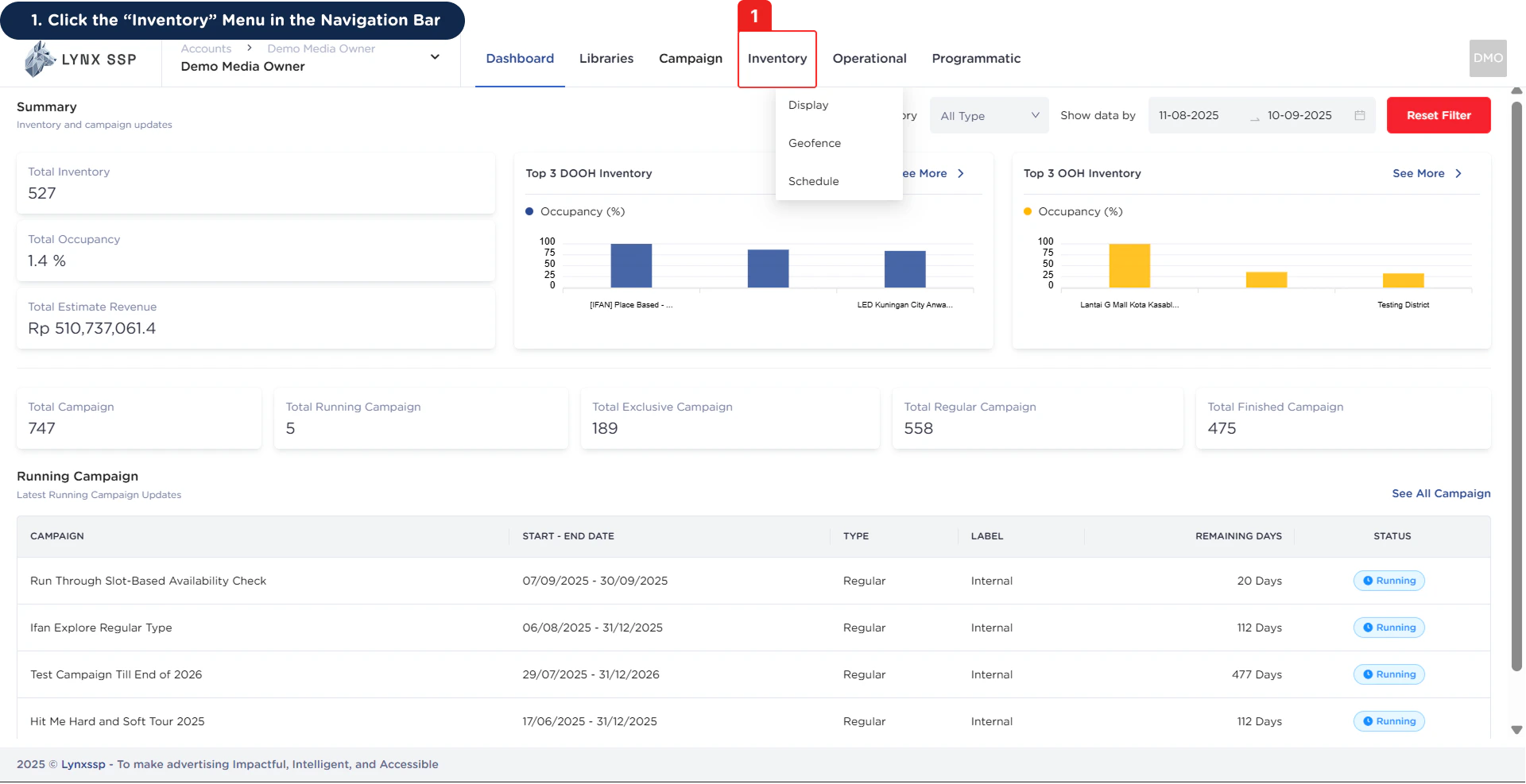
1
Click the “Inventory” Menu in the Navigation Bar
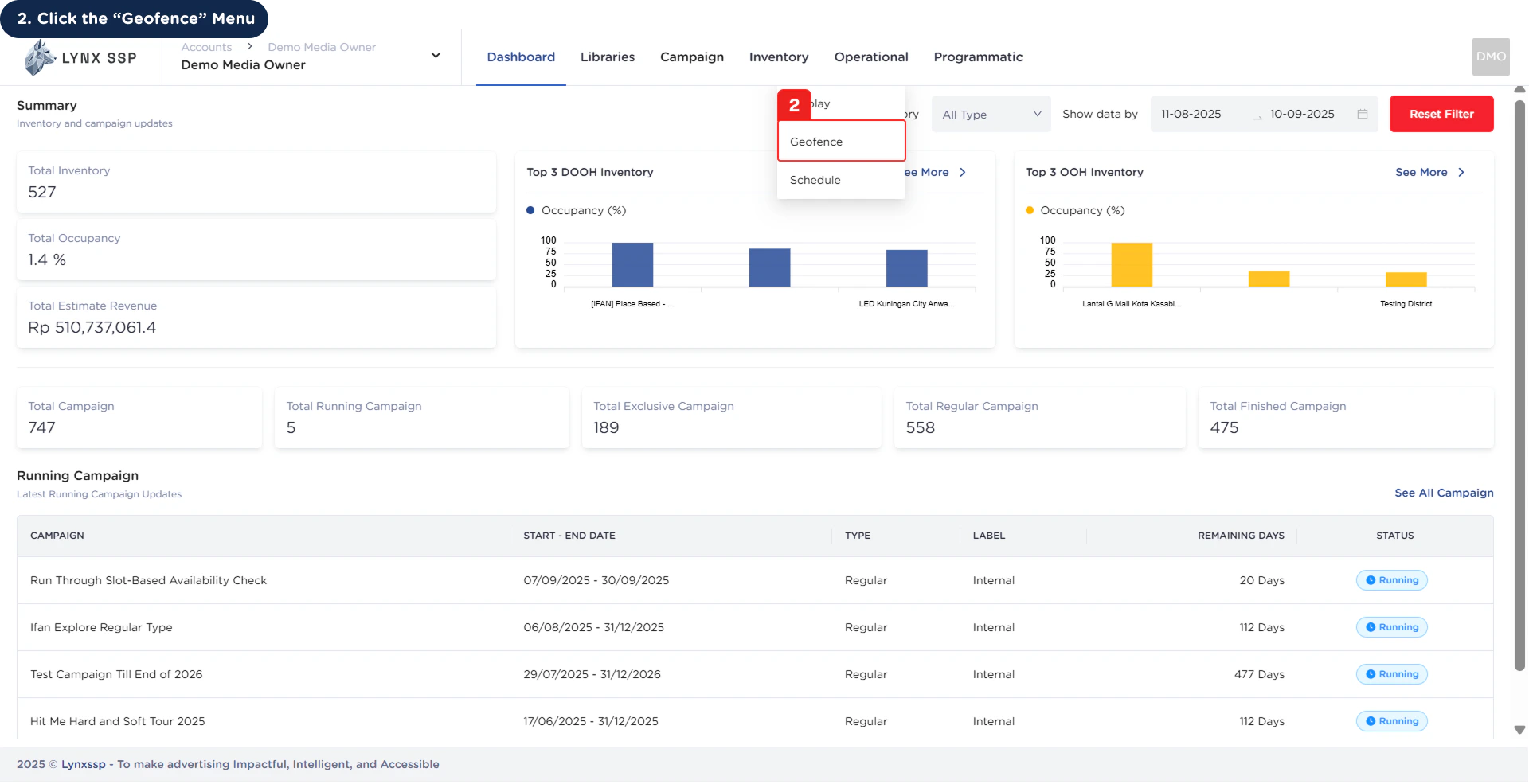
2
Click the “Schedule” Menu
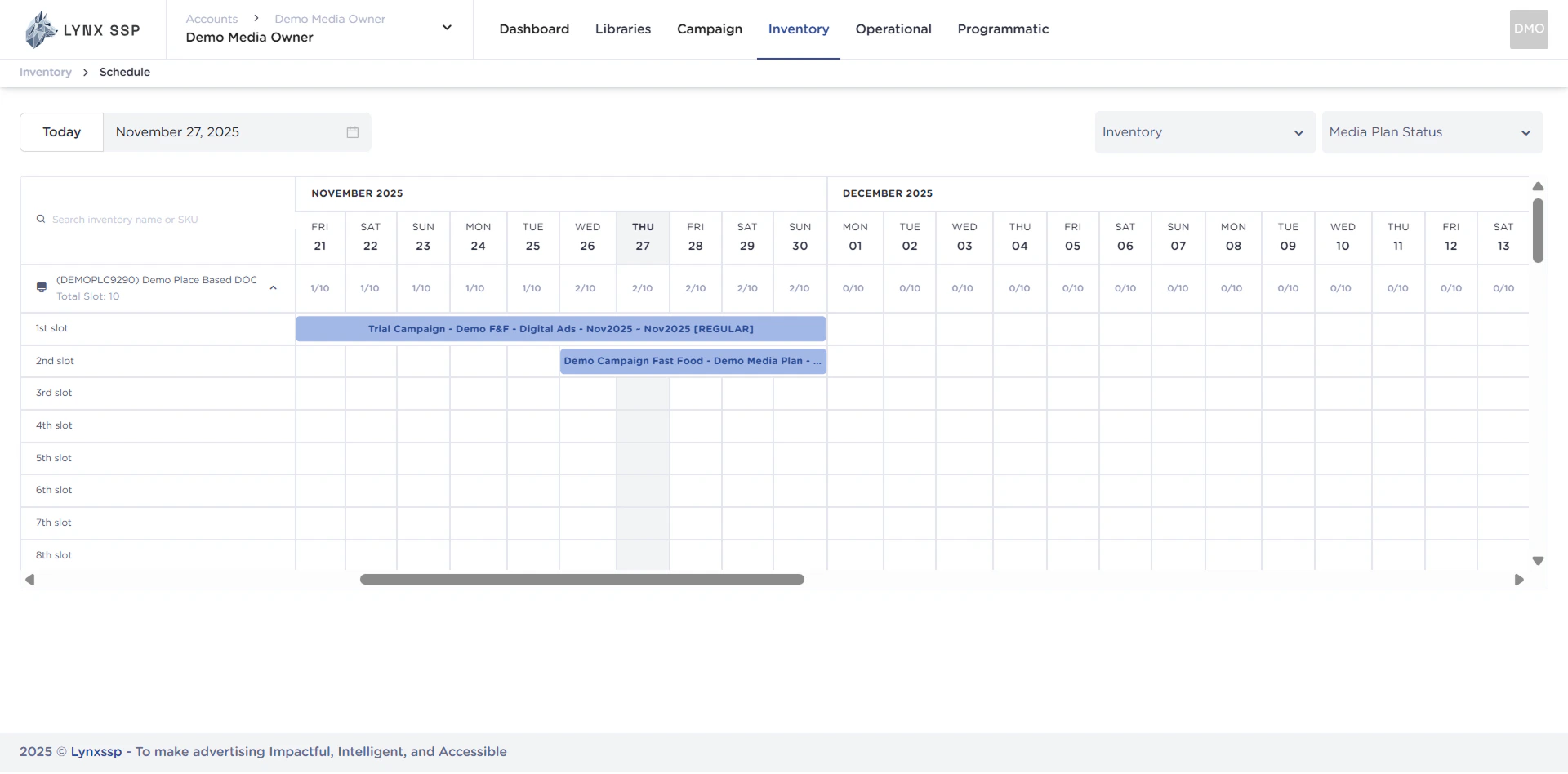
Schedule Overview
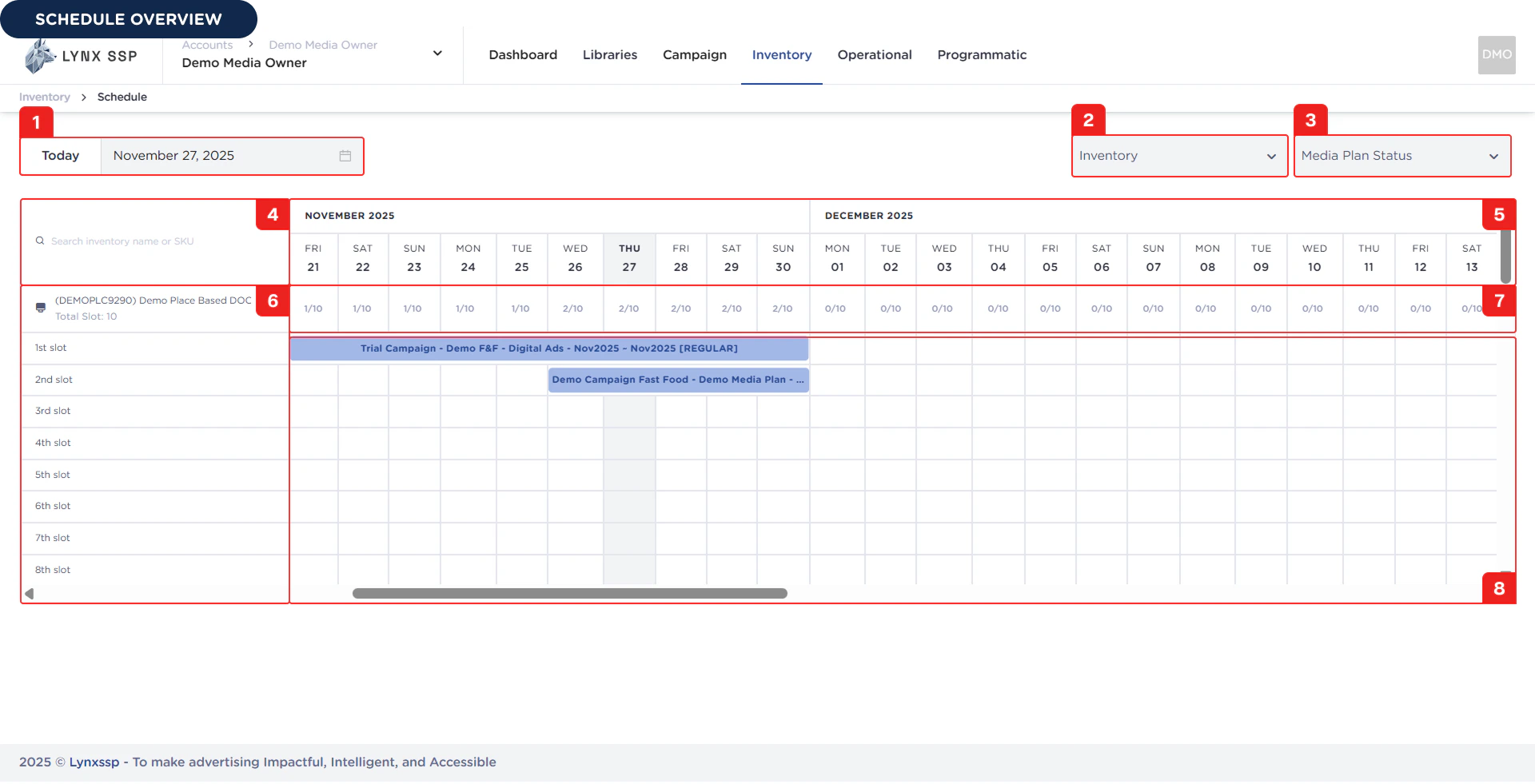
Filter by Date
You can filter the campaign schedule data displayed on this page based on the date you want in the format dd/MM/yyyy.Filter by Inventory
You can filter the campaign schedule data displayed on this page based on the inventory you select.Filter by Media Plan Status
You can filter the campaign schedule data displayed on this page based on the media plan status you select.Search Inventory
You can also search by inventory name or registered SKU.Calendar
Date order for displaying inventory availability list.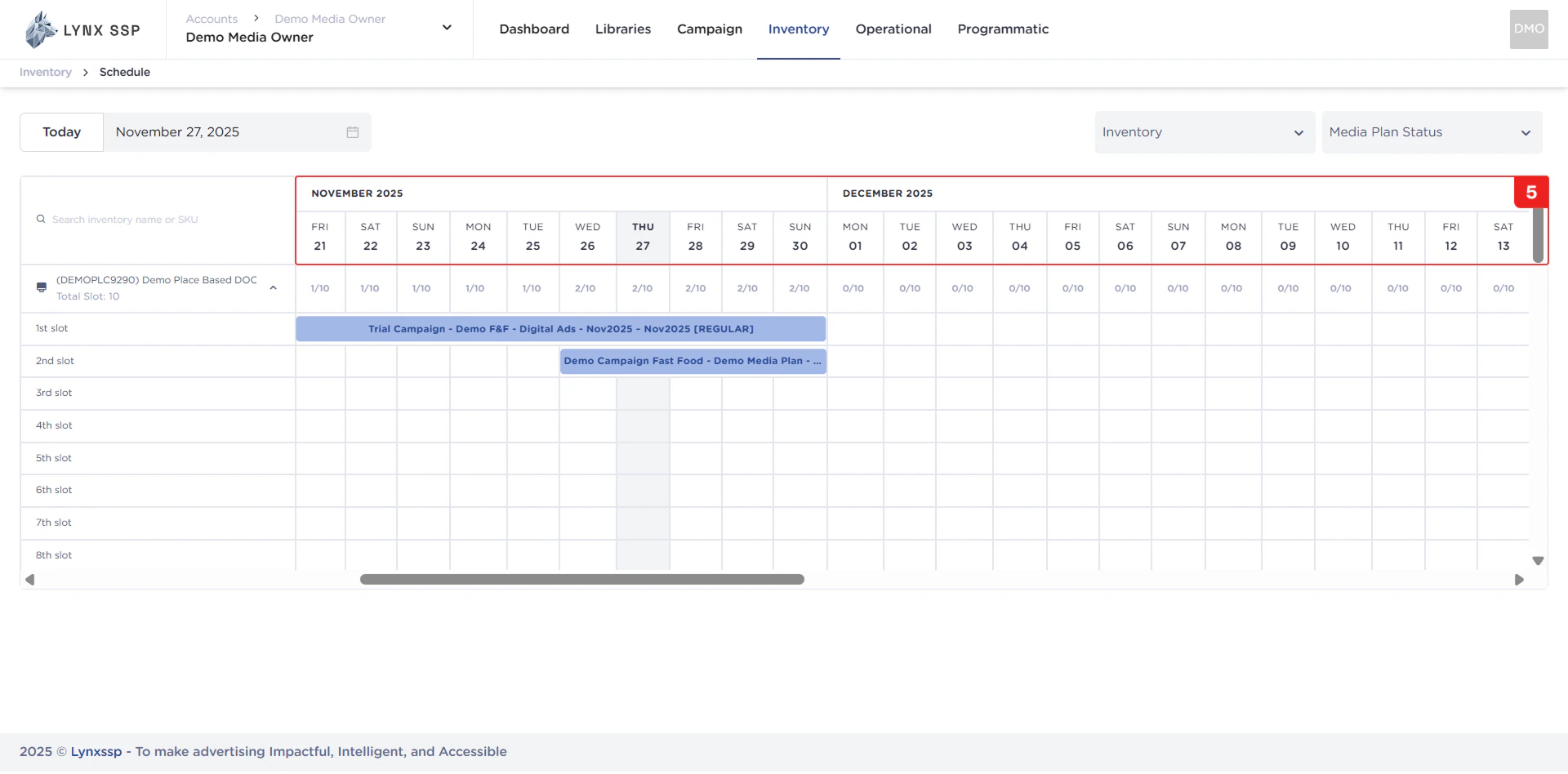
List Inventory
Displaying the Inventory List and each slot owned.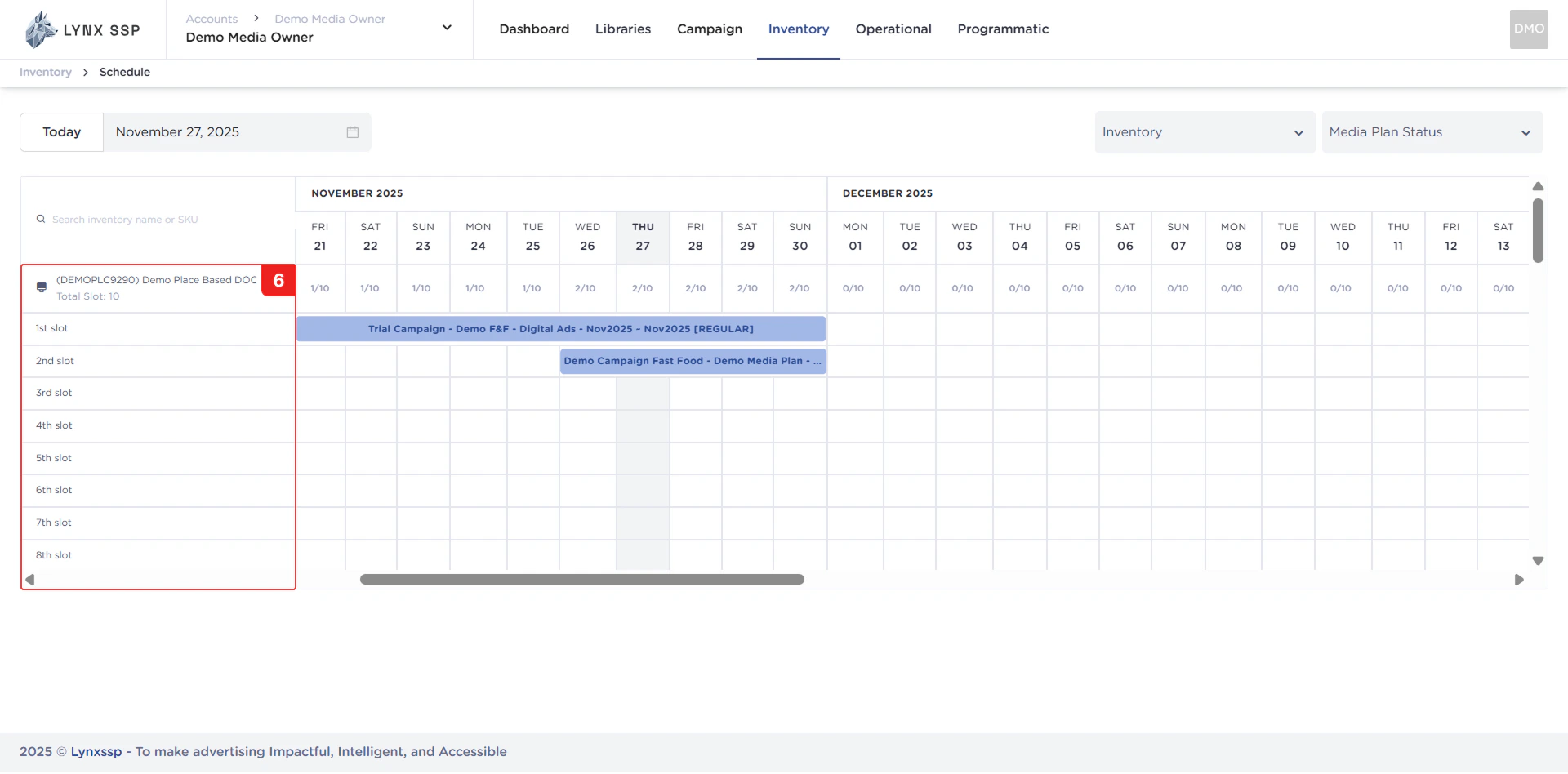
List Availability Slot
Display a list of available slots for each inventory item based on date. Example: If the slot list displays “5/9”, it means that the inventory has 9 slots, 5 slots are already filled, and 4 slots are still available.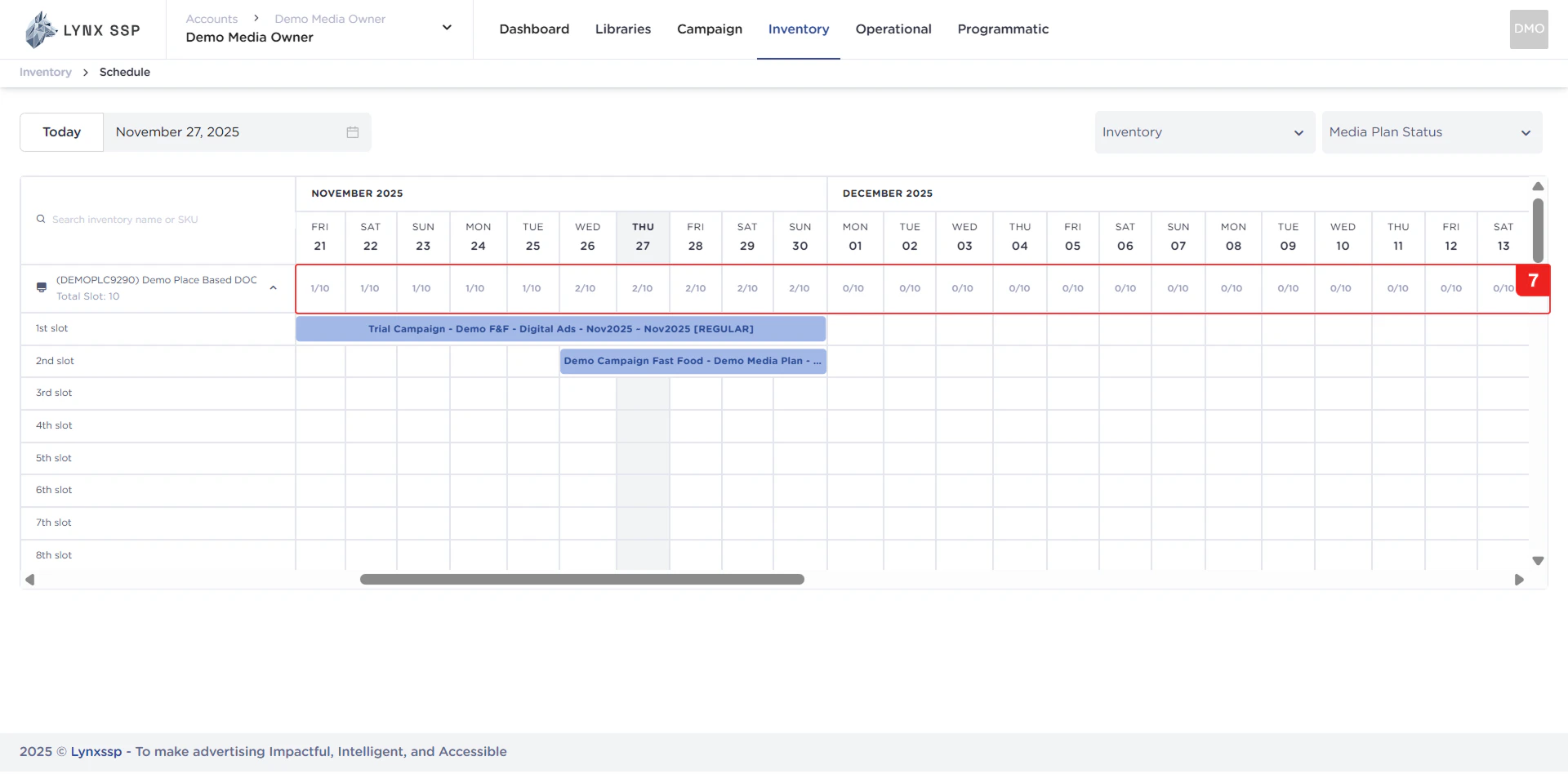
List Campaign & Media Plan Occupancy
Display a list of campaigns and media plans that fill each slot of the available inventory.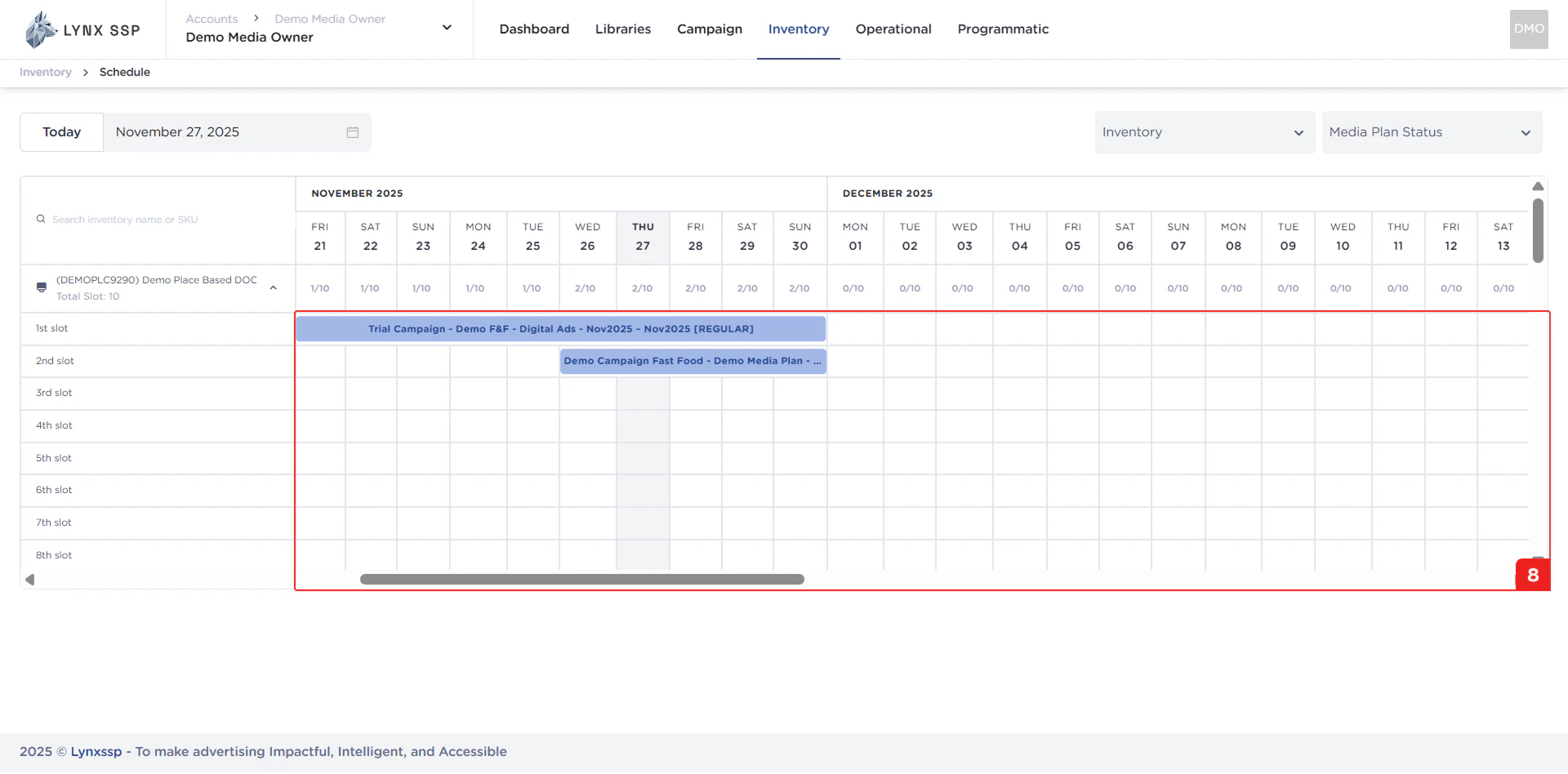
Draft
Draft
This status indicates that the media plan has not yet been launched or implemented.
Launched
Launched
This status indicates that the media plan and campaign have been launched/are running according to the campaign duration that was set.
Finished
Finished
This status indicates that the media plan has been launched and the campaign has been terminated due to certain circumstances or because the campaign duration has expired.