How to Create a Geofence
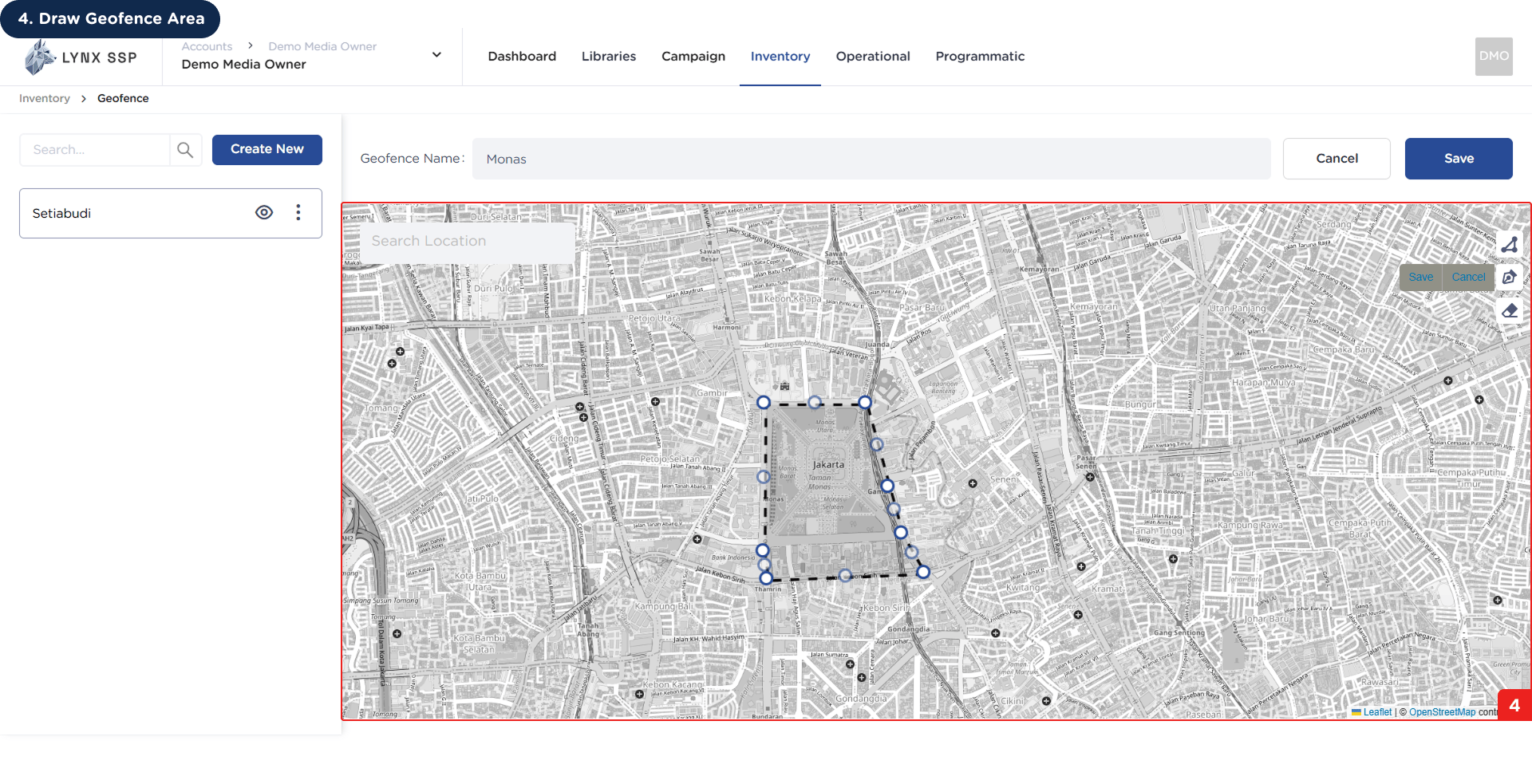
For example, you want to create a Mobile LED route that passes through the area around the National Monument.
When creating new geofence on the Lynx SSP Platform, you will need to prepare following:
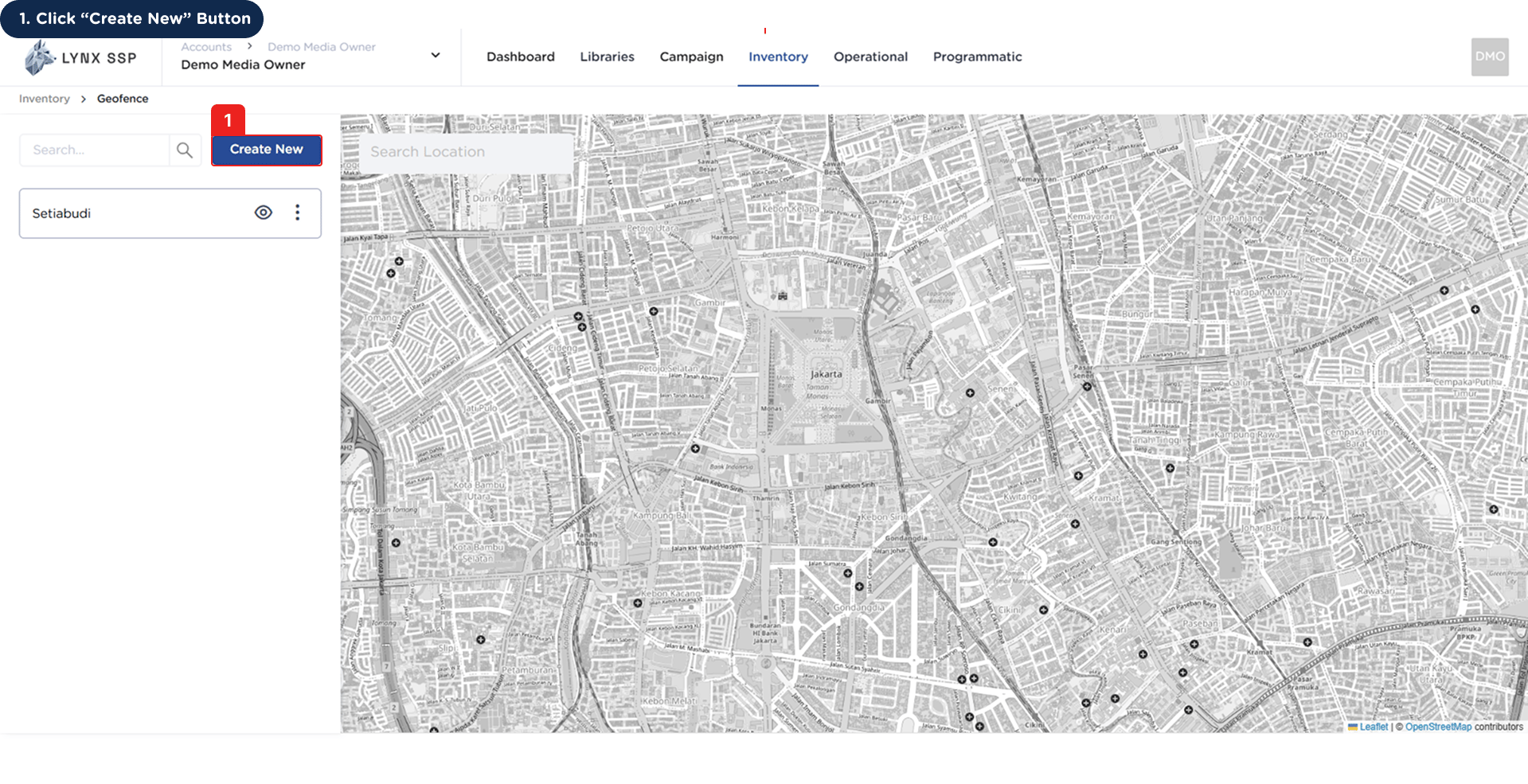
1
Click “Create New” Button
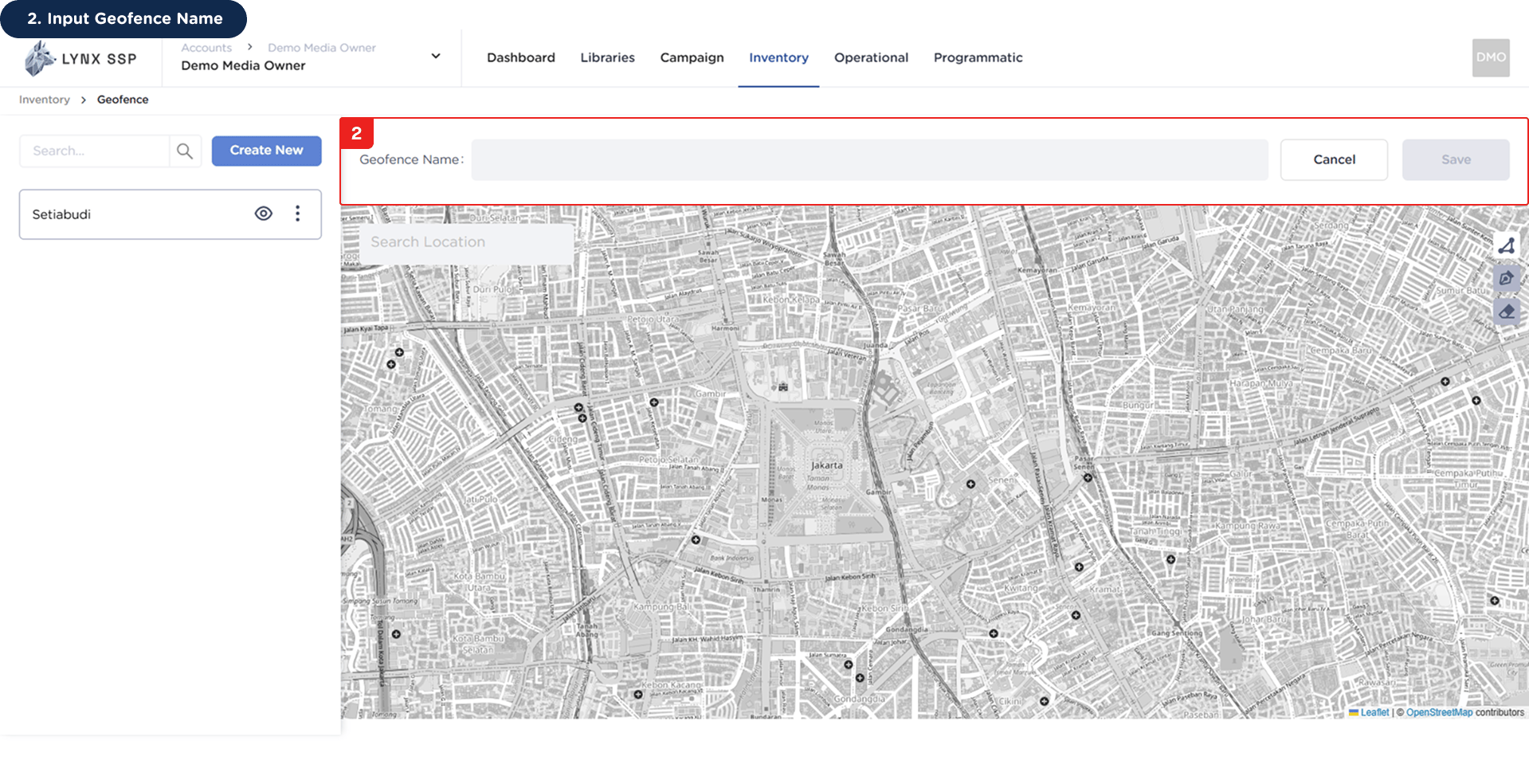
2
Input Geofence Name
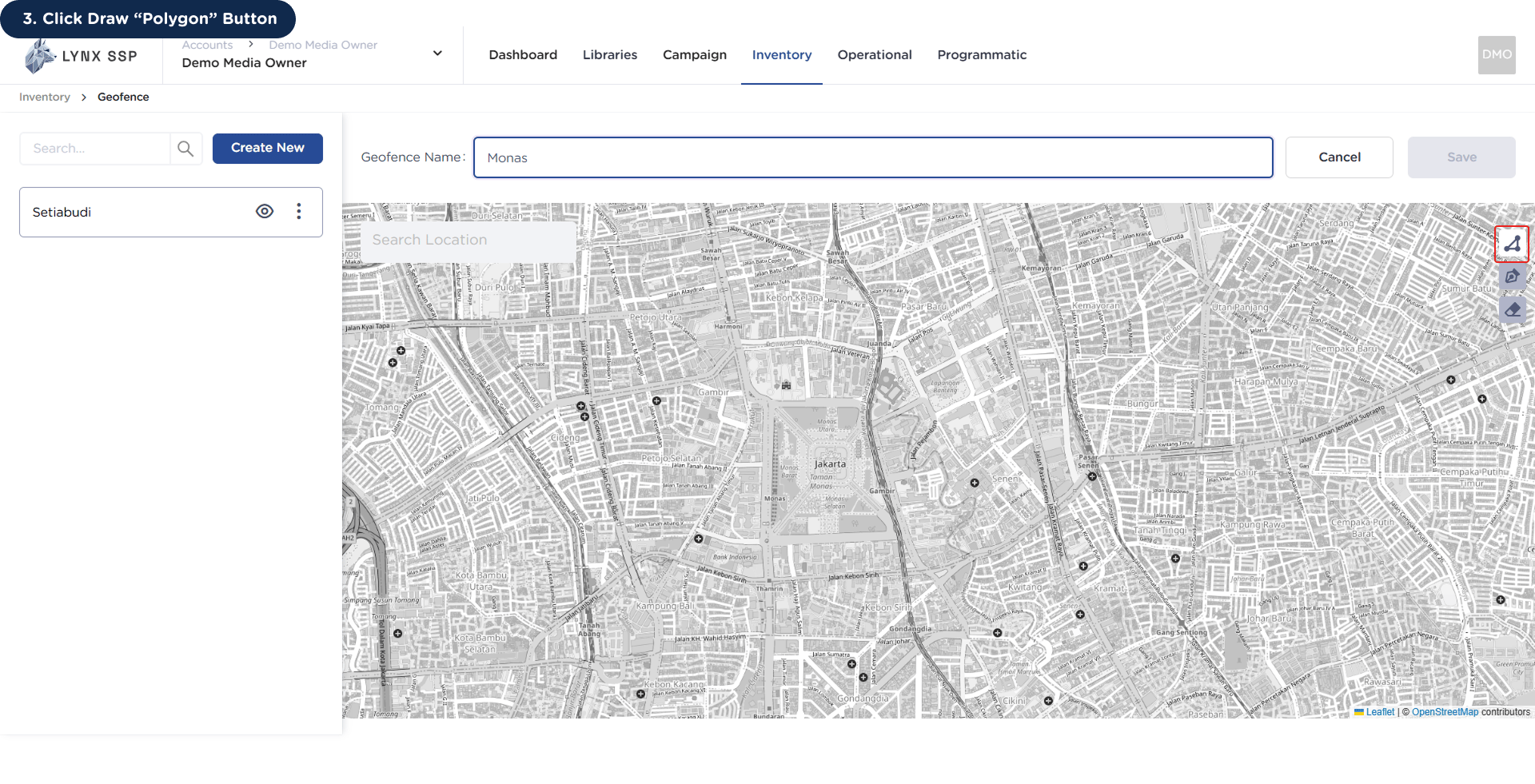
3
Click Draw “Poligon” Button
4
Draw Geofence Area
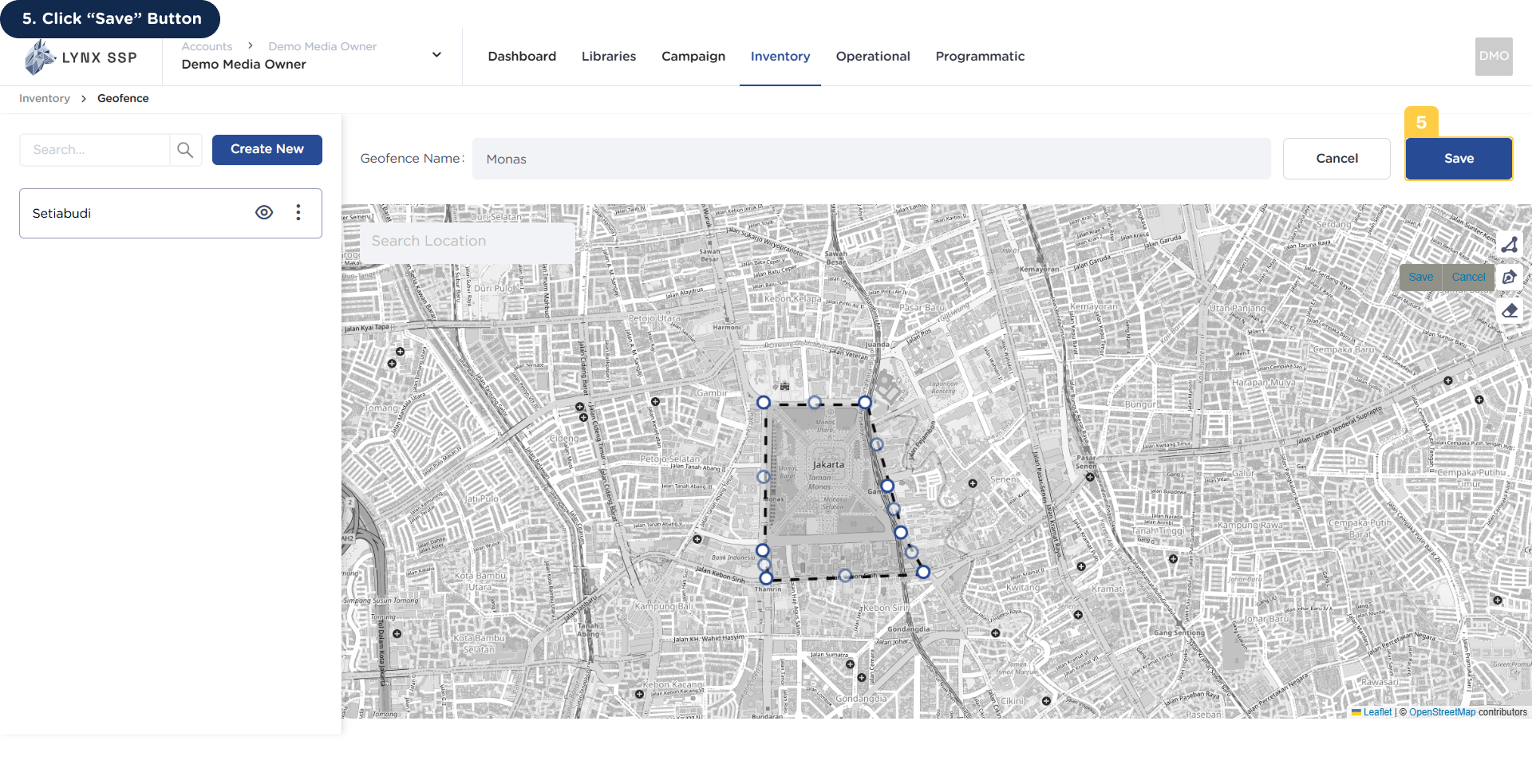
5
Click “Save” Button
After draw geofence area, click the “Save” button.