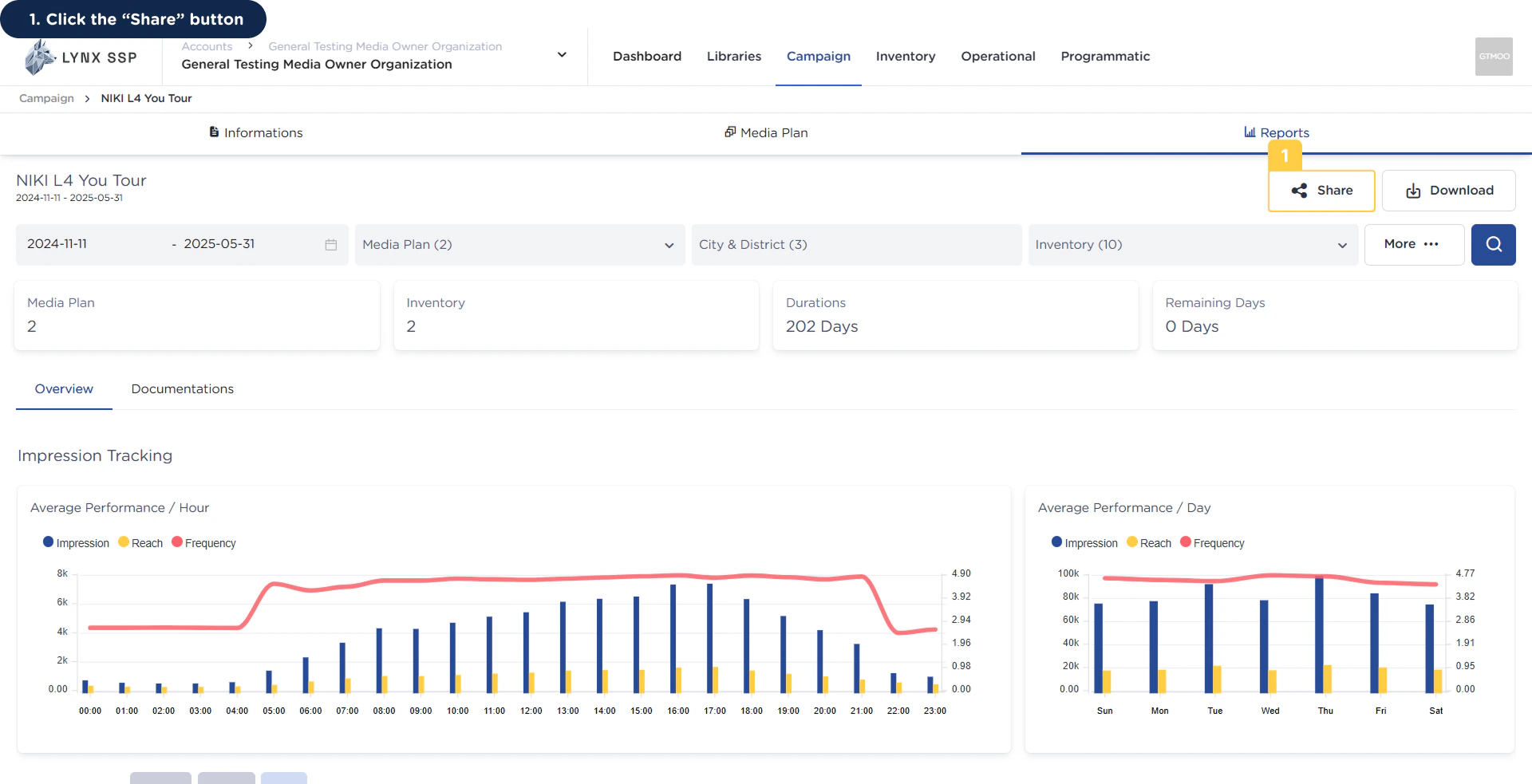
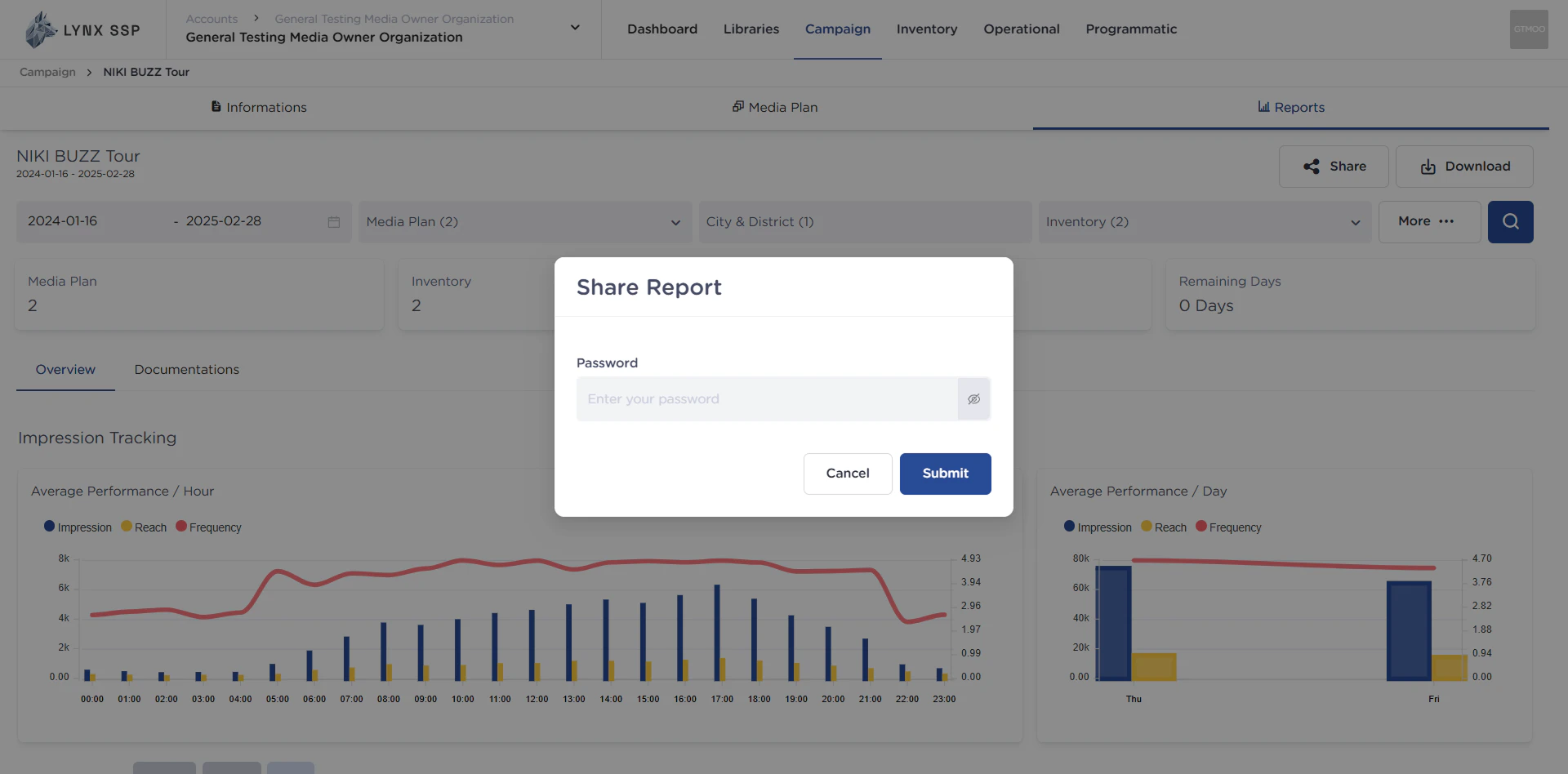
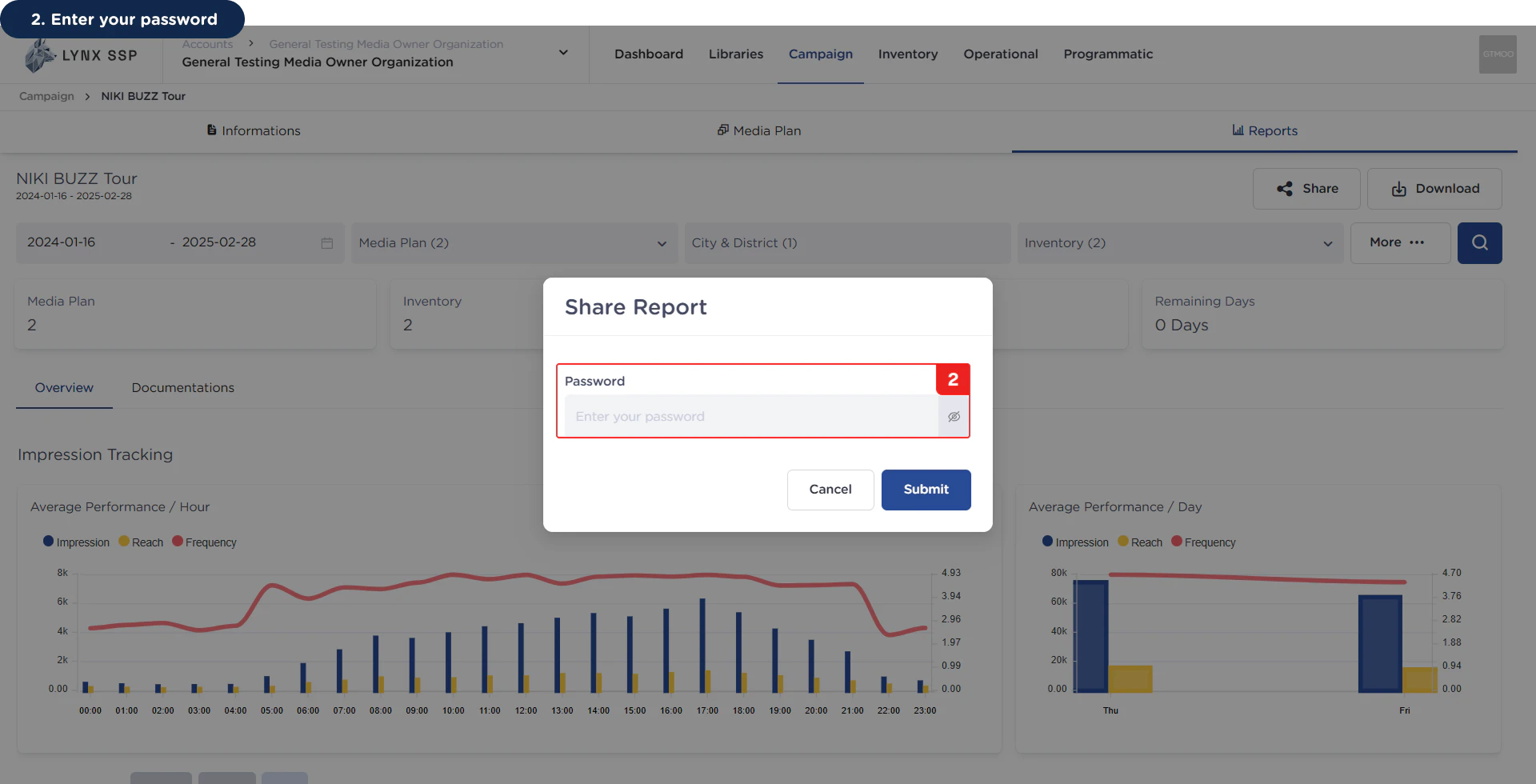
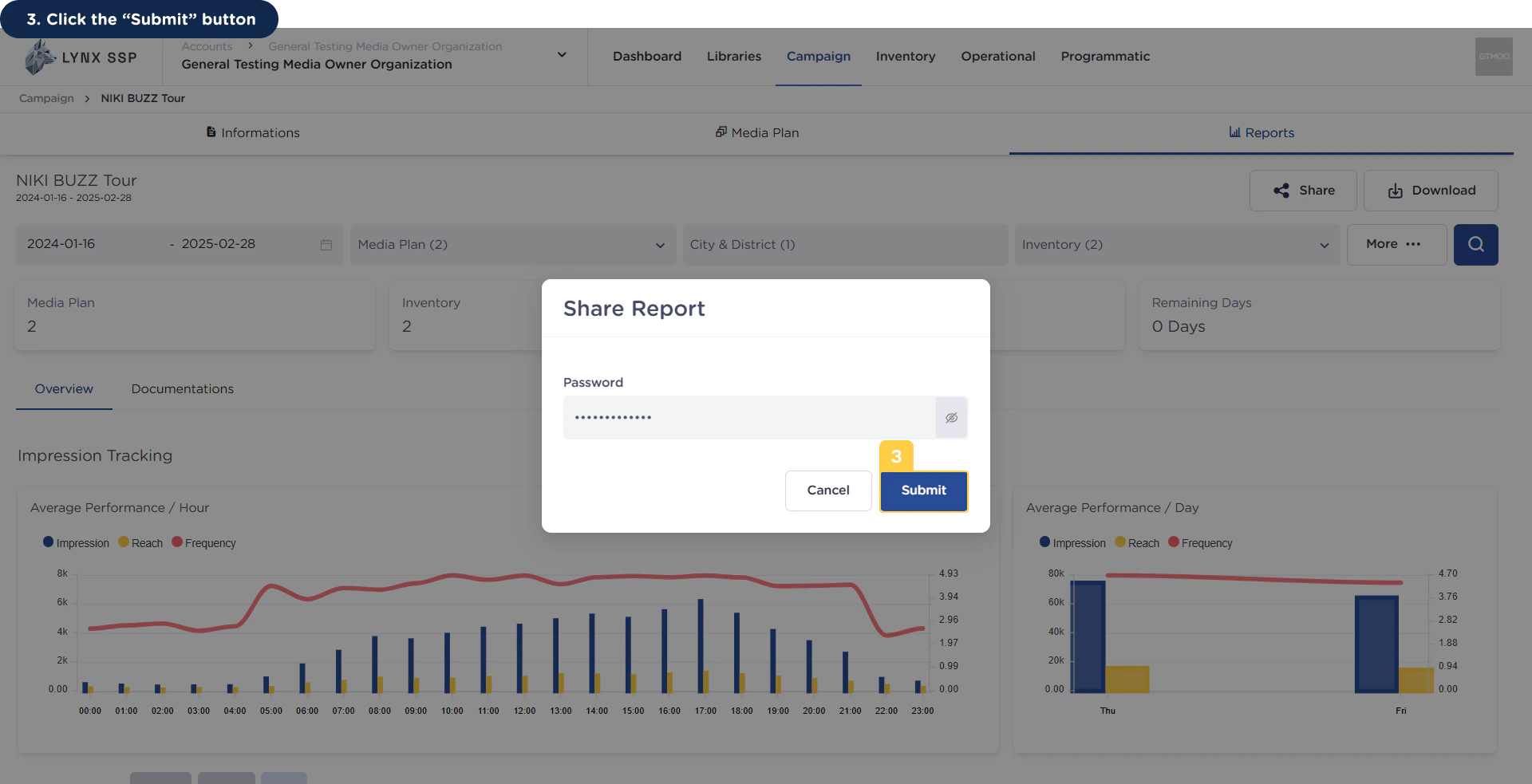
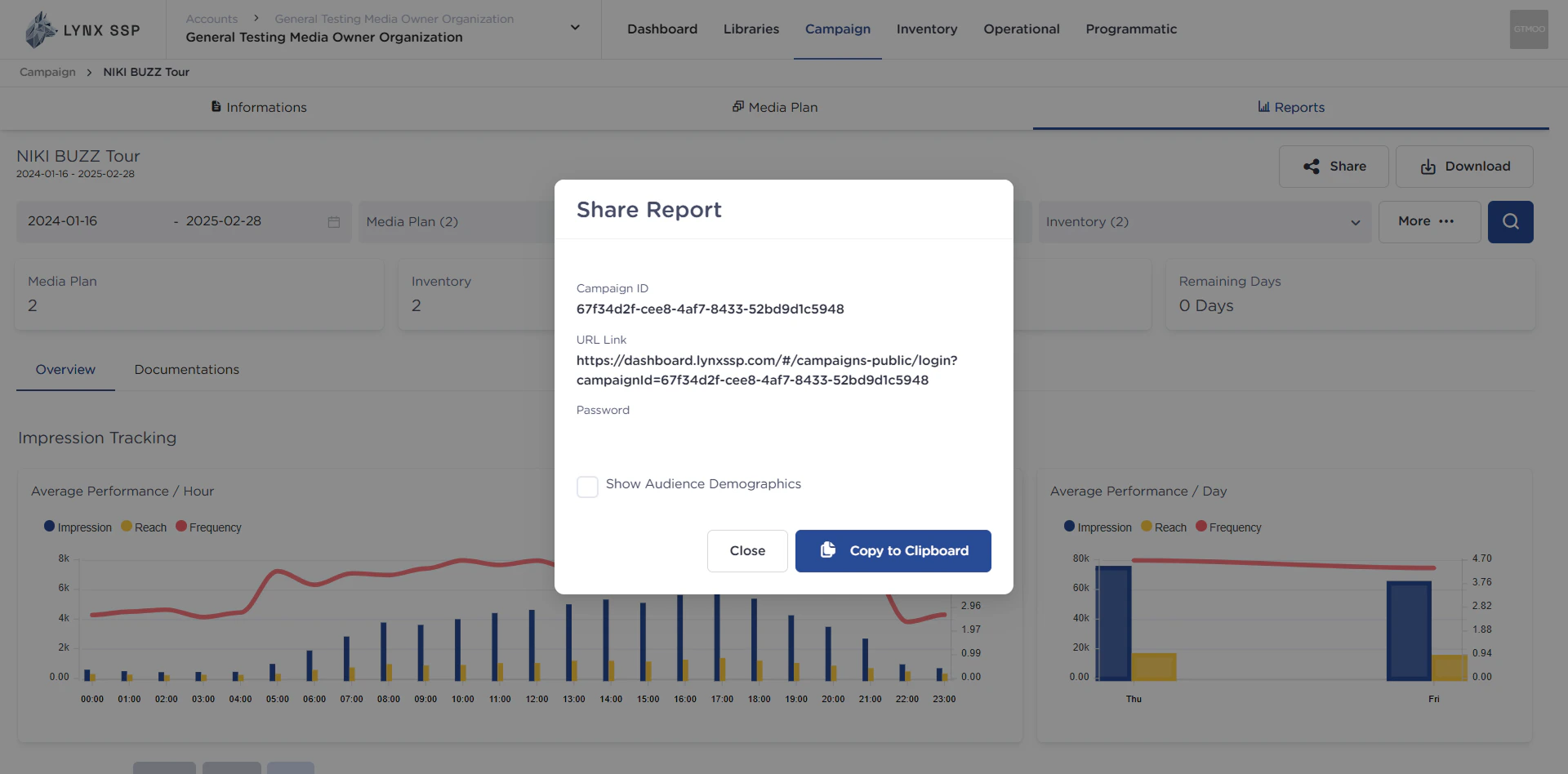
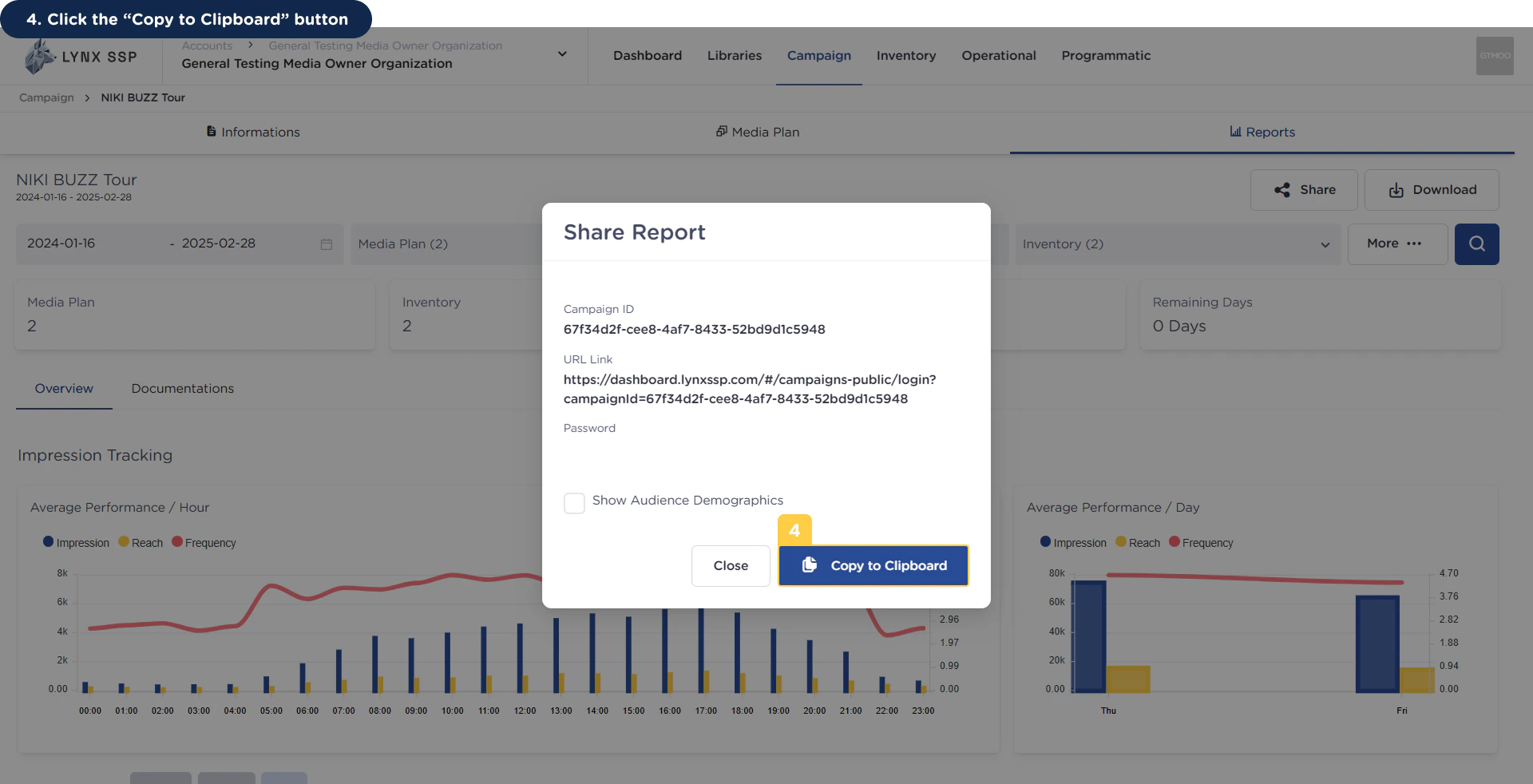
Another way you can use (See Download Campaign Report ↗) to give clients access to view Campaign Reports is to provide a link from the campaign report web page (URL link) that they can access through a browser with internet support. To get the URL link and keyword (which will later be given to clients), you only need to press “Share” on the report page and a pop-up modal will appear asking you to enter the keyword from your account.This page will help you in sharing campaign reports.
You can share the URL link with clients or stakeholders (along with the password) so that clients can directly access their campaign reports from the link anytime, anywhere.