Lynx SSP Documentation home page
Search...
⌘K
Support
Dashboard
Dashboard
Search...
Navigation
Access Lynx SSP Platform
Login
Documentation
User Guideline
Programmatic
API Reference
Getting Started on the Lynx SSP
Overview
Access Lynx SSP Platform
Request Account
Login
Forgot Password
Introduction
Inventory
Display
Specification, Type & Category
DOOH
OOH
View Your Display
Geofence
Schedule
Creative Management
Media Library
Filler Content
Campaign Management
Campaign
Create a Campaign
Reports
Operational
Playlist Order
Settings
Manage Profile
Change Password
Members Management
Brands Management
On this page
How to Login on Lynx SSP Platform
Access Lynx SSP Platform
Login
How to Login on Lynx SSP Platform
1
Access Lynx SSP Platform
Dashboard Lynx SSP ↗
2
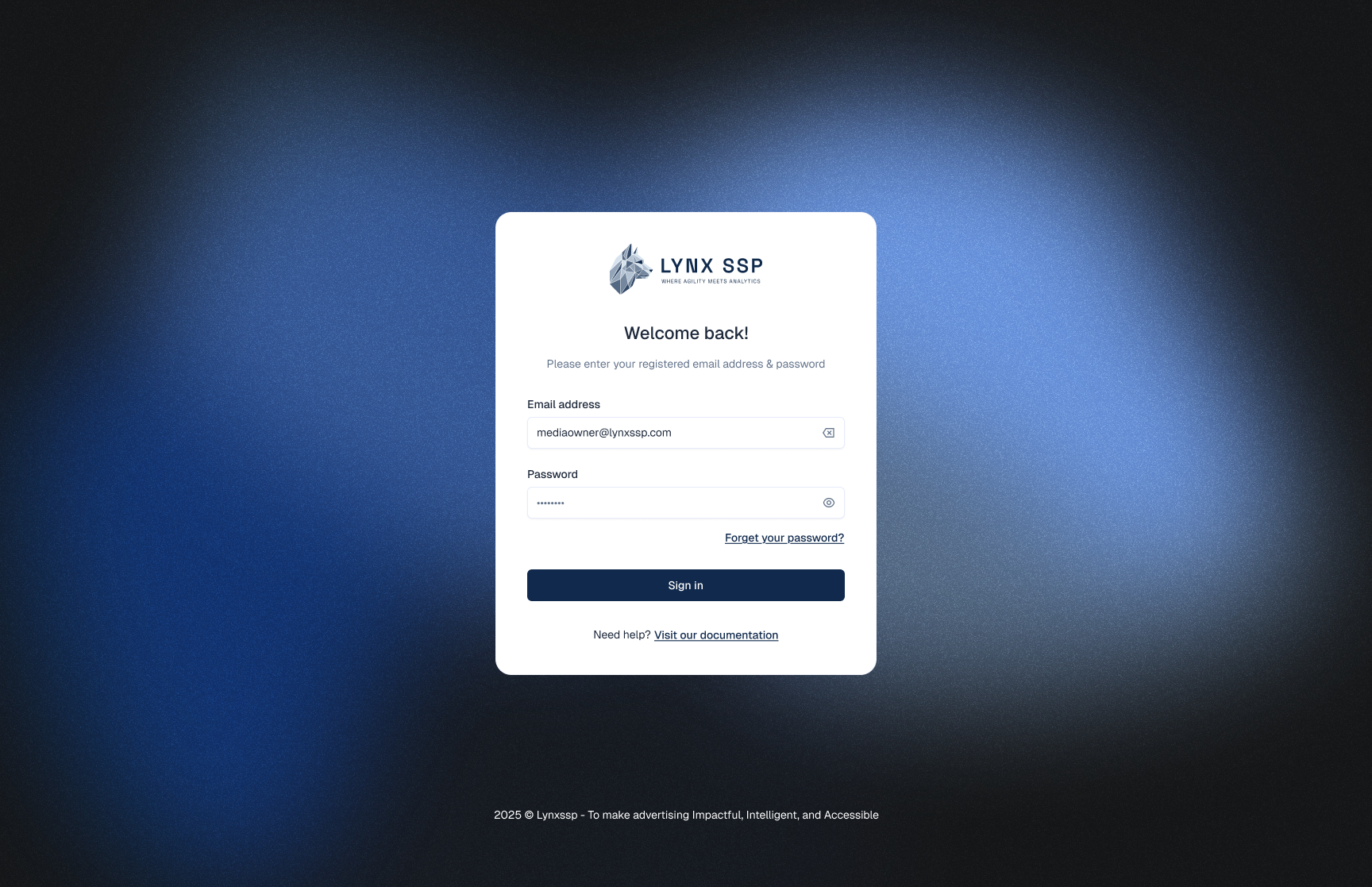
Enter your Email and Password
3
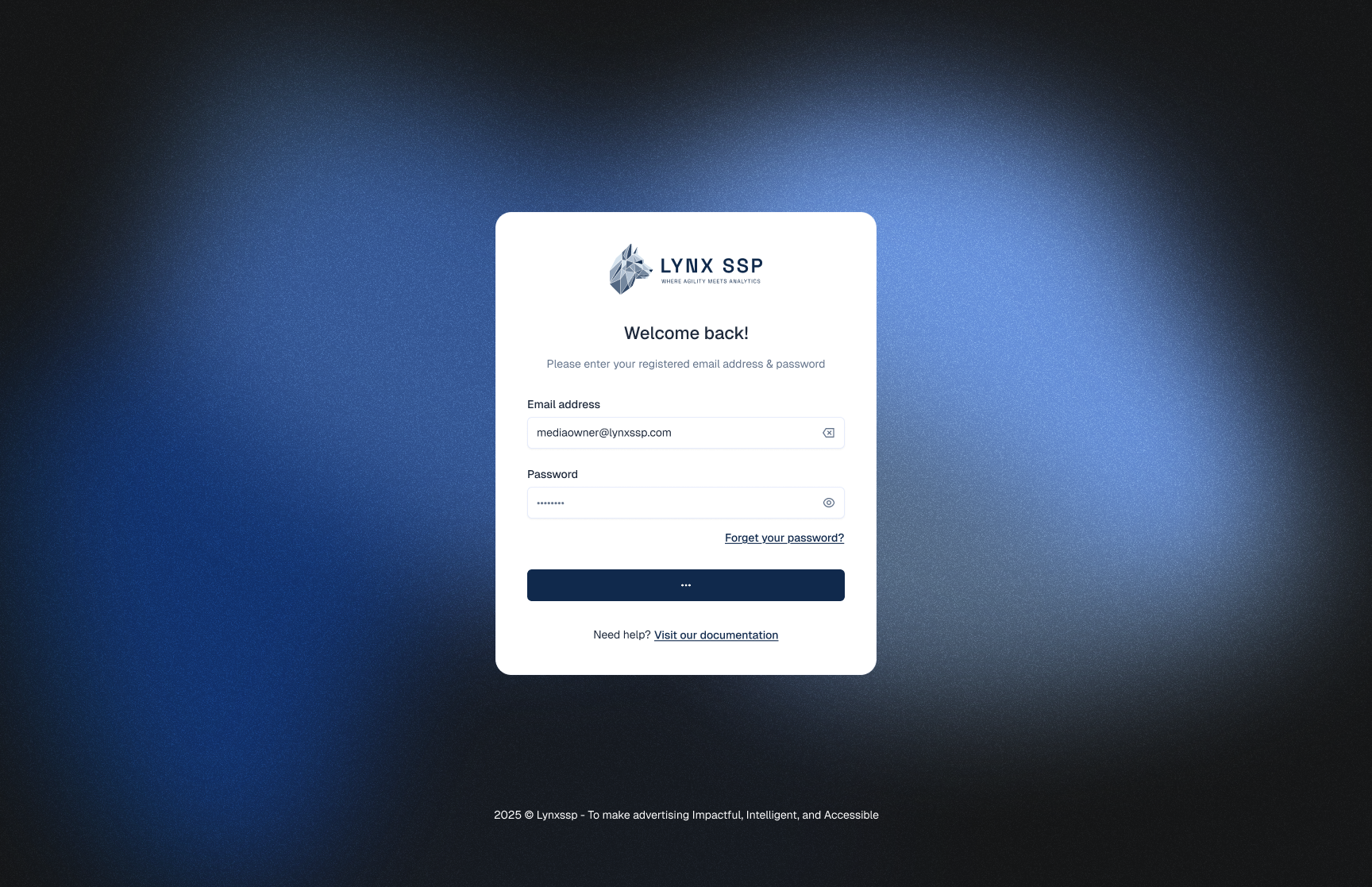
Click the 'Sign In' button
After successfully log in, don’t forget to change your password (
See Change Password ↗
)
Request Account
Forgot Password
⌘I