How to Change Password if Forgot
If you forget your password, you can reset it by following these steps:1
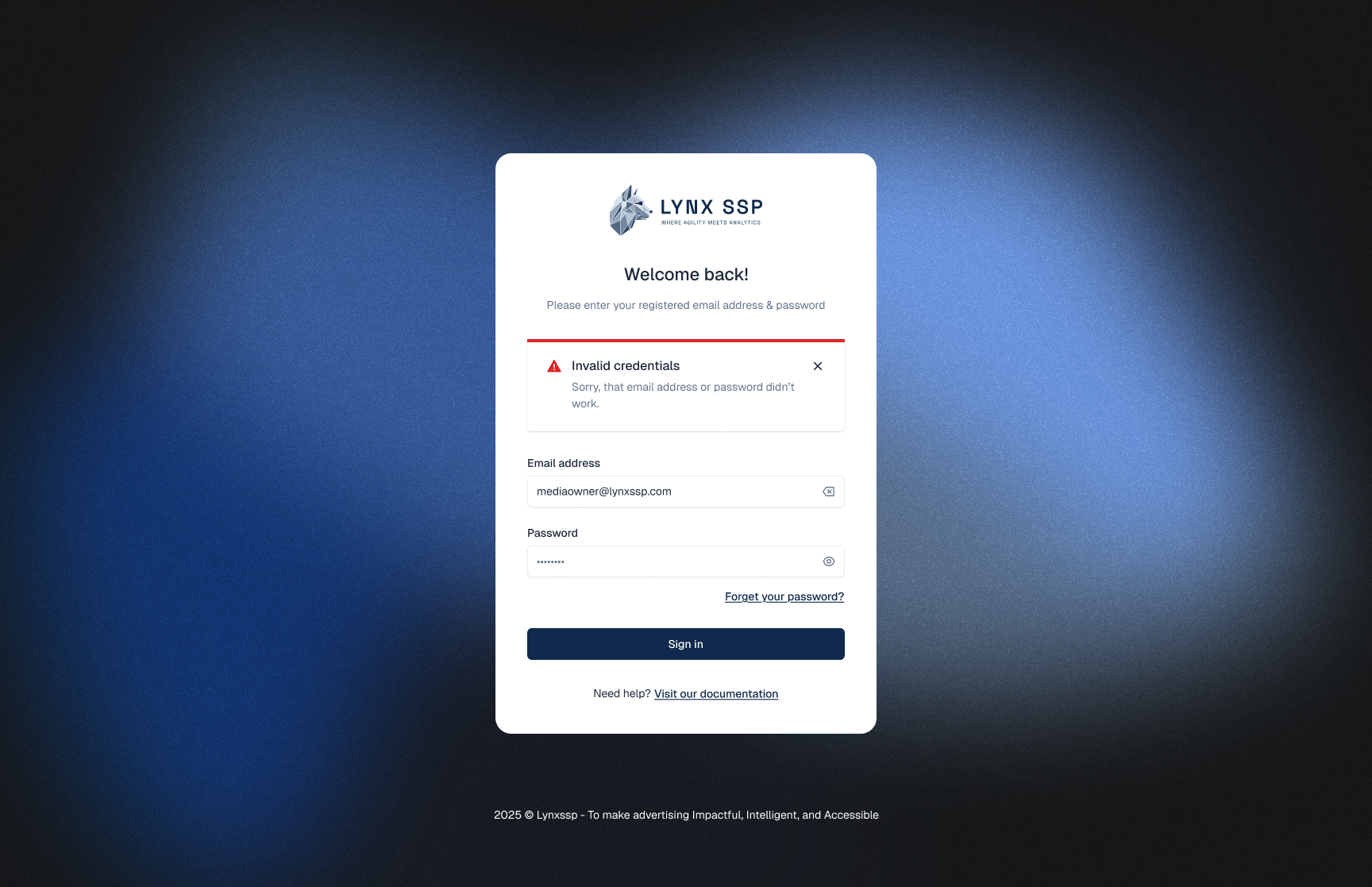
Go to the Login Page
2
Click the 'Forgot your Password' button
3
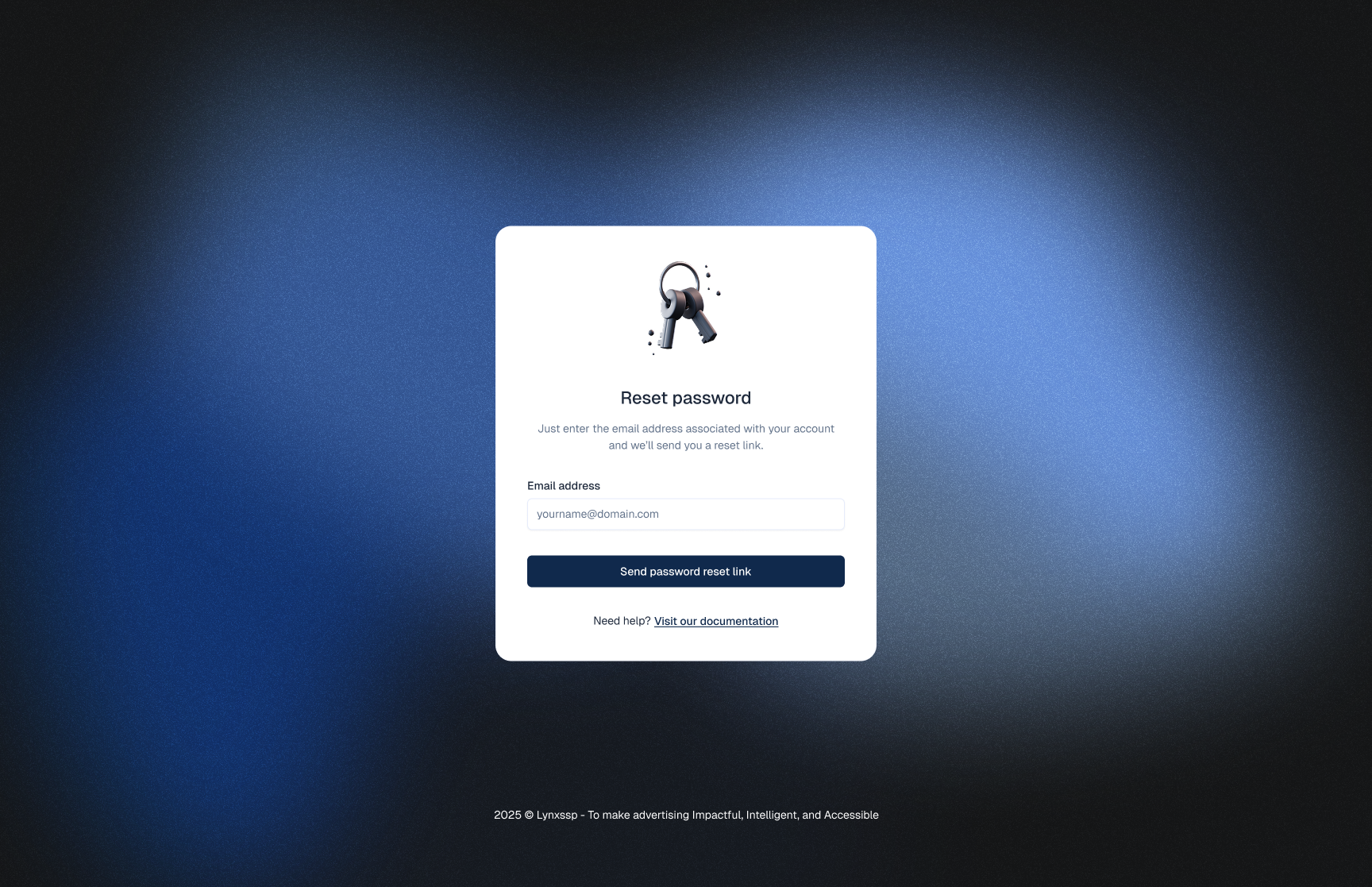
Enter your Email Address to request a password reset
4
Click the 'Send Password Reset Link' button
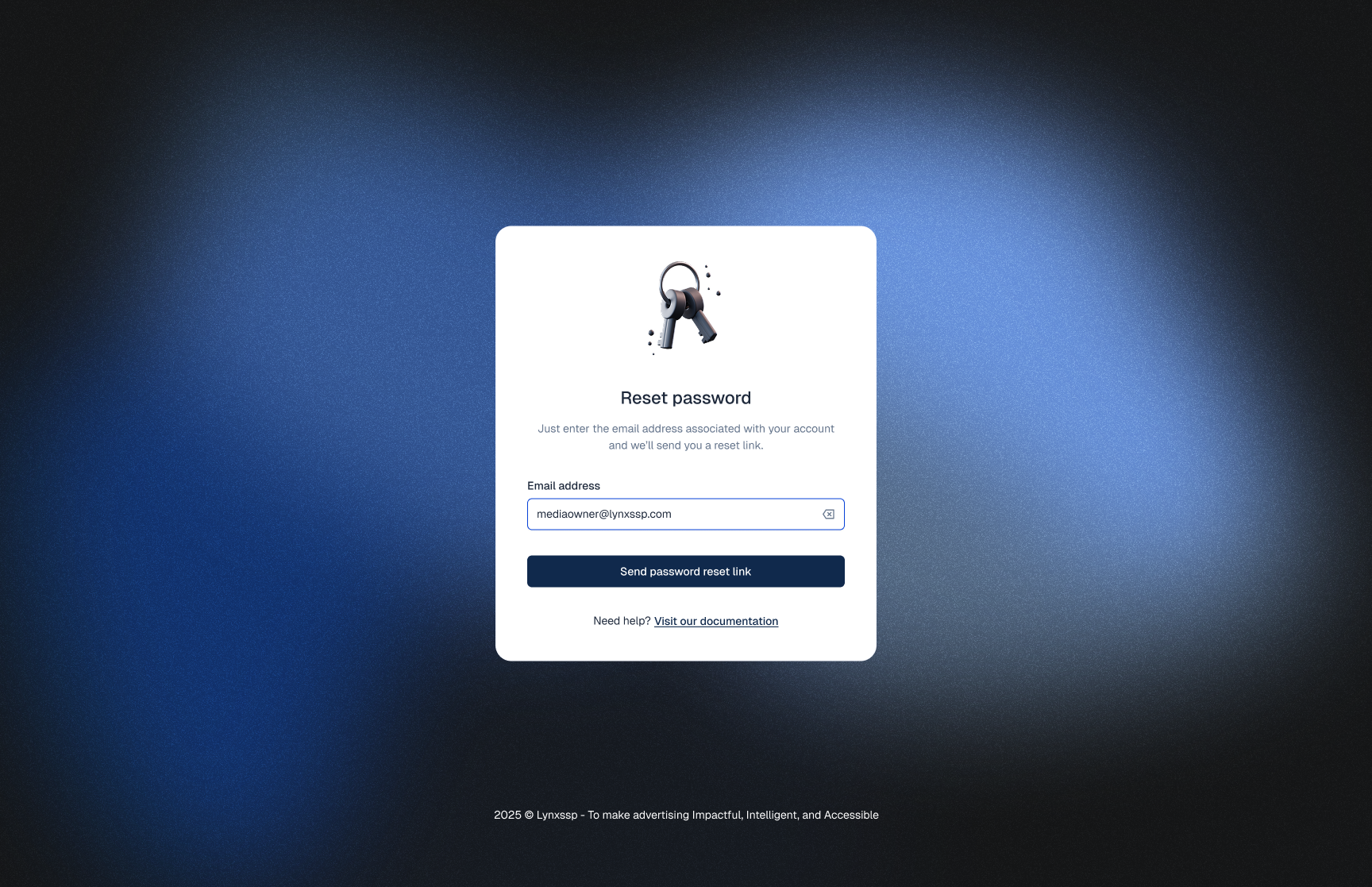 You will receive a password reset link via email. Check your Inbox or Spam/Junk folder to reset your password.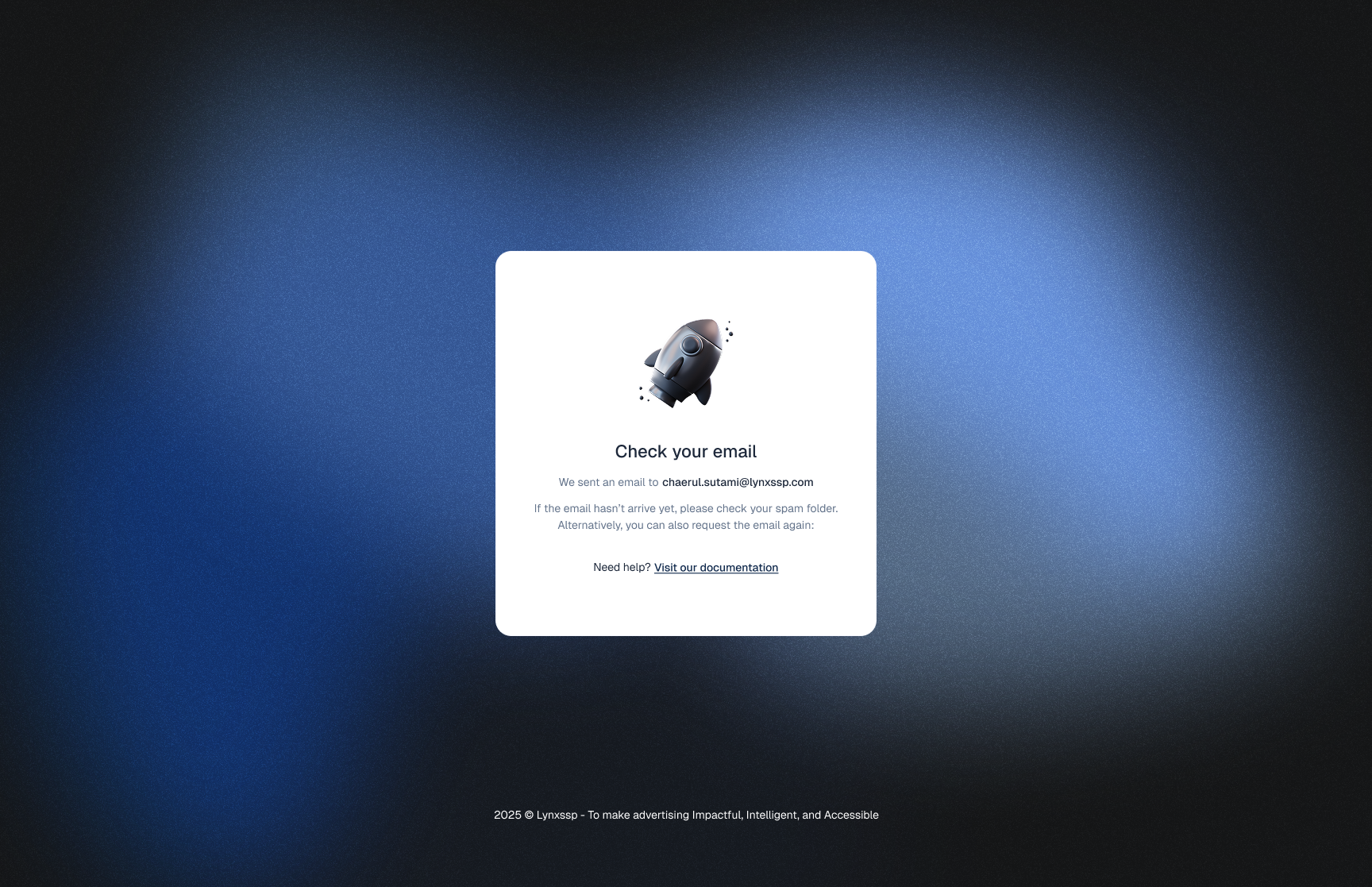
5
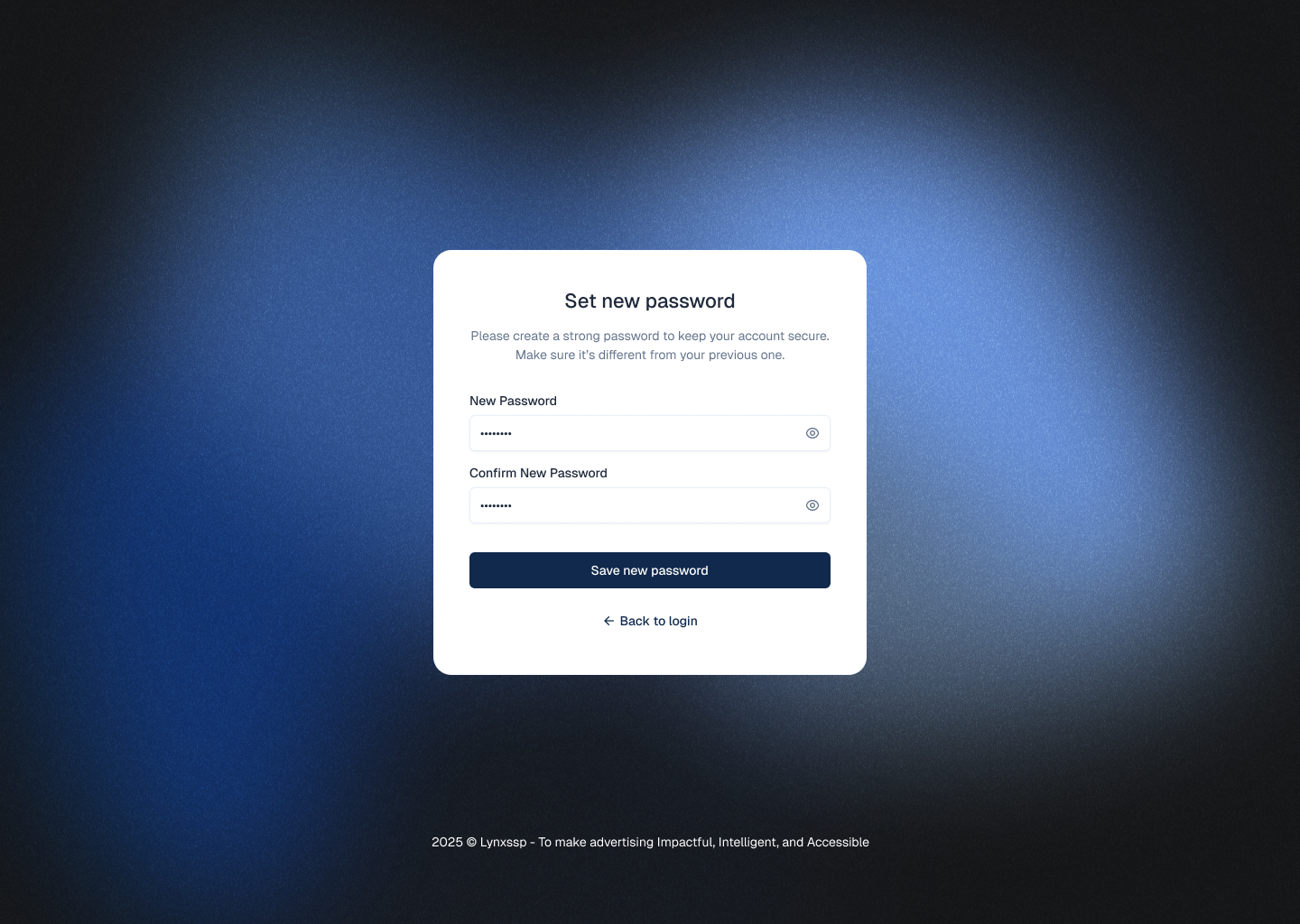
Click 'Set New Password'
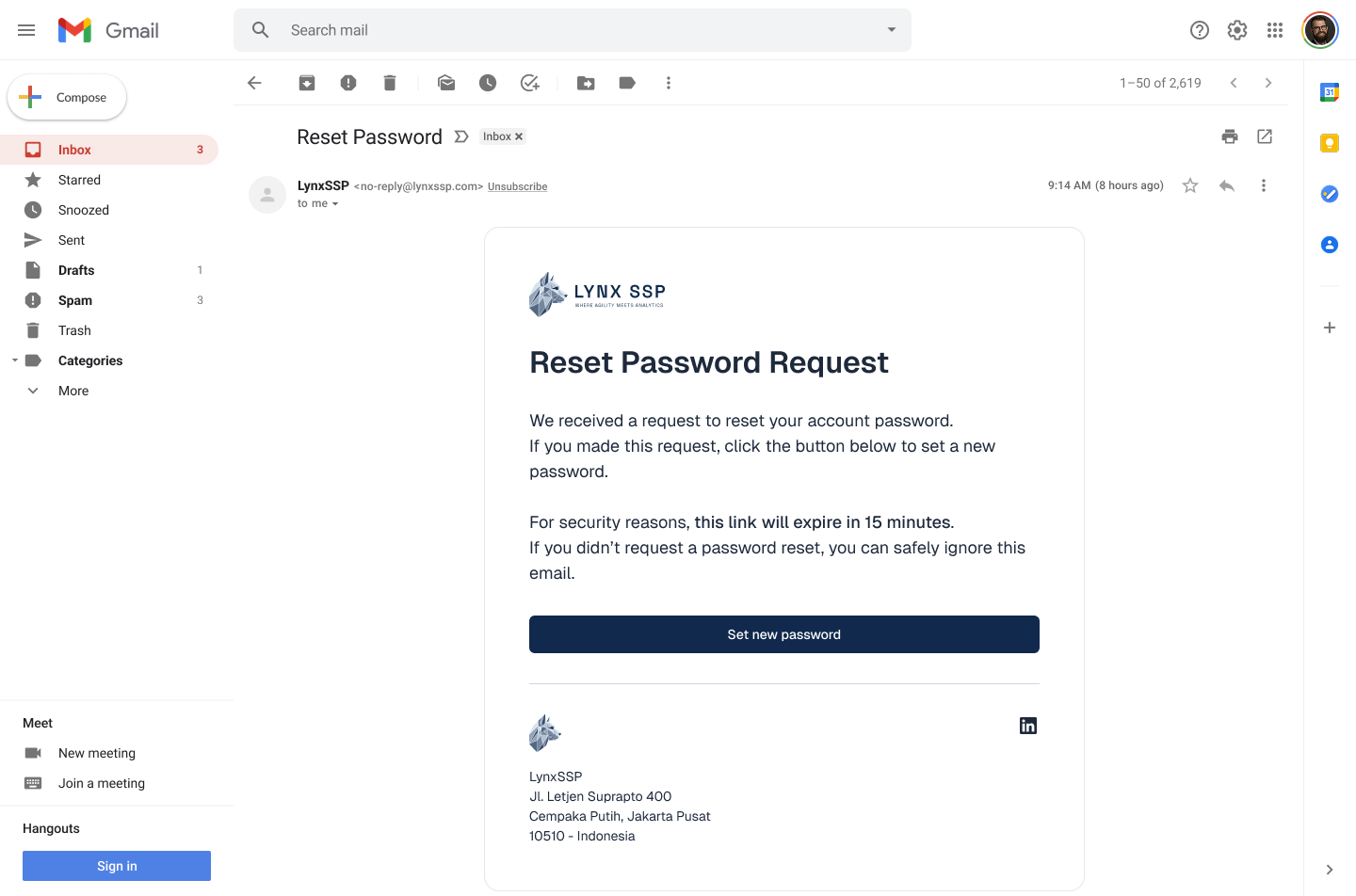
6
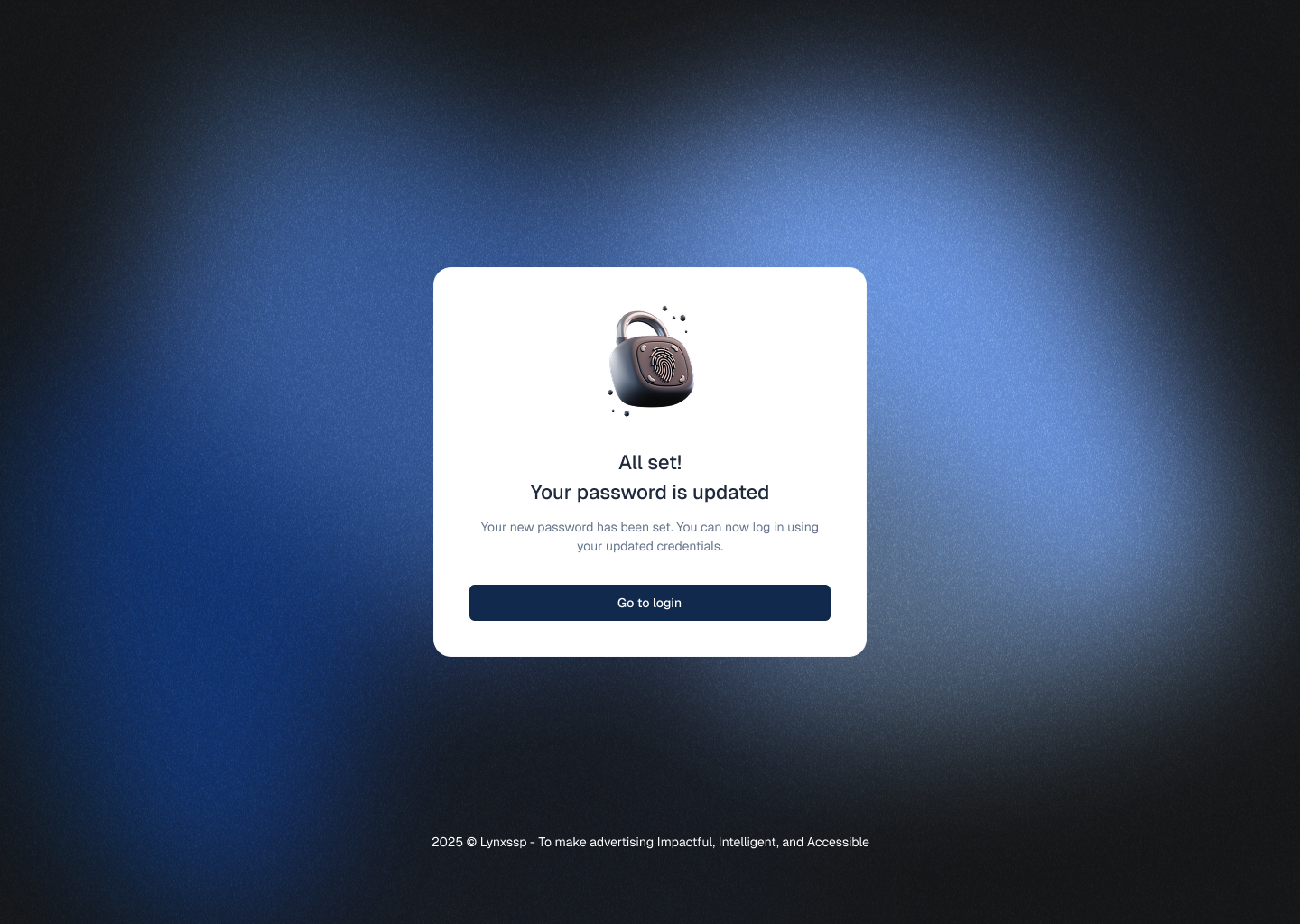
Input New Password