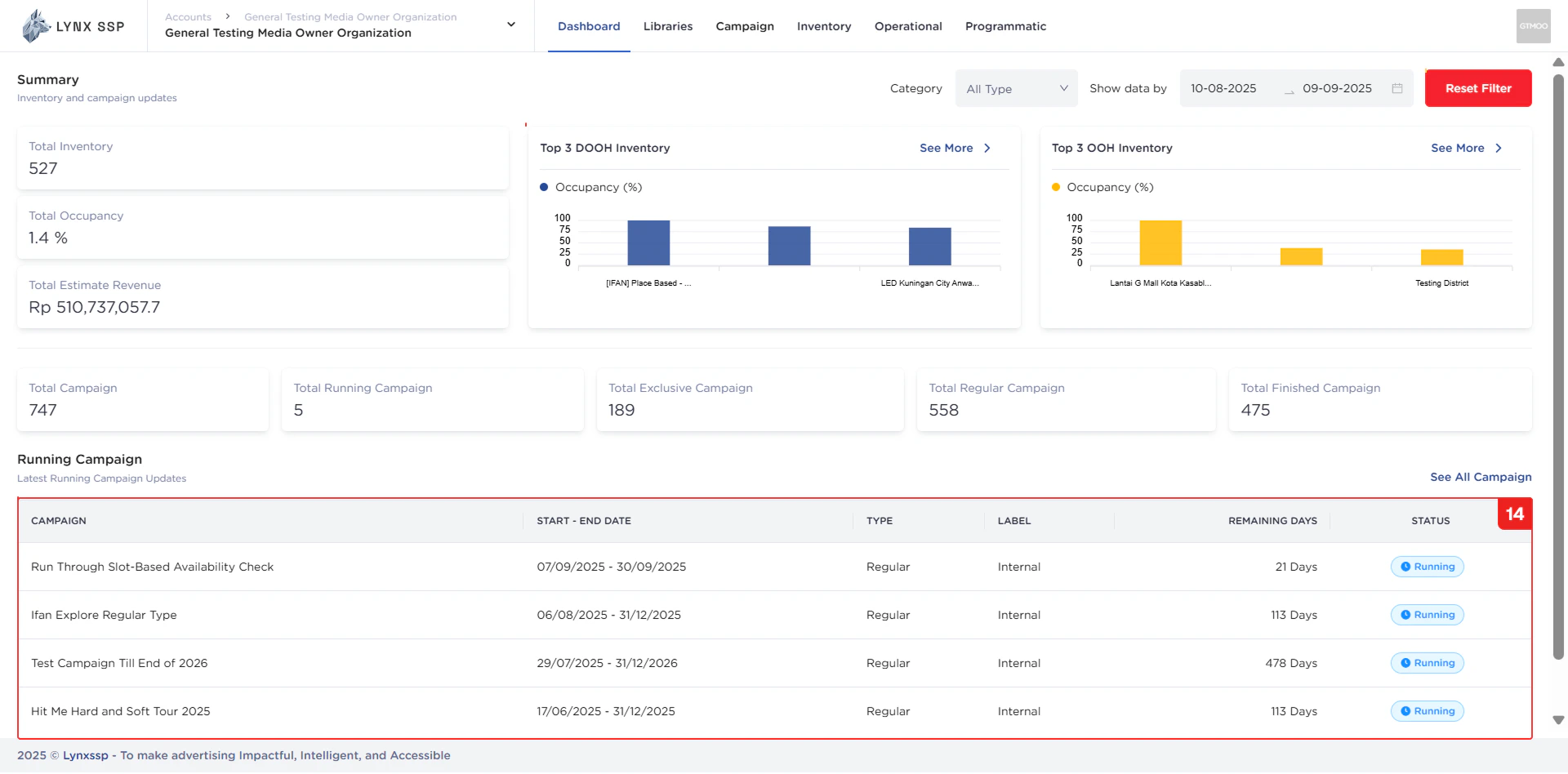
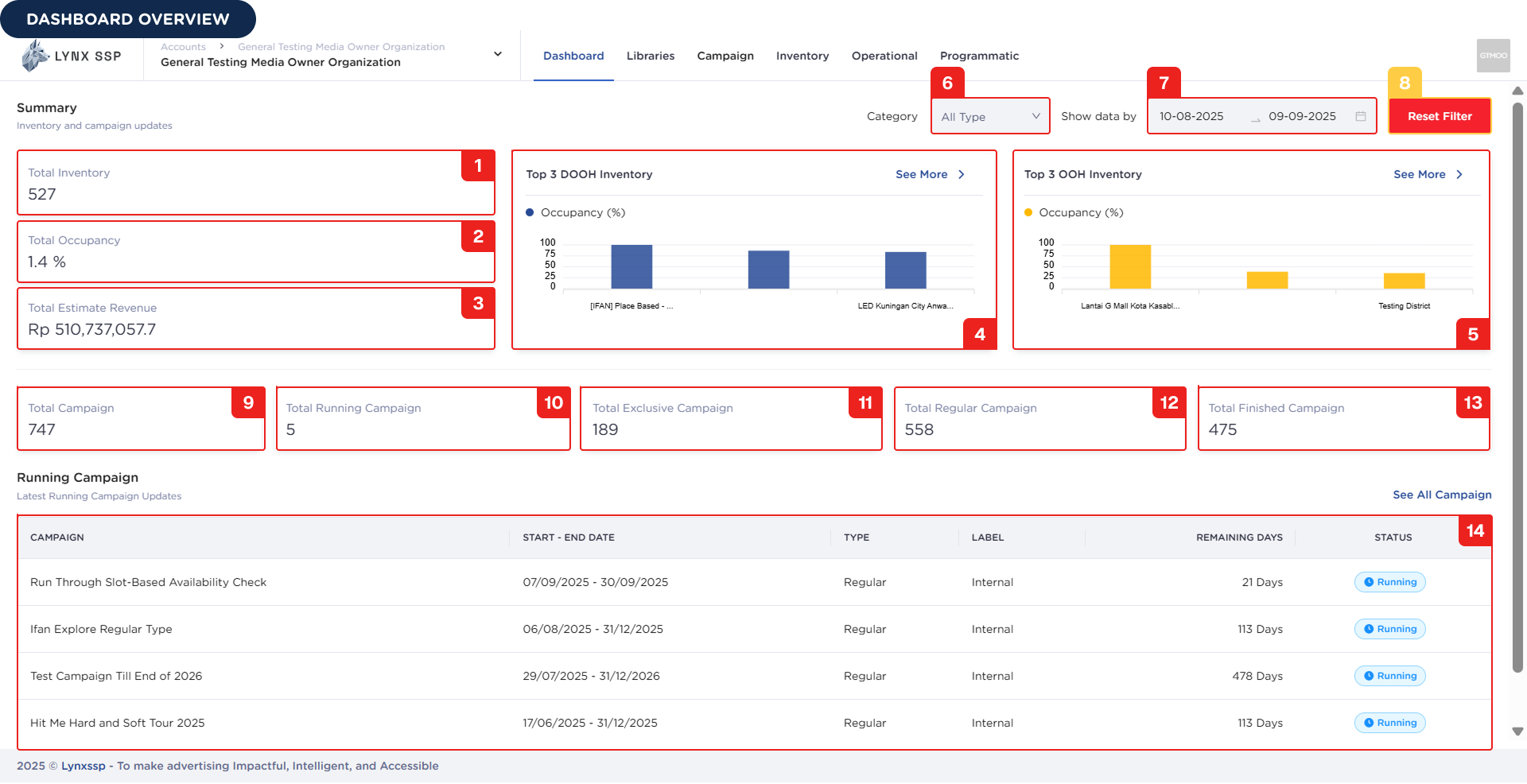
 Below is an explanation of each widget/section in the Dashboard Overview:
Total Inventory
Shows the total number of inventories you currently own, including OOH (Out-of-Home) and DOOH (Digital-Out-of-Home).
Total Occupancy
Displays the total number of inventories currently occupied by active campaigns.
Total Estimate Revenue
Shows the estimated revenue generated from campaigns and occupied inventories.
Top 3 DOOH Inventory
Displays the top 3 DOOH inventories based on occupancy.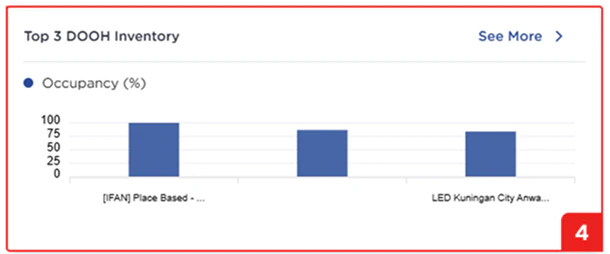
Top 3 OOH Inventory
Displays the top 3 OOH inventories based on occupancy.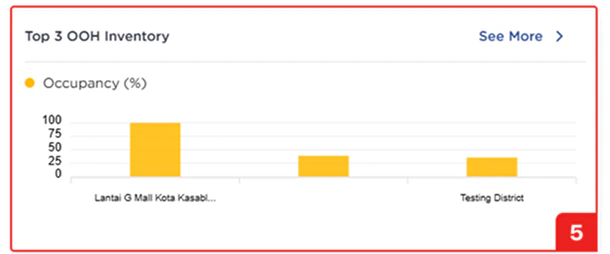
Filter by Category Inventory
Filter to display the top 3 occupied inventories by type (DOOH or OOH).Filter by Range Date
Filter to display the top 3 occupied inventories by date range. By default, the last month is displayed.Reset Filter
Button to reset both category and date range filters.Total Campaign
Displays the total number of campaigns, including not started, active, and finished campaigns.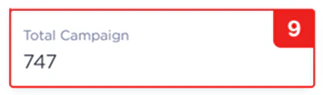
Total Running Campaign
Shows the number of campaigns currently active.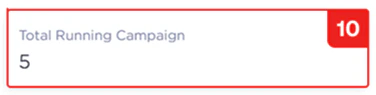
Total Exclusive Campaign
Shows the number of campaigns with Exclusive type (See Campaign Type ↗).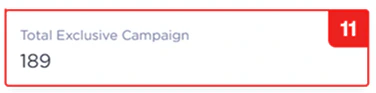
Total Regular Campaign
Shows the number of campaigns with Regular type (See Campaign Type ↗).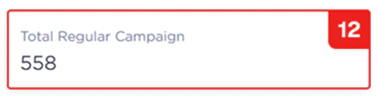
Total Finished Campaign
Shows the number of campaigns that have been completed.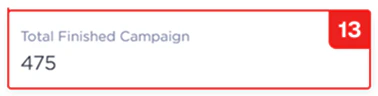
List Running Campaign
List of campaigns currently running.