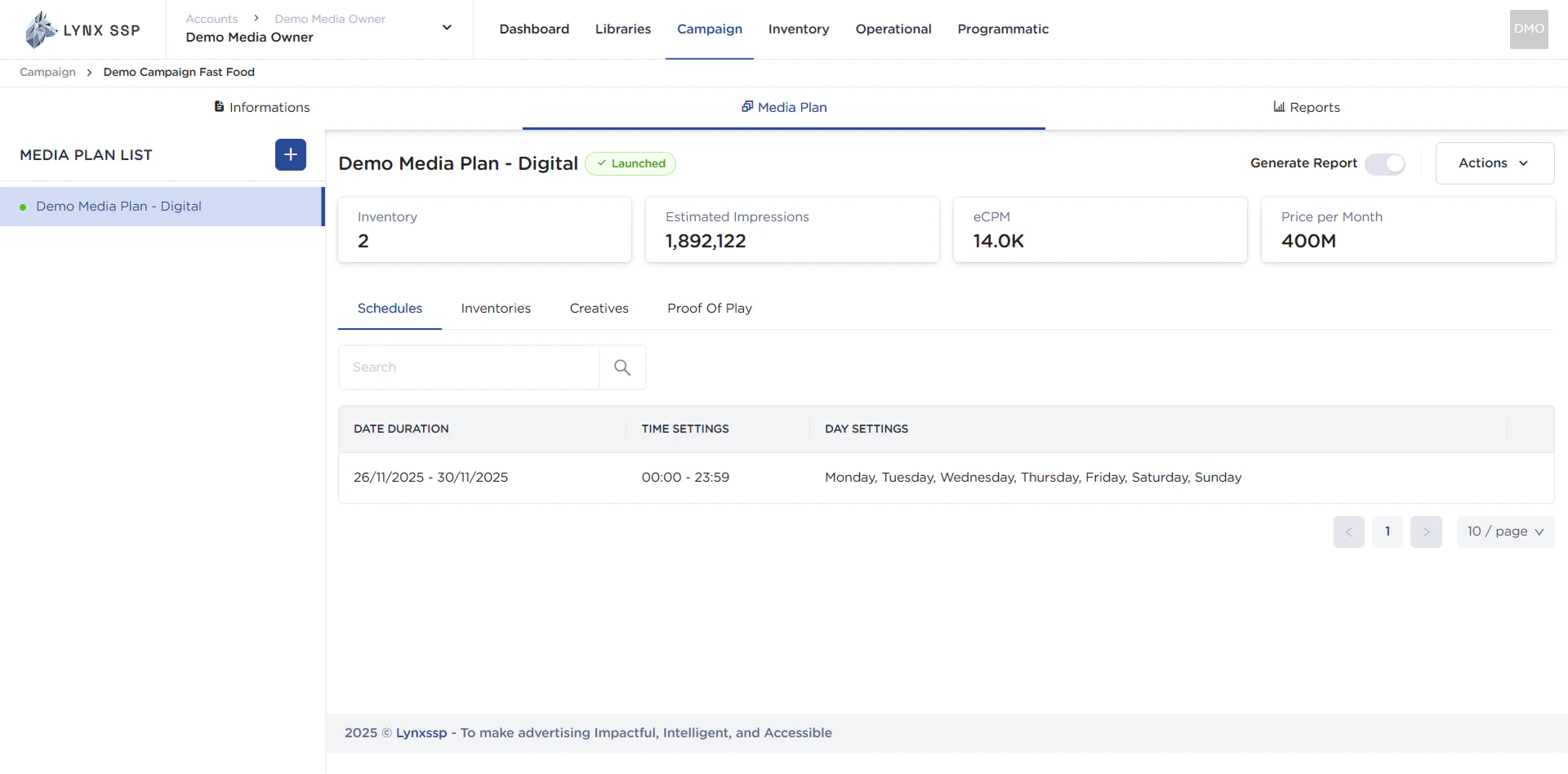
After completing the media plan creation process, starting from scheduling, selecting inventory, adding creative content and generate report, the next step is to launch the media plan.Launching a Media Plan is an action that indicates that your campaign is ready to begin. Once this process is complete, the Campaign status will change from “Not Started” to “Running” and the Media Plan status will change from “Draft” to “Launched”. The system will automatically read the start time of all media plans in a campaign and begin recording impressions, reach, frequency, etc. for that campaign.
Once a Media Plan launched, you will no longer be able to add inventory or change the schedule. The launch process is carried out for each media plan. So, if you have three media plans in a campaign, you must carry out the launch process three times if all media plans are ready for use.
This page will help you launch a media plan for a campaign.
To launch the media plan through the following steps:
1
Click the “Action” Button
2
Click the “Launch” Button
3
Click the “Launch” Button Again
If you activate generate report button before (See Generate Report ↗) There is confirmation regarding the limited number of generated reports before you launch your media plan.
After the media plan is successfully launched and its status changes from “Draft” to “Launched”. If you using DOOH (Digital-Out-of-Home) Inventory using ScreenApp connectionm you can continue the process (See Sent Creative to Playlist ↗).