Accessing Proof of Play
1
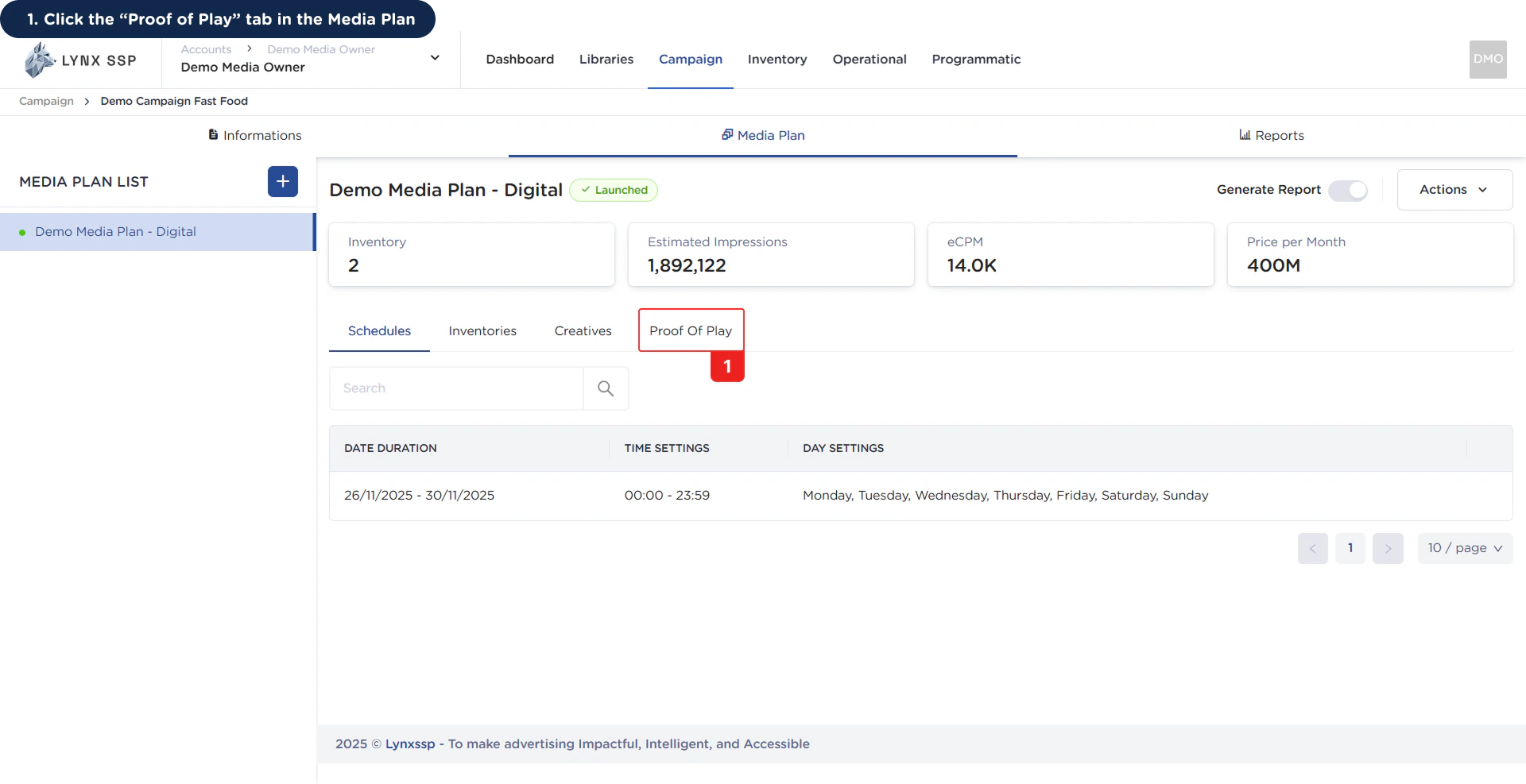
Click the “Proof of Play” tab in the Media Plan
Proof of Play Overview
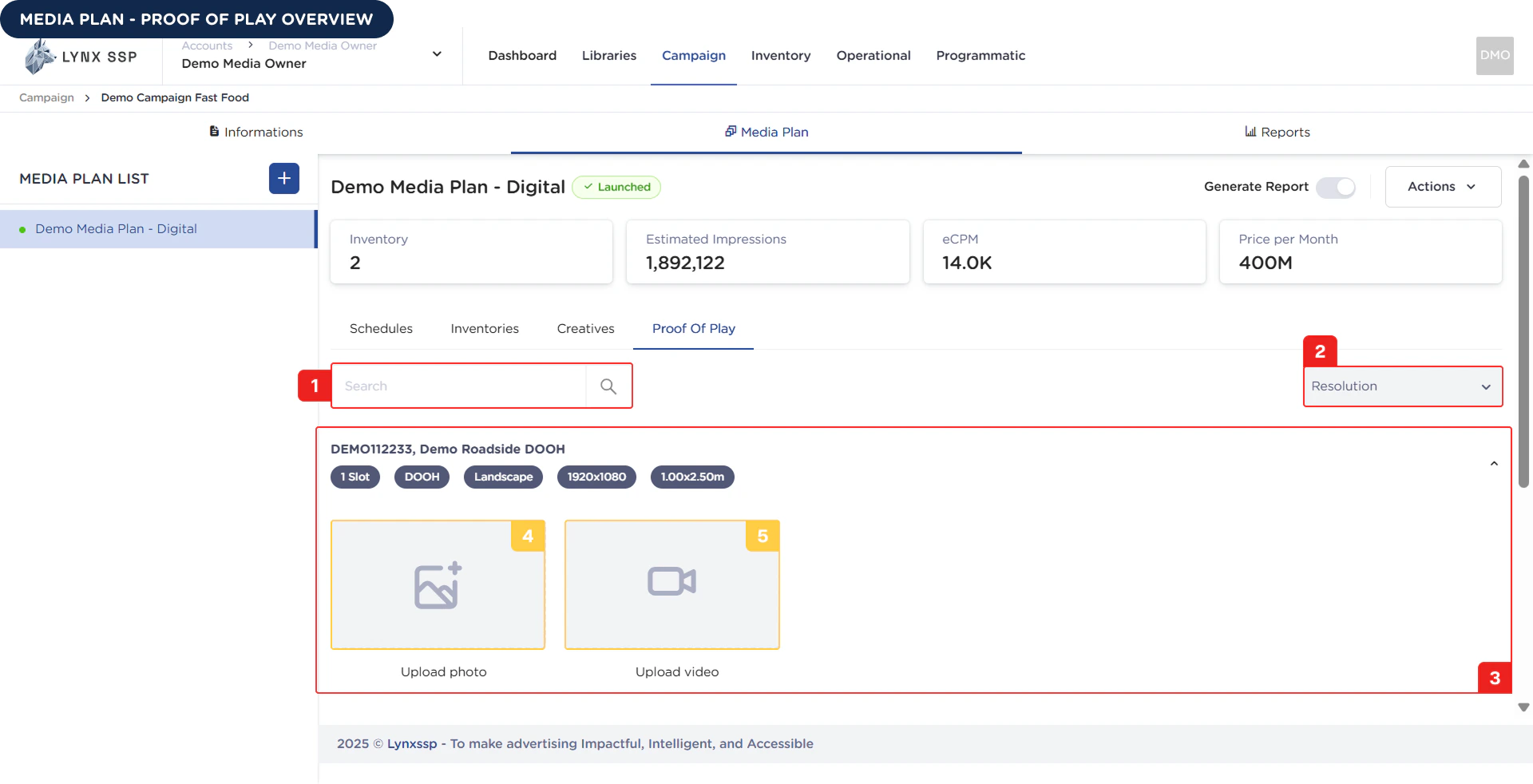
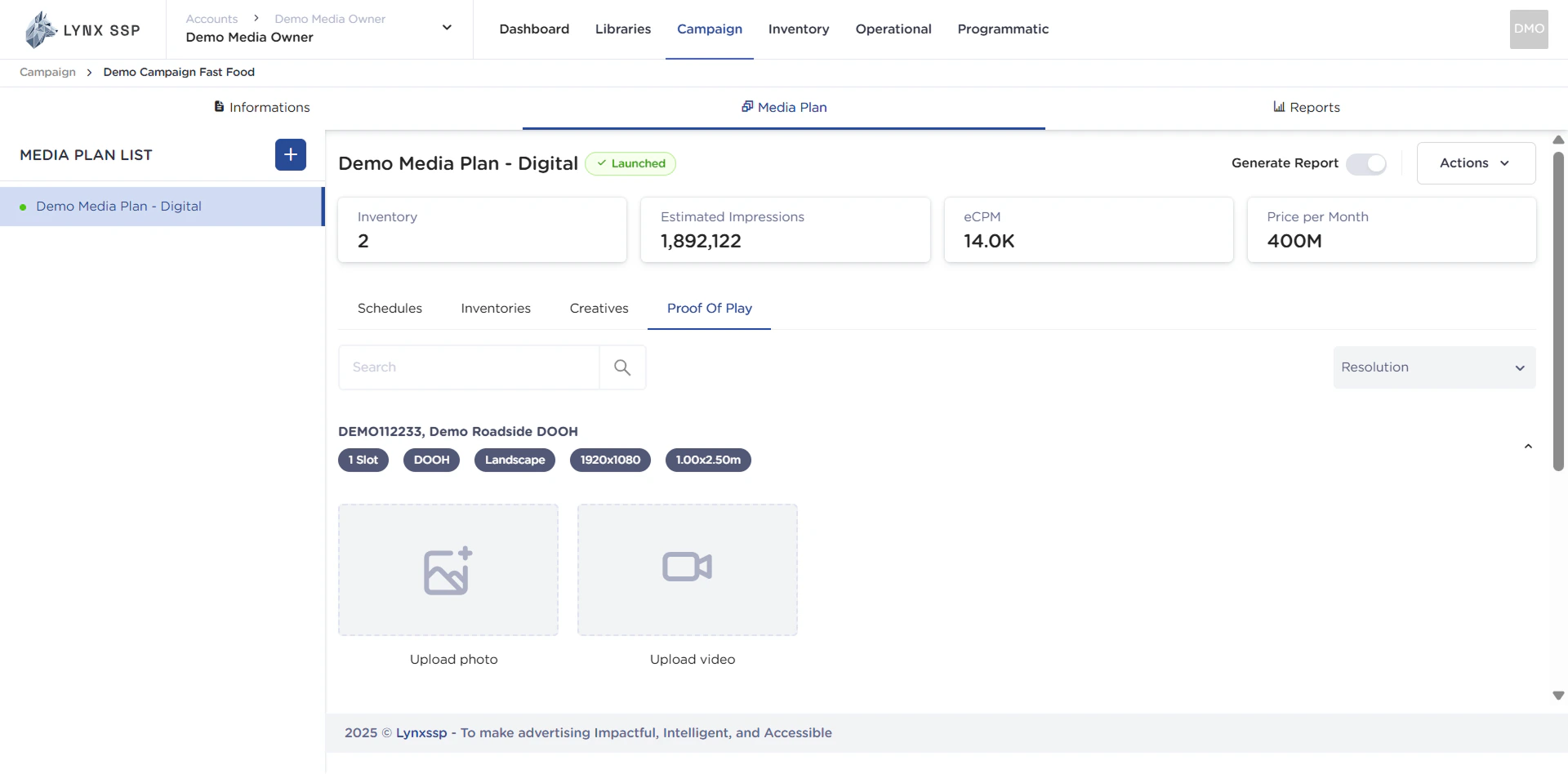
Inventory Search
In this section, you can search for inventory names that have been selected or added to previous media plans.Filter Inventory by Resolution
You can filter inventory based on its resolution.List Proof of Play
All inventory that you have selected to be included in a media plan will appear in this section for uploading proof of play.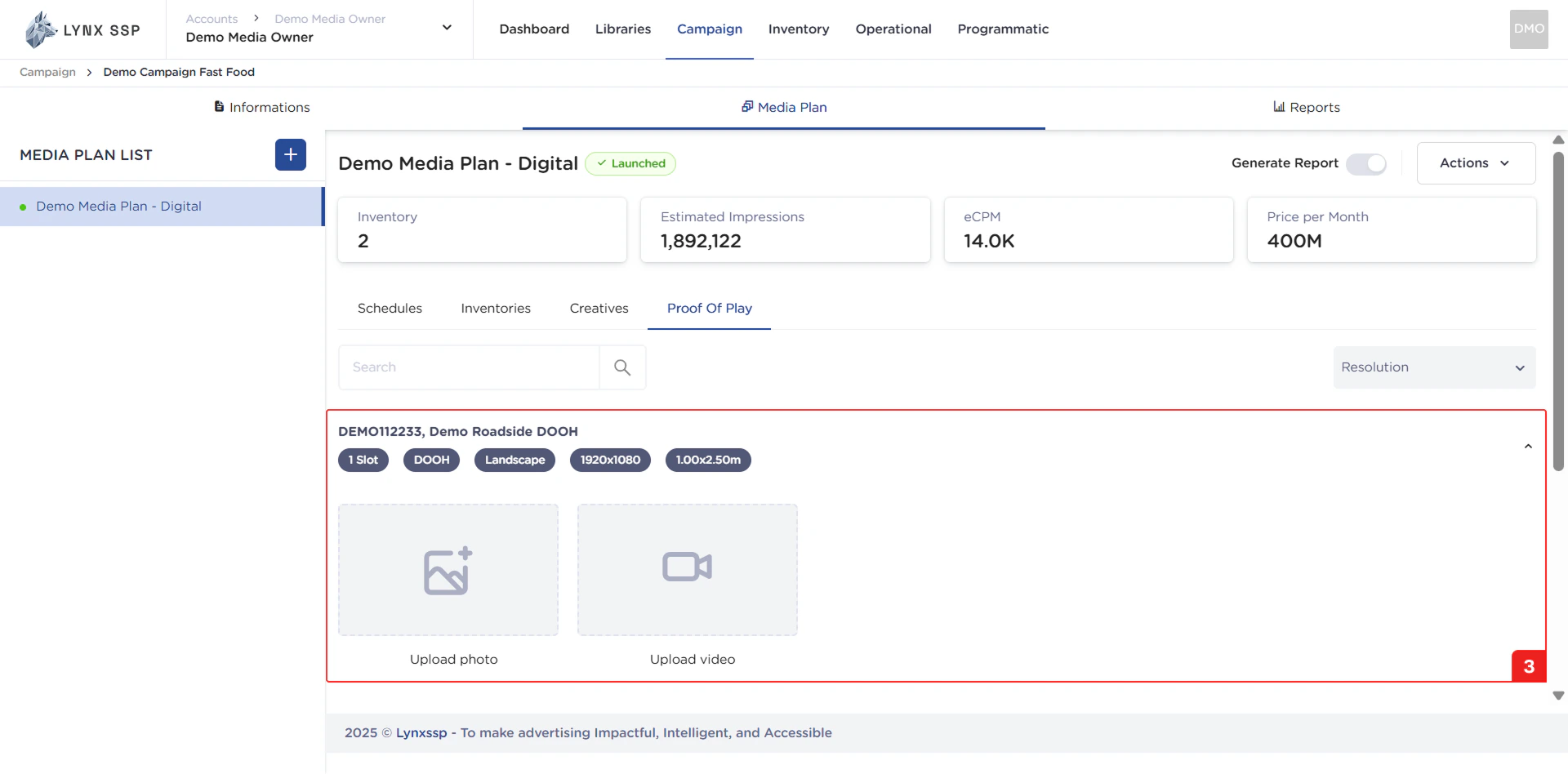
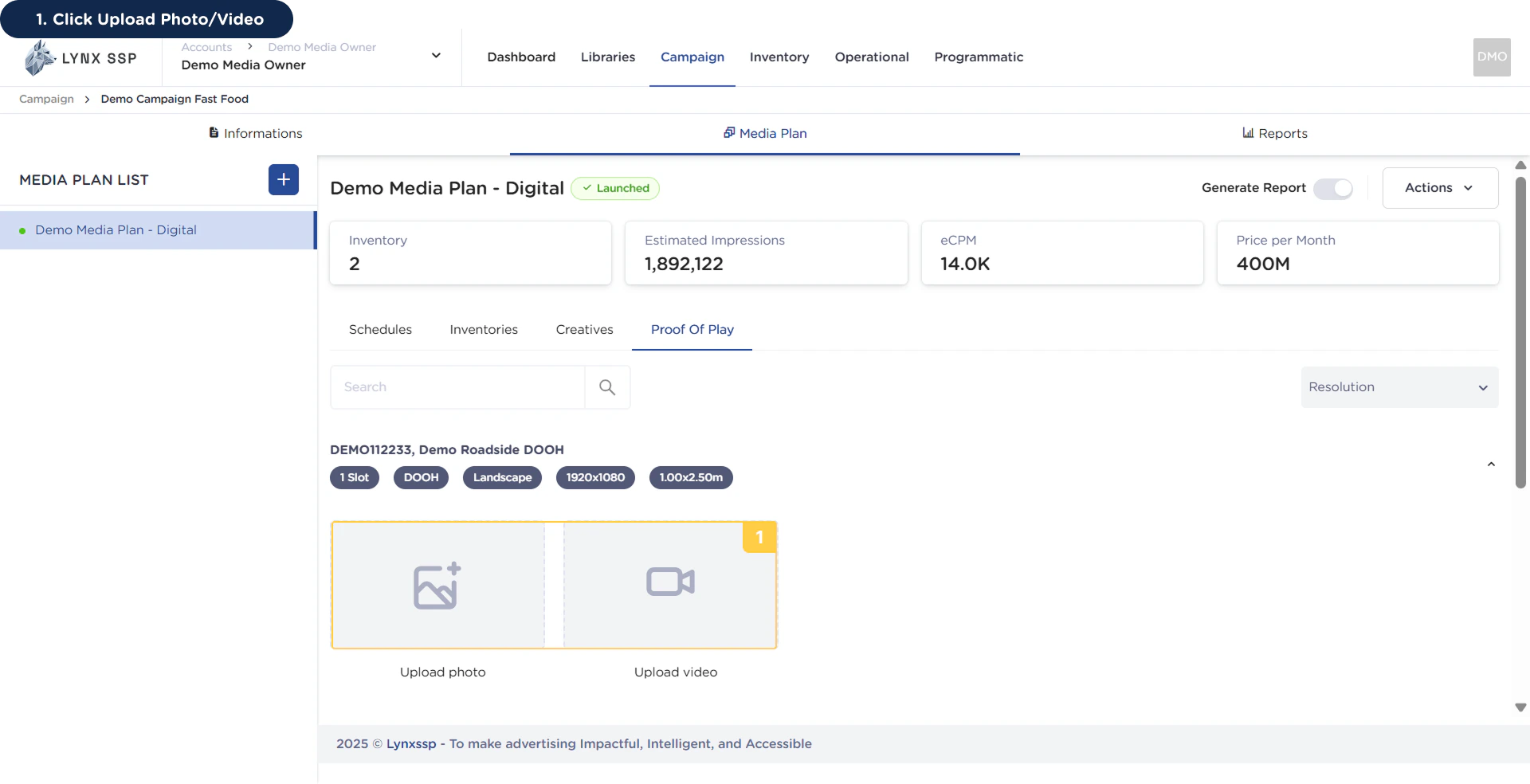
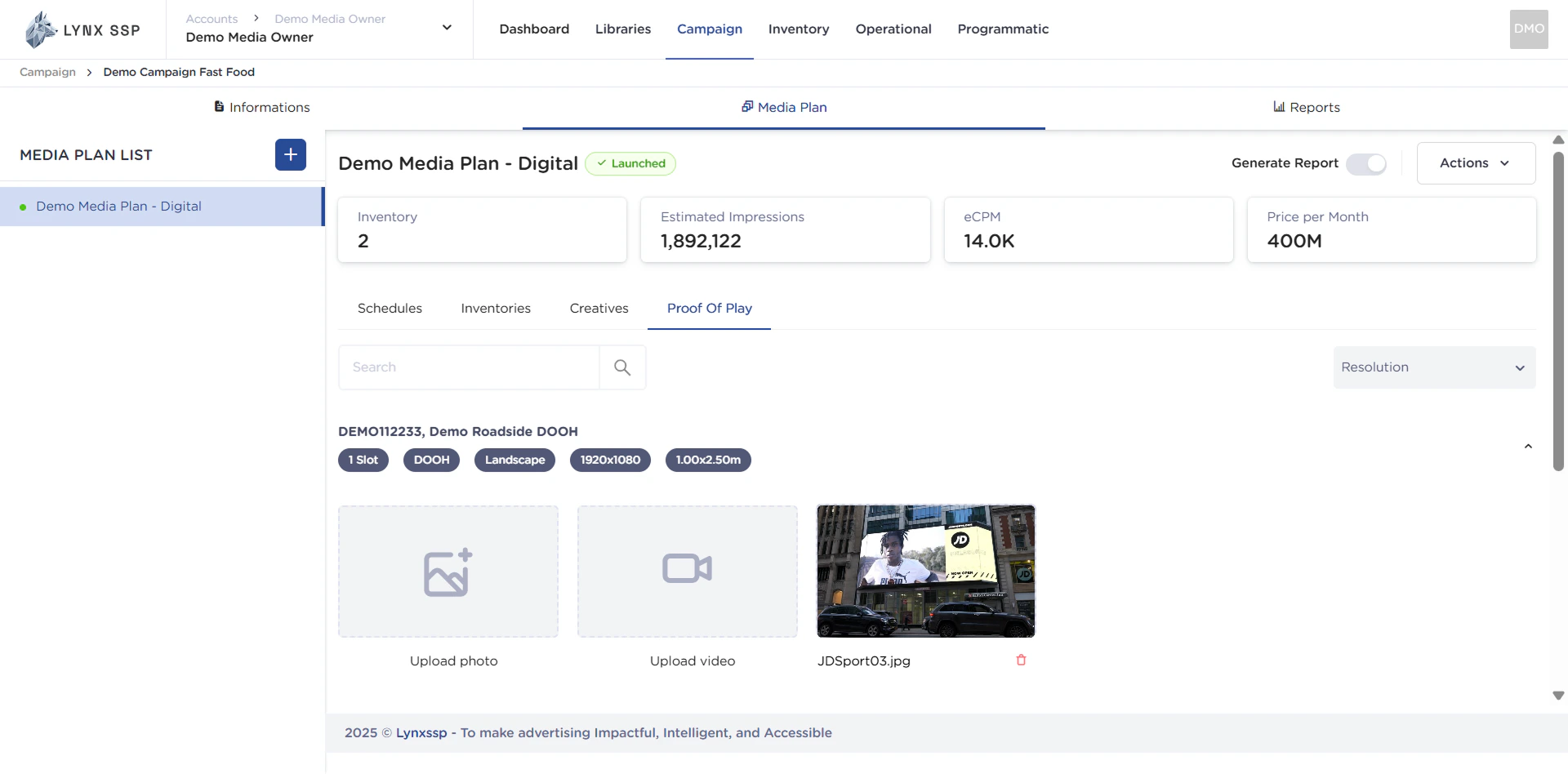
Upload Photo Section
You can upload proof of play in photo format in this section.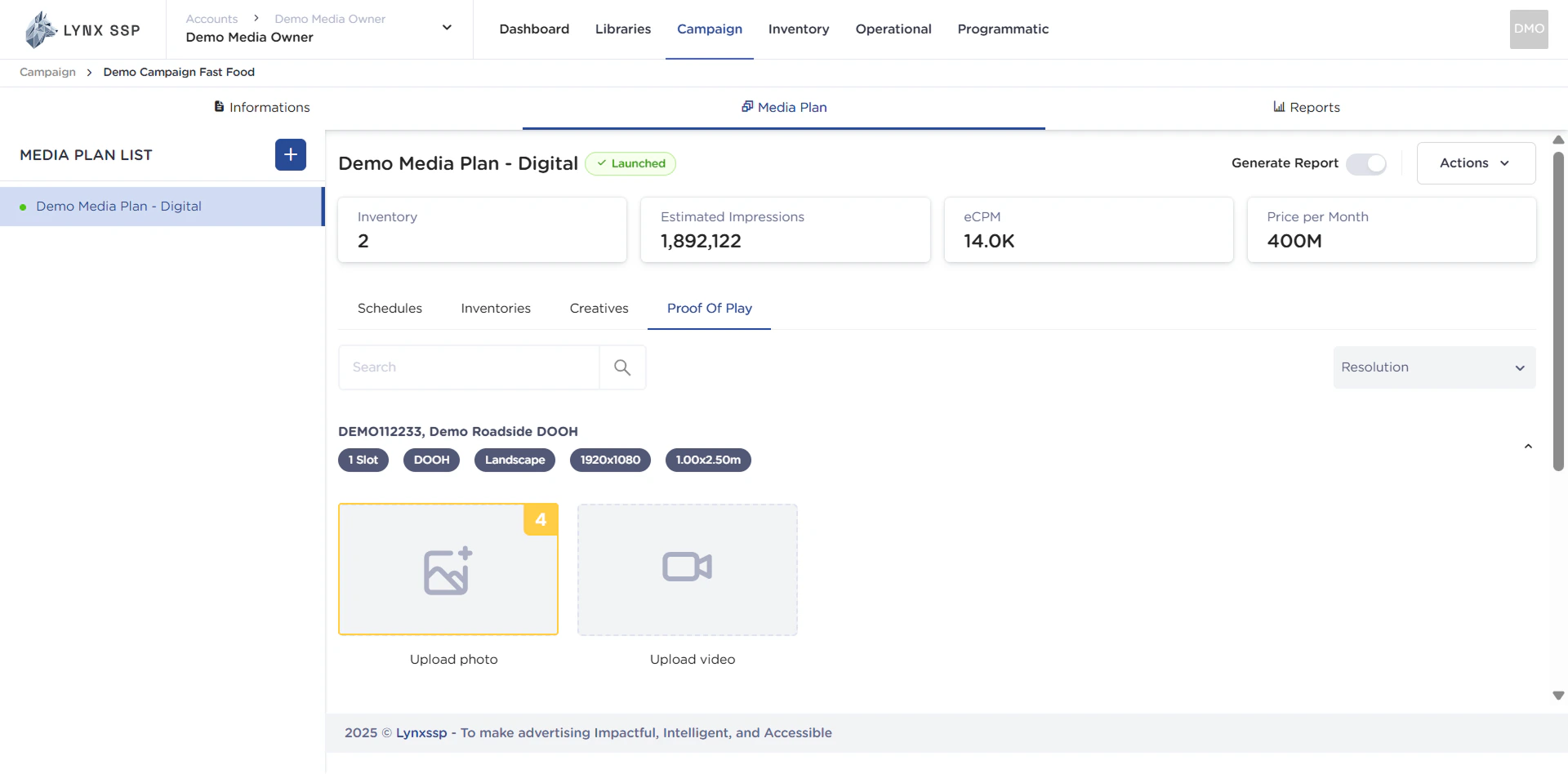
Upload Video Section
You can upload proof of play in video format in this section.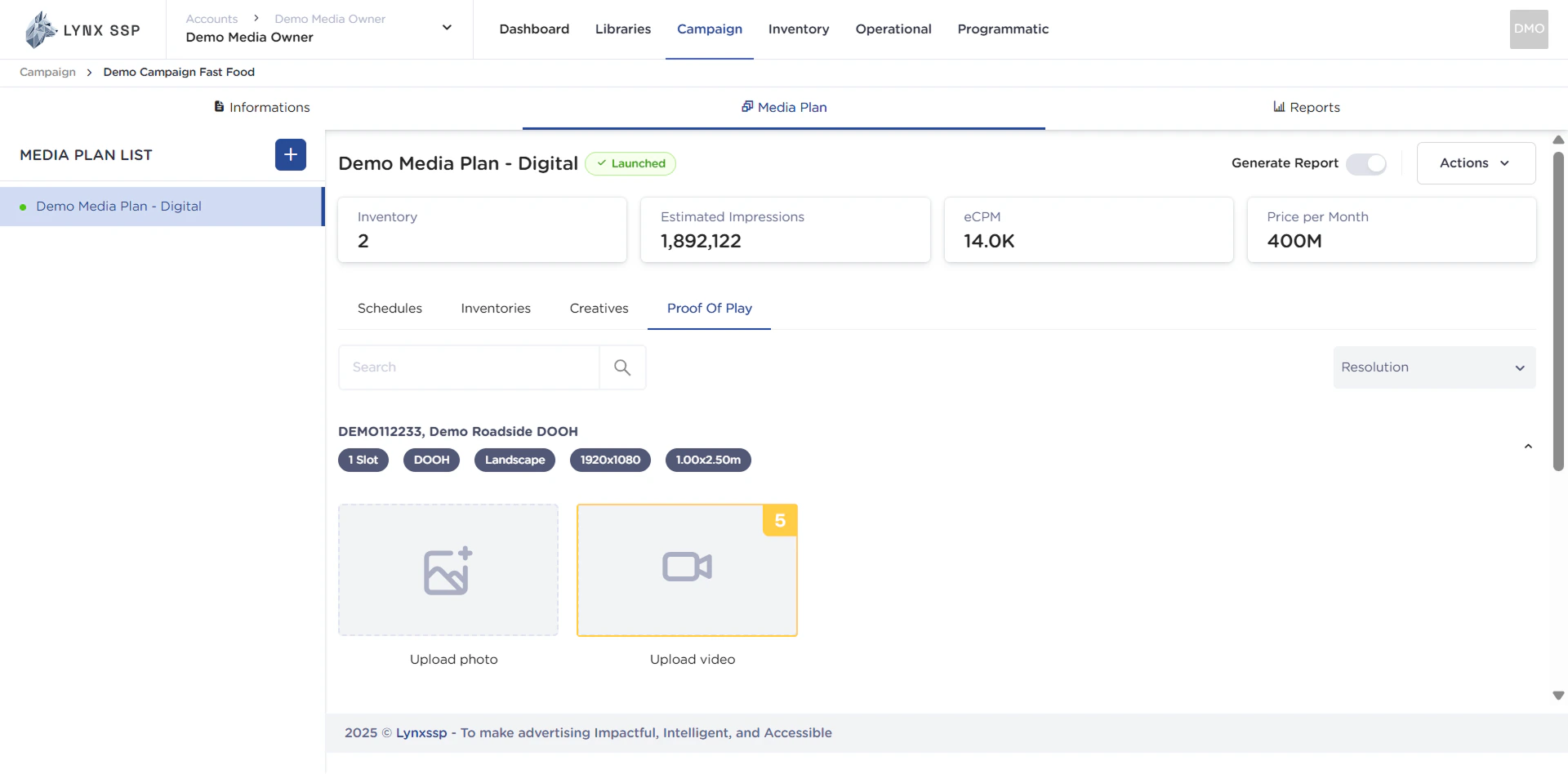
How to Upload Proof of Play
Here are the steps to add proof of play (PoP) to each inventory you have included in your media plan:1
Click Upload Photo/Video