

1
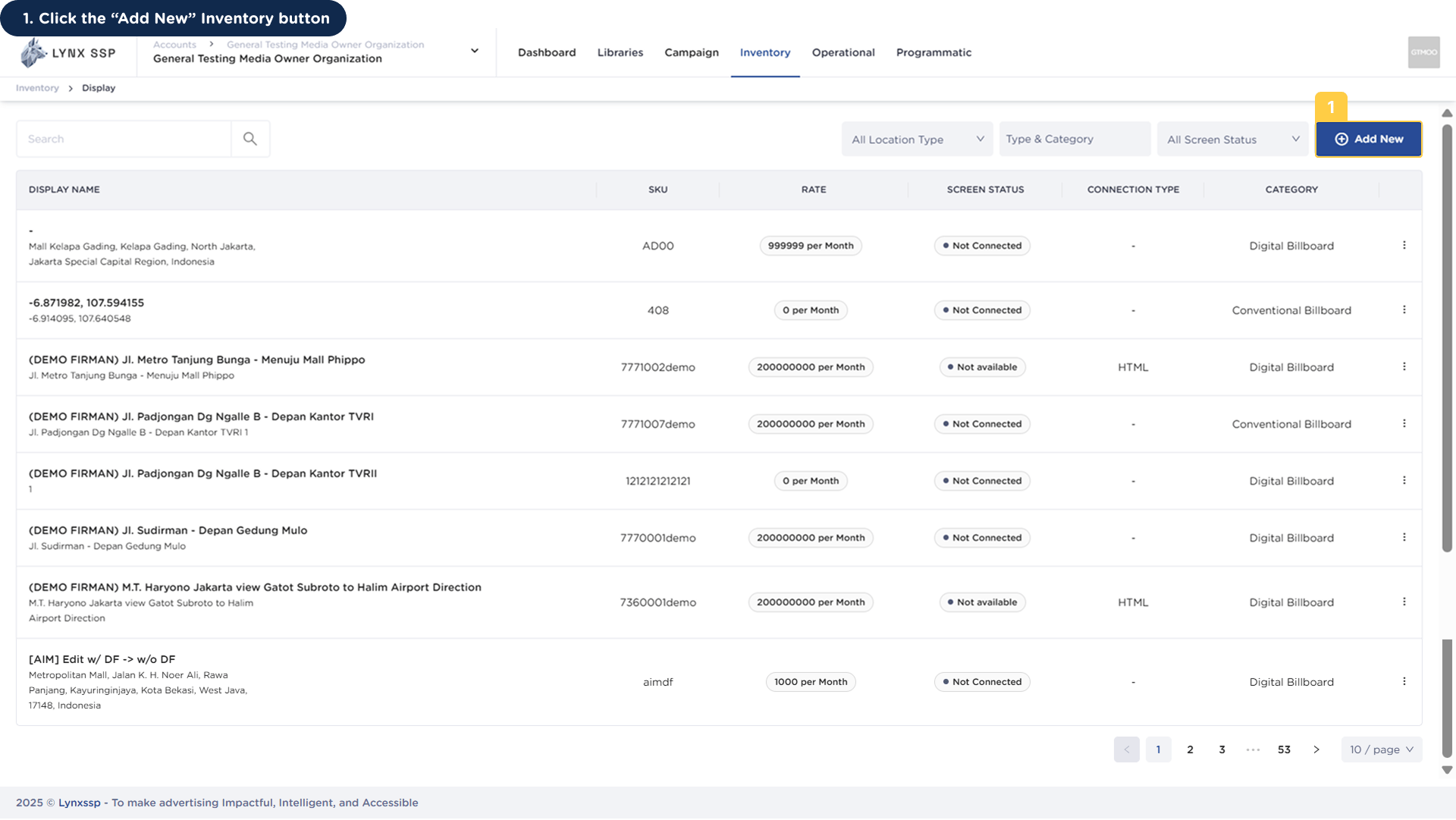
Click the “Add New” Inventory button
2
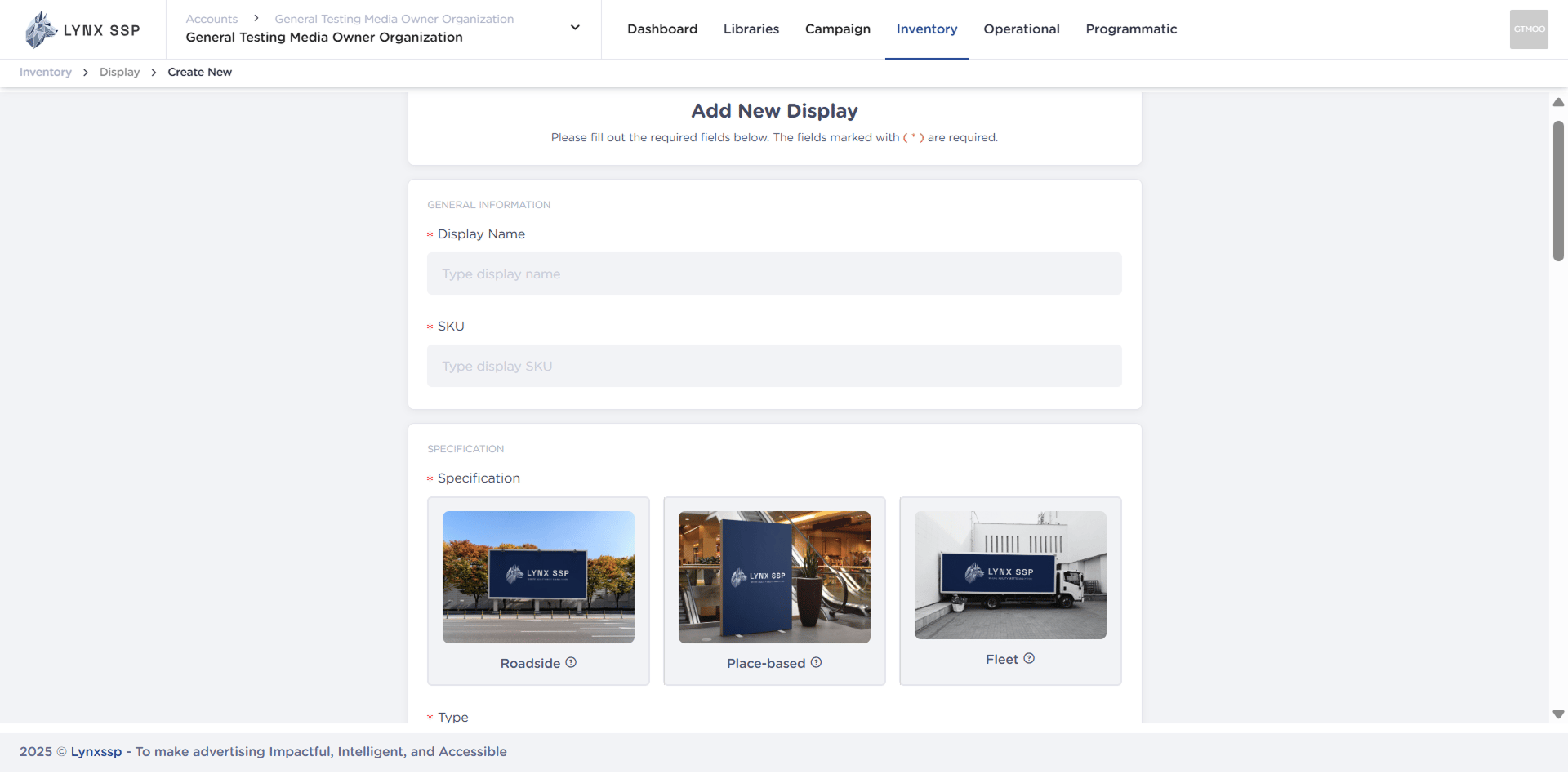
Fill Inventory Display Information
Add New Your OOH (Out-of-Home) Inventory type, to fill in inventory information, select the inventory type you want to add:
Click the “Add New” Inventory button
Fill Inventory Display Information